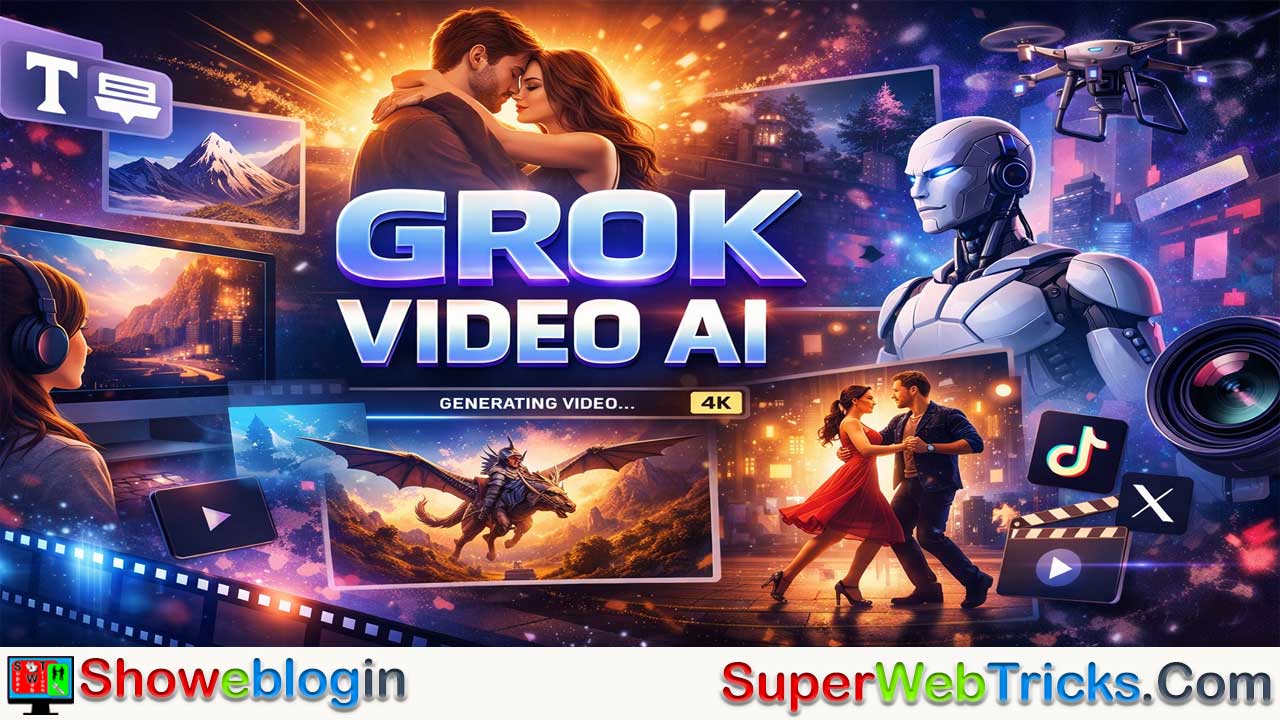
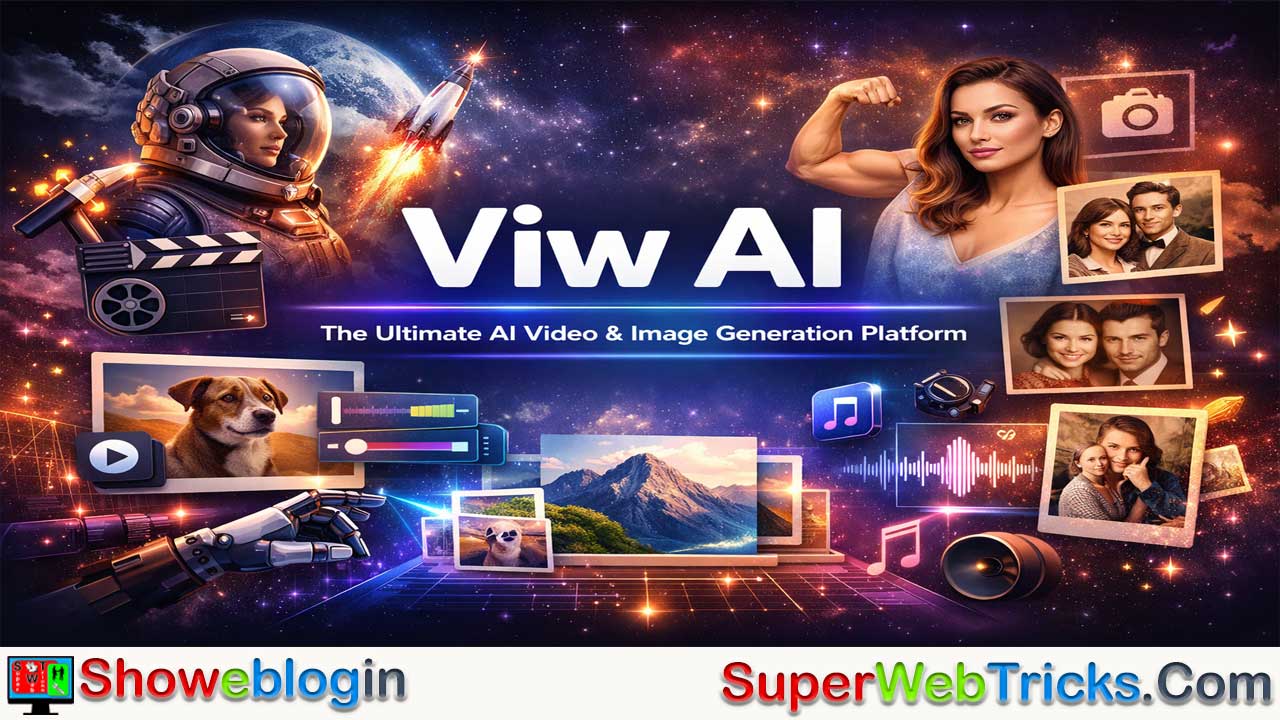


Grok Video AI is a creator-focused generative video platform, powered by the Grok Imagine model family and now part of the broader Viw.AI ecosystem, designed to turn text or images into highly realistic, emotion-rich videos quickly.
It stands out for its strong “human-centric” motion rendering—like facial expressions, dancing, and interactions—which has made it popular for viral content on platforms such as TikTok and X. Key features include text-to-video generation, powerful image-to-video animation, and ready-made effect templates, all supported by a simple credit system with free daily usage.
With fast rendering, high realism, prompt flexibility, and privacy protections, the platform aims to make cinematic video creation accessible to anyone, from casual users to digital creators.
| Category | Information |
|---|---|
| What it is | AI video generation platform that turns text or images into realistic videos |
| Core Model | Powered by Grok Imagine model family |
| Ecosystem | Part of the Viw.AI creative suite |
| Main Users | Creators, influencers, digital artists, social media users |
| Key Strength | Human-centric motion realism (faces, dancing, interactions) |
| Main Features | Text-to-video, image-to-video, video effects templates |
| Best Feature | Image-to-video for strong consistency |
| Generation Speed | Typically 30–60 seconds |
| Output Quality | Supports HD and up to 4K exports |
| Audio Support | Generates synchronized ambient sound automatically |
| Credit System | Free daily credits + paid monthly plans |
| Free Usage | 2 credits daily reset |
| Credit Cost | 1–5 credits per video depending on complexity |
| Privacy | Content encrypted and not permanently stored |
| Use Cases | Social media content, marketing, creative storytelling |
The Ultimate Guide to Grok Video AI: Turning Imagination into Cinematic Reality
In the rapidly evolving landscape of generative AI, Grok Video AI has carved out a unique niche. While many AI video tools focus strictly on corporate b-roll, Grok Video is built for creators, social media influencers, and digital artists who want high-emotion, high-realism content with minimal friction.
Whether you are looking to animate a static portrait or generate a fantasy world from a single sentence, here is everything you need to know about mastering this platform.
What is Grok Video AI?
Grok Video AI is a high-performance video generation platform powered by the Grok Imagine model family. Recently, the platform has expanded its ecosystem under the brand Viw.AI, positioning itself as an all-in-one AI creative suite.
Unlike standard models that often struggle with human physics, Grok Video excels in “Human-Centric AI”—specifically movements like hugging, dancing, and facial expressions—making it a favorite for viral “AI Hug” and “AI Kiss” trends on platforms like TikTok and X.
Core Capabilities & Tools
A. Text-to-Video (The “Grok Imagine” Engine)
Type a description, and the AI builds the scene. The engine understands complex cinematic language, including lighting (e.g., “golden hour”), camera movements (e.g., “dolly zoom”), and textures (e.g., “hyper-realistic skin pores”).
B. Image-to-Video (I2V)
This is the platform’s strongest feature. By uploading a high-quality image, you provide the AI with a visual “anchor.” You then describe the motion.
- Example: Upload a photo of a mountain; prompt: “Cinematic drone shot flying through the peaks with snow falling.”
- Why it’s better: It maintains character and environmental consistency better than text-to-video.
C. The Viral “Video Effects” Library
Grok Video AI offers specialized templates that bypass the need for complex prompting. These include:
- AI Hug & AI Kiss: Perfectly renders physical interaction between two people.
- AI Dance: Applies fluid choreography to a static character.
- Seasonal Filters: Instantly turn a scene into a “Christmas Snow Globe” or a “Mermaid Filter” environment.
Step-by-Step Guide for New Users
Step 1: Optimization of the Source
If you are using the Image-to-Video feature, the quality of your output is 90% dependent on your input. Use high-resolution (1024×1024 or higher) images with clear lighting.
Step 2: Crafting the Prompt
Avoid one-word prompts. Use the Action + Environment + Mood formula.
- Bad: “A cat running.”
- Good: “A cinematic close-up of a ginger cat sprinting through a futuristic neon city, raindrops splashing on the pavement, 4k, slow motion.”
Step 3: Select Your Model
The platform allows you to choose between Grok Imagine 1.0 and newer iterations. Use 1.0 for classic stability and newer versions for experimental, high-motion clips.
Step 4: Rendering and Export
Click “Create.” Most videos are generated in 30 to 60 seconds. Once finished, you can export in 4K resolution, ensuring the video is ready for professional presentations or high-quality social posts.
Understanding the Credit System
Grok Video AI uses a transparent credit-based economy:
- Daily Free Credits: All users receive 2 free credits every 24 hours (resetting at midnight UTC). This allows you to test the tool daily without a subscription.
- Premium Tiers: Paid plans offer between 100 and 500 credits per month.
- Current Promotion: As of early 2026, the platform is offering a 30% discount with the code
GROK30FORto celebrate its evolution into the Viw.AI ecosystem. - Credit Consumption: Simple generations typically cost 1 credit, while high-complexity 4K renders or “Pro” effects (like French Kiss Pro) may consume up to 5 credits.
Pro Tips for “Power Users”
- Use Negative Prompting (where available): If the AI adds unwanted artifacts (like extra limbs), specify “no distortion, no extra fingers” in your description.
- Leverage the Audio Feature: Grok Video often generates ambient sound. If you are making a video of a beach, the AI will naturally layer in the sound of waves.
- The “Seed” Strategy: If you find a style you like, keep the “Seed” number (found in video settings) to ensure your next video has a similar aesthetic.
- Aspect Ratio Awareness: Before hitting generate, ensure you’ve selected the right ratio. 9:16 for TikTok/Reels, or 16:9 for YouTube/Cinematic clips.
Why It Outperforms Competitors
While tools like Runway or Luma Dream Machine are powerful, Grok Video AI wins on speed and accessibility.
- No “Uncanny Valley”: Its facial rendering is significantly more “human” than many open-source models.
- Speed: Getting a 4K video in under a minute is currently industry-leading.
- User Privacy: The platform offers robust privacy policies for creators who want to ensure their generated content isn’t used for public training without consent.
Showeblogin Final Verdict
For AI tool users, Grok Video AI is the “fast-pass” to high-quality content. It removes the technical barrier of entry, allowing anyone with a prompt or a photo to become a director.
Ready to start? Visit grokvideo.ai to claim your daily free credits and start animating your imagination today.
FAQs about Grok Video AI
What is Grok Video AI?
It is an AI video generation platform that creates realistic videos from text prompts or images, designed mainly for creators, influencers, and digital artists.
What can Grok Video AI do?
It can generate videos from text, animate still images, apply cinematic effects, create human motion scenes, and export high-quality clips up to 4K resolution.
What makes Grok Video AI different from other AI video tools?
It specializes in human-centric realism such as facial expressions, physical interactions, and smooth motion, while also offering fast rendering speeds.
How does text-to-video work?
Users type a descriptive prompt including actions, environment, and mood, and the AI generates a matching video scene automatically.
What is image-to-video generation?
It allows users to upload a photo and animate it by describing the motion they want, ensuring better consistency and realism.
Which feature is considered the strongest?
Image-to-video is widely considered the most powerful because it preserves character and environmental details accurately.
How long does it take to generate a video?
Most videos are created within 30 to 60 seconds depending on complexity.
Does it support high-resolution output?
Yes, videos can be exported in HD and up to 4K quality.
Does Grok Video AI generate sound?
Yes, it can automatically add ambient audio that matches the scene.
What are AI video effects templates?
They are ready-made animation presets like AI Hug, AI Kiss, dance effects, and seasonal visual filters.
Is it beginner-friendly?
Yes, it is designed to be simple, requiring only prompts or images without technical editing skills.
What is the credit system?
The platform uses credits to generate videos, with simple tasks costing fewer credits than complex high-resolution renders.
Do users get free credits?
Yes, users receive daily free credits that reset every 24 hours.
Are there paid plans?
Yes, premium subscriptions provide larger monthly credit amounts.
How many credits does a typical video cost?
Most simple generations cost one credit, while advanced effects or 4K renders may cost several.
Can you use Grok Video AI for social media content?
Yes, it is optimized for platforms like short-form video apps and supports vertical aspect ratios.
Does it support different aspect ratios?
Yes, users can choose ratios such as 9:16 for vertical videos or 16:9 for cinematic output.
What is negative prompting?
It is a technique where users specify unwanted elements to prevent visual errors in the final video.
What is the seed feature?
The seed number allows users to recreate similar styles across multiple video generations.
Is user content private?
Yes, the platform offers privacy protections and does not store generated content permanently.
Who should use Grok Video AI?
Content creators, marketers, educators, designers, and anyone who wants fast, high-quality video creation.
Can it create cinematic scenes?
Yes, it understands lighting, camera movement, and professional film terminology.
Does it require video editing skills?
No, it is designed so beginners can generate videos using simple prompts.
Is it suitable for professional use?
Yes, its 4K exports and realistic rendering make it suitable for marketing and presentations.
What type of prompts work best?
Detailed prompts that describe action, environment, and mood produce the best results.
Can it animate portraits?
Yes, it can bring static portraits to life with facial motion and expressions.
Does it support creative storytelling?
Yes, users can generate fantasy worlds, cinematic sequences, and narrative scenes.
How accurate is motion rendering?
It is highly accurate compared to many AI tools, especially for human movement.
Can businesses use Grok Video AI?
Yes, it can be used for advertising, promotional content, and brand storytelling.
Is it faster than competitors?
Yes, its rendering speed is considered among the fastest in the AI video generation industry.
What industries can benefit from it?
Marketing, entertainment, education, social media, and creative design industries can all benefit.
Leave a Reply
You must be logged in to post a comment.