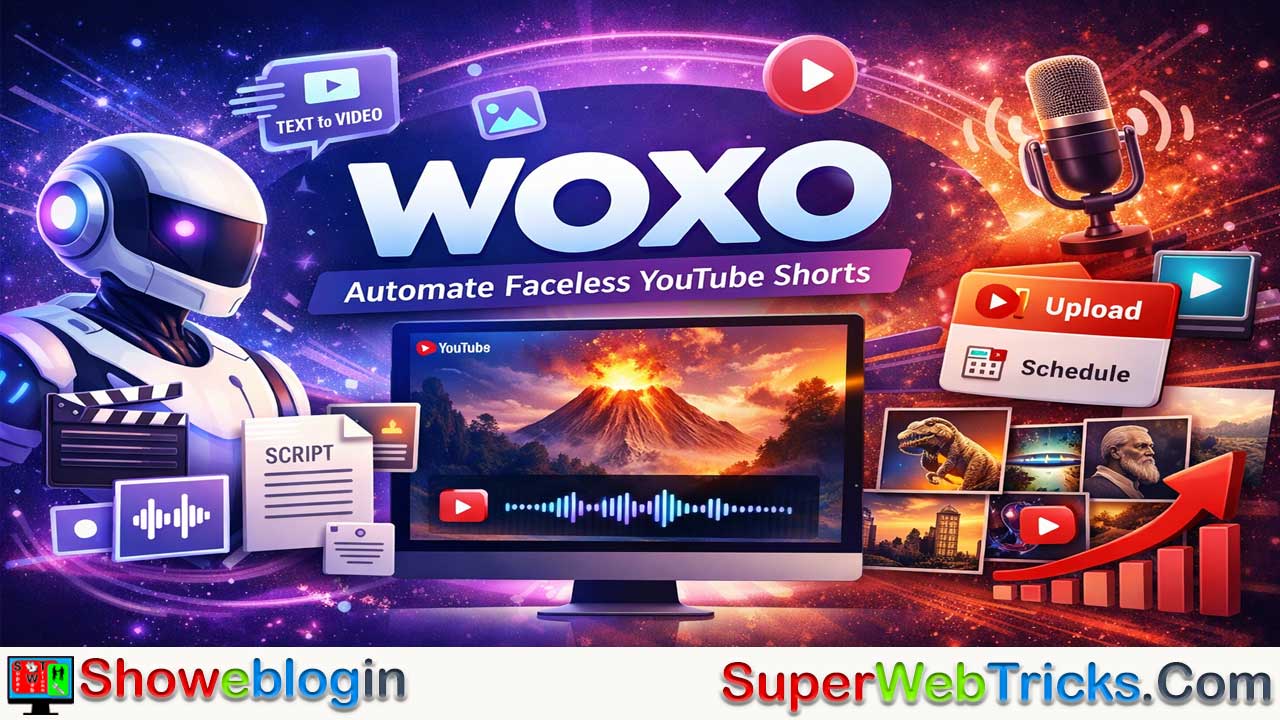






Woxo is an AI-powered platform that automates the creation and publishing of faceless YouTube Shorts by turning simple text prompts into fully produced videos with generated scripts, visuals, voiceovers, and captions, then allowing direct scheduling to YouTube.
Designed for creators who want to scale niche or brand content without filming or editing skills, it supports rapid series production and workflow efficiency through a simple three-step process: input an idea, let the AI generate the video, and review and publish.
With tiered pricing that grows with usage, Woxo’s main strengths are speed, ease of use, copyright-safe assets, and consistent scheduling, while its tradeoffs include limited granular creative control and a recognizable AI visual style, making it best suited for creators focused on building scalable content channels rather than personality-driven brands.
| Category | Information |
|---|---|
| Platform Type | AI video generation tool for faceless YouTube Shorts |
| Core Function | Converts text prompts into fully produced short videos |
| Main Features | AI script writing, visuals, voiceovers, captions, YouTube scheduling |
| Workflow | Input idea → AI generates video → Review & publish |
| Target Users | Niche creators, marketers, social media managers, experimenters |
| Strengths | Fast production, no editing skills needed, copyright-safe visuals |
| Limitations | Limited creative control, noticeable AI visual style |
| Pricing Tiers | Free, Starter (~$25/mo), Creator (~$50/mo) |
| Best Use Case | Scaling automated niche or educational YouTube channels |
The Ultimate Guide to Woxo: Automate Your Faceless YouTube Channel
In the rapidly evolving landscape of content creation, “faceless” YouTube channels have become a goldmine for creators who want to build audiences without stepping in front of a camera. Enter Woxo, a specialized AI tool designed to automate the entire production process of YouTube Shorts.
If you are a content creator, marketer, or aspiring YouTuber looking to scale your output without the hassle of editing, filming, or recording voiceovers, this deep dive into Woxo will tell you everything you need to know.
What is Woxo?
Woxo is an AI-powered video generation platform specifically built for creating YouTube Shorts. Its core promise is simplicity: it turns a single line of text into a fully produced video in minutes.
Unlike general-purpose video editors, Woxo handles the “heavy lifting” of creativity. It researches the topic, writes the script, generates relevant AI visuals, selects a voiceover, and even handles the captions. It is designed primarily for faceless creators—those who build channels based on niches like history, trivia, scary facts, or motivation, rather than their own personality.
Key Features
1. Text-to-Video Automation
The standout feature of Woxo is its ability to convert a simple text prompt (e.g., “What if you dug a hole through the Earth?”) into a complete video. You don’t need to provide a script or assets; the AI generates the narrative arc for you.
2. AI Script Writer
Woxo doesn’t just paste your prompt onto a screen. It acts as a creative writer, expanding your one-line idea into a compelling short story or script optimized for the short-form vertical format. It includes hooks to grab attention immediately.
3. AI Voiceovers & Visuals
- Visuals: The tool generates unique, copyright-free AI images and scenes that match the script, ensuring your content is safe from copyright strikes.
- Audio: It offers natural-sounding AI voiceovers that are synced perfectly with the video pacing.
4. YouTube Integration & Scheduling
Woxo isn’t just a creation tool; it’s a publishing tool. You can connect your YouTube channel directly to the platform. Once a video is generated, you can publish it instantly or schedule it for a later date without leaving the Woxo dashboard.
5. Multi-Video Series Creation
A powerful feature for scaling is the ability to create video series. You can prompt Woxo to generate weekly content or a series of related videos, allowing you to fill your content calendar in one “go.”
How It Works: A 3-Step Process
Using Woxo is designed to be frictionless. Here is the typical workflow:
- Input Your Idea: Type a simple prompt or topic into the dashboard (e.g., “History of the Roman Empire in 60 seconds”).
- AI Generation: Woxo’s engine processes the request. It writes the script, selects the visuals, generates the voiceover, and applies captions.
- Review & Publish: Watch the generated Short. If you are satisfied, hit the “Publish” or “Schedule” button to send it directly to YouTube.
Use Cases: Who is Woxo For?
- Niche Channel Creators: Perfect for “Fact of the Day,” “History Buffs,” “Sci-Fi Theories,” or “True Crime” channels where the visual storytelling is more important than the host.
- Affiliate Marketers: Create engagement-driving Shorts to direct traffic to links in your bio or pinned comments.
- Social Media Managers: Rapidly populate a brand’s YouTube Shorts feed without dedicating a video production team to it.
- Experimenters: Users who want to test multiple channel niches (e.g., Gaming vs. Motivation) to see what sticks, without spending weeks on production.
Pricing Plans
Woxo offers a tiered pricing structure designed to scale with your channel’s growth.
| Plan | Price | Best For | Key Features |
|---|---|---|---|
| Free | $0.00 | Testing | 50 credits. Access to Script Mode (Voice & Image prompts) to test the capabilities. |
| Starter | ~$25/mo | New Creators | 500 credits/mo. Removes watermarks. Includes YouTube Scheduler and Slideshow mode. |
| Creator | ~$50/mo | Scaling | 2,000 credits/mo. Access to Premium Video Models, Branding control, and Zapier integration. |
(Note: Pricing is subject to change. Always check the official website for the latest figures.)
Pros and Cons
✅ The Pros
- Speed: Reduces hours of editing work to mere minutes.
- No Skills Required: You don’t need to know Premiere Pro, Photoshop, or audio engineering.
- Copyright Safety: Uses AI-generated visuals to avoid common copyright pitfalls associated with stock footage.
- Consistency: The scheduling feature helps you maintain a daily posting streak, which is crucial for the YouTube algorithm.
❌ The Cons
- Creative Control: While you can customize, you have less granular control over every single frame compared to manual editing.
- “AI Aesthetic”: As with many AI tools, the visuals have a distinct style. While high quality, discerning viewers may recognize them as AI-generated.
- Free Plan Limits: The free tier is primarily for testing the waters; serious publishing requires a paid subscription.
Final Verdict
Woxo is a potent tool for the modern “faceless” creator. It solves the two biggest hurdles in content creation: time and skills.
If your goal is to build a personal brand where your face and unique personality are the product, Woxo might not be for you. However, if your goal is to build a media asset—a channel that delivers entertaining or educational content at scale—Woxo provides one of the most streamlined workflows available today.
FAQs about Woxo
What is Woxo?
Woxo is an AI platform that automatically creates faceless YouTube Shorts from simple text prompts, generating scripts, visuals, voiceovers, and captions.
How does Woxo create videos from text prompts?
It uses AI to expand a prompt into a script, match it with generated visuals, add a synced voiceover, and assemble everything into a ready-to-publish Short.
Who should use Woxo?
It is best suited for niche content creators, marketers, and social media managers who want to scale video output without filming or editing.
Do I need video editing skills to use Woxo?
No, the platform is designed for beginners and automates the technical aspects of video production.
Can Woxo publish directly to YouTube?
Yes, it integrates with YouTube so users can publish or schedule videos directly from the dashboard.
What types of channels work best with Woxo?
Fact, history, trivia, motivation, and other faceless educational or entertainment niches work particularly well.
Does Woxo provide copyright-safe content?
Yes, it generates original AI visuals and audio to reduce the risk of copyright issues.
Can I customize the videos Woxo creates?
Yes, you can make adjustments, but granular frame-by-frame control is more limited than manual editing.
Does Woxo support creating video series?
Yes, it can generate multiple related videos to help users plan and scale consistent content series.
Is there a free version of Woxo?
Yes, a free plan is available for testing, but serious publishing generally requires a paid subscription.
What are the main advantages of using Woxo?
Its main benefits are speed, automation, ease of use, and the ability to maintain a consistent posting schedule.
What are the main drawbacks of Woxo?
The visuals may have a recognizable AI style and users have less detailed creative control than with traditional editing tools.
Can Woxo help grow a YouTube channel quickly?
It can accelerate content production and consistency, which are important factors in channel growth.
Is Woxo suitable for personality-driven channels?
It is less ideal for channels centered on a creator’s personal presence and is better for scalable faceless content.












Leave a Reply
You must be logged in to post a comment.