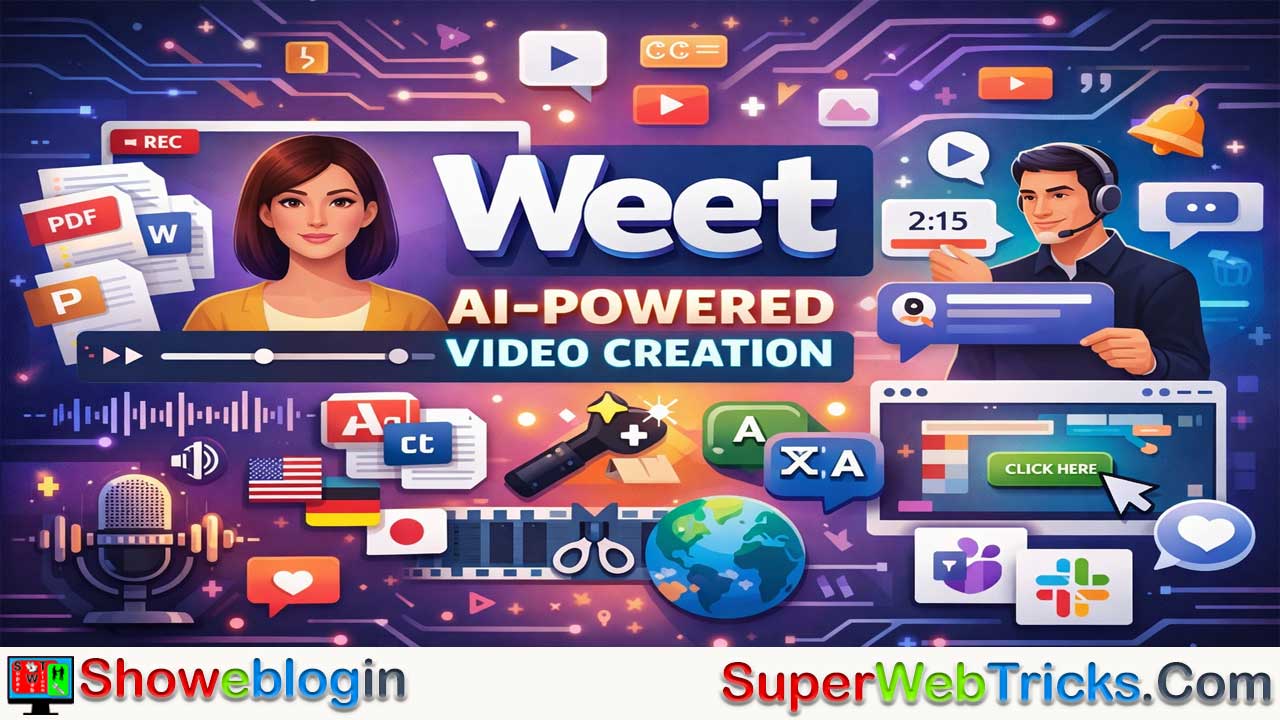






Weet is a browser-based, AI-powered asynchronous video platform built for remote teams, going far beyond traditional screen recorders by turning documents and raw recordings into polished, interactive, multilingual videos in minutes.
It offers AI document-to-video conversion, lifelike avatars, text-to-speech in 130+ languages, automatic noise removal, face tracking, “Magic Trim” editing to remove silences and filler words, and highly accurate transcription with instant translation. Beyond creation, Weet emphasizes collaboration with features like editable videos without changing the share link, timestamped video comments, interactive in-video elements, and integrations with tools like Slack and Microsoft Teams.
Ideal for trainers, HR teams, sales, support, and product managers, Weet significantly reduces production time and expands global reach, though advanced features may require a short learning curve and occasional minor AI glitches can occur.
| Category | Details |
|---|---|
| Platform Type | Browser-based AI video communication & creation tool |
| Core Focus | Asynchronous video for remote teams |
| AI Document-to-Video | Converts PDFs, Word, PPT, and text into structured video chapters |
| AI Avatars | Generates lifelike avatar presenters from scripts |
| AI Voiceovers | Text-to-speech with multiple tones & accents |
| Language Support | 130+ languages (voice & subtitles) |
| Audio Enhancements | Background noise removal |
| Video Enhancements | AI face tracking & auto-framing |
| Smart Editing | “Magic Trim” removes silences & filler words |
| Transcription | ~99% auto-transcription accuracy |
| Translation | Auto-translate subtitles into 100+ languages |
| Collaboration | Timestamped video, audio & screen comments |
| Edit After Sharing | Update videos without changing the link |
| Interactive Features | Clickable buttons, links, spotlights inside videos |
| Integrations | Microsoft Teams, Slack |
| Ideal Users | HR, trainers, sales, support, product managers |
| Main Benefit | Faster, lower-cost, multilingual video production |
The AI-Powered Future of Asynchronous Video: A Deep Dive into Weet
If you are tired of scheduling endless Zoom meetings, writing lengthy SOPs that nobody reads, or spending hours editing internal videos, it is time to look at Weet.
Built specifically for the remote and asynchronous work era, Weet (available at weet.co) is a browser-based video communication platform. But for AI tool users, Weet is much more than just a screen recorder like Loom or ScreenRec. It is a comprehensive suite of AI-powered video generation, editing, and collaboration tools designed to turn static text and raw recordings into polished, interactive, and multilingual video assets in minutes.
The Core AI Arsenal: What Makes Weet Stand Out
Weet leans heavily into generative AI and machine learning to remove the friction from traditional video production. Here is what the platform brings to the table for AI enthusiasts:
1. AI Document-to-Video & Avatar Generation
You no longer need a camera, a studio, or even to be present to create a professional video.
- Document Ingestion: You can upload PDFs, Word documents, PowerPoint presentations, or plain text, and Weet’s AI will automatically analyze the structure, build chapters, and design slides.
- AI Avatars: Weet transforms your script into a lifelike video message using customizable digital avatars. These avatars act as your spokesperson, complete with natural animations.
- Zero Equipment Needed: This effectively democratizes video creation, allowing anyone to produce studio-quality explainers without stepping in front of a lens.
2. AI Voiceovers & Audio Generation
Bad audio ruins good videos. Weet solves this with generative audio tech:
- Text-to-Voice: If you don’t want to use your own voice (or if you made a mistake in the script), you can type out your text and select from a library of AI-generated voices across various tones and accents.
- Multilingual Support: The system automatically adapts the voice to over 130 languages, allowing you to localize your content instantly.
3. AI Audio Cleanup & Framing
If you do choose to record yourself, Weet uses AI to make you look and sound like a pro:
- Background Noise Removal: With a single click, Weet’s AI detects and eliminates ambient distractions—whether it’s office chatter, traffic, or heavy industrial machinery noise—leaving only crisp, clear vocals.
- AI Face Framing: If you move around while recording, the AI automatically tracks and keeps your face perfectly centered in the frame.
4. “Magic Trim” Editing & Transcription
Editing video timelines can be tedious. Weet automates the most annoying parts:
- Silence & Filler Word Removal: The AI-powered “Magic Trim” feature automatically detects and deletes silences, “ums,” and “uhs,” instantly making you sound more confident and keeping the video concise.
- Auto-Transcription & Translation: Weet boasts a 99% accuracy rate for automatic video transcription. Better yet, it can automatically translate those subtitles into over 100 languages, making your content globally accessible with zero extra effort.
Beyond AI: Interactive & Collaborative Features
While the AI does the heavy lifting, Weet’s architecture is built for team collaboration.
- Edit After Sharing: This is arguably Weet’s most beloved feature. If a process changes, you don’t have to record a whole new video and send out a new link. You can simply swap out a specific chapter, update the AI voiceover, or trim a clip. The original link stays the same.
- Rich Asynchronous Comments: Viewers don’t just leave text comments; they can reply at specific timestamps using their webcam, a screencast, or audio, creating a highly contextual feedback loop.
- Interactive Elements: You can add clickable buttons, external links, and spotlights directly inside the video to drive immediate action (perfect for sales and training).
- Workspaces & Integrations: Weet integrates seamlessly into daily workflows via native apps for Microsoft Teams and Slack, organizing videos into searchable Channels and Workspaces.
High-Impact Use Cases
Who is Weet actually for? While anyone can use it, the AI features make it a powerhouse for specific professional roles:
- Corporate Trainers & HR: Turn massive employee handbooks and onboarding PDFs into bite-sized, multilingual avatar videos that new hires will actually watch.
- Support & Knowledge Base Managers: Convert common support tickets into quick “how-to” videos. If the UI of your software changes, just use Weet to swap out the outdated 10-second clip instead of re-recording the whole tutorial.
- Sales Teams: Create personalized, interactive pitch videos with clickable CTAs embedded right in the player.
- Product Managers: Share quick screen recordings of new feature rollouts, using Magic Trim to ensure the presentation is snappy and professional.
The Verdict: Pros and Cons
The Pros:
- Massive Time Savings: Turning documents into videos and automatically trimming filler words saves hours of production time.
- Global Reach: The 130+ language translation and localized AI voices make international communication effortless.
- Flexibility: The ability to update a video without breaking the share link is a game-changer for living documents like SOPs.
- No Software Clutter: Everything runs smoothly in the browser.
The Cons:
- AI Glitches: As with many generative AI video tools, users occasionally report minor visual inconsistencies or background artifacts when processing complex AI Avatar videos.
- Learning Curve for Advanced Features: While hitting “record” is easy, fully utilizing the AI document-to-video workflow and interactive chapters requires a brief adjustment period.
Summary
Weet is positioning itself not just as a screen recorder, but as a comprehensive knowledge-sharing engine. By blending standard video messaging with generative AI (avatars, voiceovers, auto-editing, and translation), it allows users to create highly polished, interactive content at a fraction of the cost and time of traditional production.
FAQs about Weet
What is Weet?
Weet is a browser-based, AI-powered asynchronous video platform that enables users to create, edit, translate, and share interactive videos without advanced production skills.
How is Weet different from traditional screen recorders?
Unlike basic screen recorders, Weet combines AI avatars, document-to-video conversion, auto-editing, transcription, translation, and interactive collaboration features in one platform.
Can Weet turn documents into videos automatically?
Yes, users can upload PDFs, Word files, PowerPoint presentations, or text, and the AI automatically structures content into chapters and slides for video creation.
Does Weet offer AI avatars?
Yes, Weet can generate lifelike AI avatars that present your script, allowing you to create professional videos without appearing on camera.
Do I need recording equipment to use Weet?
No, AI avatars and text-to-speech features allow you to create videos without cameras, microphones, or studio setups.
Does Weet support text-to-speech voiceovers?
Yes, it includes AI-generated voices in various tones and accents, allowing users to convert scripts into natural-sounding narration.
How many languages does Weet support?
Weet supports voiceovers in over 130 languages and can translate subtitles into more than 100 languages.
Can Weet automatically remove background noise?
Yes, its AI can detect and eliminate ambient noise such as office chatter or traffic to improve audio clarity.
What is Magic Trim?
Magic Trim is an AI editing feature that automatically removes silences, filler words like “um” and “uh,” and unnecessary pauses.
Does Weet provide automatic transcription?
Yes, it offers highly accurate automatic transcription for recorded videos.
Can videos be edited after sharing?
Yes, users can update chapters, swap clips, or modify voiceovers without changing the original video link.
Are interactive elements supported in videos?
Yes, users can add clickable buttons, links, and spotlight effects directly inside videos.
Can viewers leave contextual feedback?
Yes, viewers can comment at specific timestamps using text, webcam recordings, screen recordings, or audio replies.
Does Weet integrate with workplace tools?
Yes, it integrates with tools like Microsoft Teams and Slack for seamless workflow management.
Who benefits most from Weet?
Corporate trainers, HR teams, sales professionals, support managers, and product managers benefit significantly from its AI automation features.
Is Weet suitable for onboarding and training?
Yes, it can convert employee manuals and training materials into engaging, multilingual video modules.
Can sales teams personalize video pitches?
Yes, sales professionals can create interactive, personalized pitch videos with embedded calls to action.
Does Weet require software installation?
No, it operates fully in the browser, eliminating the need for downloads.
Are there any drawbacks to using Weet?
Some users may experience minor AI-generated visual inconsistencies, and advanced features may require a short learning curve.
Is Weet cost-effective compared to traditional video production?
Yes, it significantly reduces production time and costs by automating scripting, editing, translation, and presentation.
Can support teams update tutorial videos easily?
Yes, outdated sections can be replaced without re-recording the entire video or changing the share link.
Is Weet designed for remote teams?
Yes, it is specifically built to support asynchronous communication for distributed and remote teams.
Does Weet support chapter-based video organization?
Yes, AI automatically structures content into chapters, making long videos easier to navigate.
Can users organize content into workspaces?
Yes, videos can be organized into searchable Channels and Workspaces for team collaboration.
Is Weet suitable for multilingual global teams?
Yes, its translation and multilingual voice features make it ideal for international communication.












Leave a Reply
You must be logged in to post a comment.