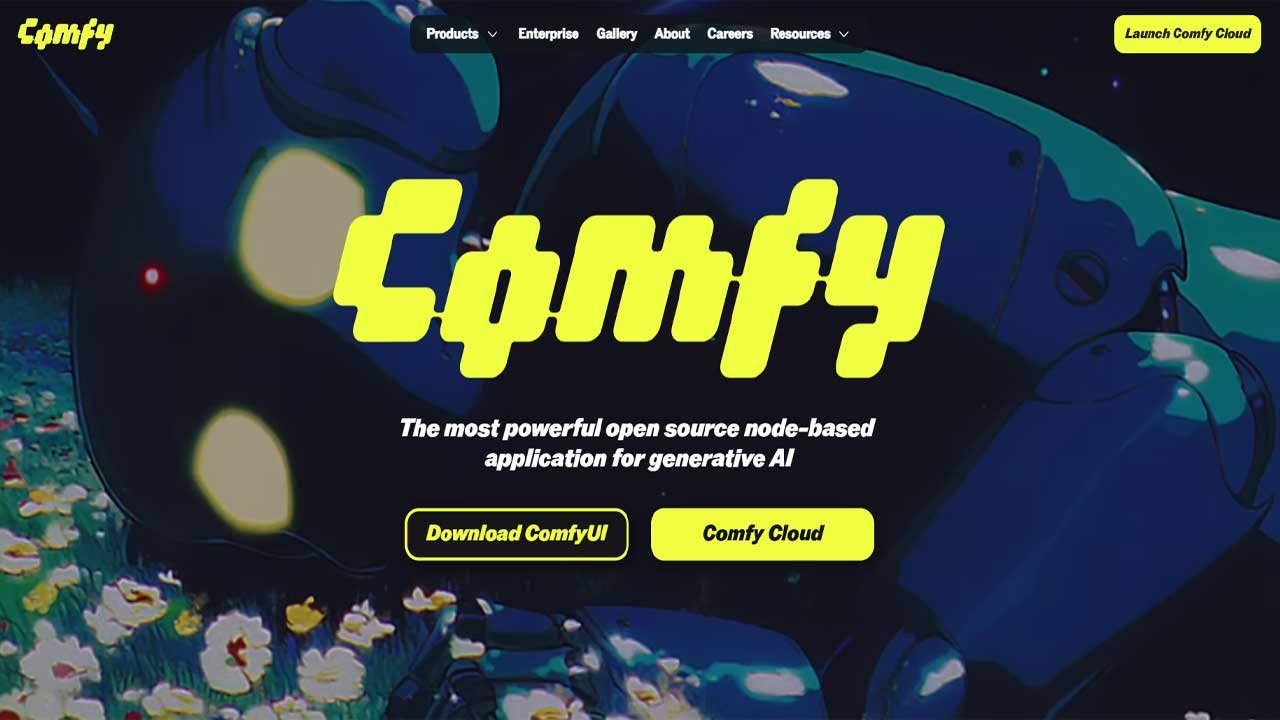






ComfyUI is a powerful, open-source, node-based interface that transforms generative AI into a fully visual and customizable experience, giving creators precise control over every stage of the diffusion process. By replacing traditional “Generate” buttons with transparent, modular node graphs, it enables deep understanding, flexible pipeline design, and perfect reproducibility through metadata-embedded workflows.
Engineered for speed and efficiency—thanks to smart caching, optimized VRAM usage, and robust batch processing—it also leads the field in supporting cutting-edge multimodal AI models across images, video, 3D, and audio. Backed by a thriving ecosystem of custom nodes and shared community workflows, ComfyUI empowers users not just to prompt for results but to architect sophisticated, high-performance AI pipelines.
| Category | Information |
|---|---|
| Core Concept | Visual, node-based workflow system for generative AI (images, video, audio, 3D). |
| Main Advantage | Complete transparency and control over every step of the diffusion process. |
| Modularity | Flexible building-block approach using nodes for models, prompts, sampling, upscaling, ControlNet, etc. |
| Reproducibility | Full workflow is saved in PNG metadata; dragging the image back into ComfyUI restores the entire graph. |
| Performance | Smart caching, VRAM-efficient design, tiled VAE support, and asynchronous job queue. |
| Automation | Built-in REST API for integrating workflows into apps, bots, and automated pipelines. |
| Model Support | Works with SDXL, SD3, Stable Cascade, Flux, Pixart Alpha, SVD, LTX-Video, and other cutting-edge models. |
| Advanced Features | ControlNet scheduling, mixed conditioning, procedural generation, latent upscaling, and animation pipelines. |
| Ecosystem | Large community offering custom nodes, workflow sharing, and tools like ComfyUI Manager. |
| Primary Use Case | Designing custom AI pipelines rather than simple prompt-based generation. |
ComfyUI: The Visual Supercharger for Generative AI
The world of AI content creation has shifted from simple prompts to complex, multi-stage pipelines. At the forefront of this revolution stands ComfyUI, an open-source, node-based interface that offers unparalleled control, flexibility, and performance for generating stunning images, videos, 3D assets, and audio. It’s not just a tool; it’s a visual programming environment that empowers creators to truly master the diffusion process.
Section 1: The Philosophy of Node-Based Control
ComfyUI replaces the rigid tabs of traditional UIs with a dynamic, flowchart-like canvas. This core design choice delivers three critical advantages:
1. Total Process Transparency
In a traditional UI, a single “Generate” button hides dozens of steps. ComfyUI breaks this process down into visible, connectable nodes: Load Checkpoint, CLIP Text Encode (Prompt), Sampler, and VAE Decode. By visualizing the flow of data—from the model components to the final pixel data—users gain a deep, intuitive understanding of how the AI works. This demystifies the process and makes advanced techniques accessible.
2. Unmatched Modularity and Flexibility
The nodes are the building blocks of your creative engine. Need to use two different ControlNet models simultaneously? Simply add two ControlNet Loader nodes and connect their conditioning outputs. Want to run an image through an upscaler before the VAE Decode? Just insert the Upscale Model Loader and Image Scale nodes directly into the workflow.
This modularity allows for the creation of intricate, custom pipelines:
- Layered Control: Combining ControlNet, T2I-Adapter, and Reference-Only modes for precise composition, style, and pose transfer.
- Procedural Generation: Creating Hi-Res Fix or Latent Upscaling workflows that run automatically within a single graph.
- Model Mixing: Seamlessly integrating different LoRAs, Embeddings, and even merging two models together mid-workflow.
3. Perfect Reproducibility (The PNG Metadata Secret)
Every image, video, or 3D asset generated with ComfyUI contains its complete workflow embedded in the file’s metadata (e.g., in the PNG chunks). Drag and drop a ComfyUI-generated image back onto the canvas, and the entire node graph is instantly recreated. This feature is a game-changer for sharing, learning, and version control, ensuring that your results are perfectly replicable by others.
Section 2: Performance and Efficiency
Beyond creative control, ComfyUI is engineered for speed and efficiency, making it the preferred choice for users with memory-constrained or high-performance systems.
| Feature | ComfyUI Advantage | Impact on Workflow |
|---|---|---|
| Smart Caching | Only re-executes parts of the graph that have changed between generations. | Rapid Iteration: Changing a single prompt word no longer requires re-loading the entire checkpoint model, saving significant time. |
| VRAM Management | Highly memory-efficient design, including built-in support for Tiled VAE processes. | High-Resolution Power: Allows users with lower VRAM GPUs (e.g., 8GB or less) to generate very large or high-resolution images/videos without crashing. |
| Asynchronous Queue | Supports a robust job queue system. | Batch Processing: Line up multiple complex tasks—such as a series of animated video generations—and let them run in the background. |
| API Integration | Features a powerful, lightweight REST API. | Automation and Deployment: Enables developers to integrate their custom workflows into web applications, Discord bots, or other automated systems. |
Section 3: Multimodal and Cutting-Edge Support
ComfyUI is often the first platform to integrate the newest generative AI research, positioning it as the ultimate experimental sandbox.
- State-of-the-Art Models: It provides native support for the industry’s most advanced models, including SDXL, SD3, Stable Cascade, Pixart Alpha, Flux, and specialized video models like Stable Video Diffusion (SVD) and LTX-Video.
- Advanced ControlNet Scheduling: With community custom nodes, users can gain granular control over the strength of a ControlNet at specific steps of the diffusion process (Timestep Scheduling). For example, using a Canny map strongly in the first half of sampling for structure, and then fading its influence.
- Video-to-Video and Animation: Complex video workflows, such as applying AI filtering to existing footage, creating coherent animation using AnimateDiff, or utilizing frame-to-frame consistency techniques, are all easily designed and executed through its node-based system.
Section 4: The Thriving Ecosystem
The open-source nature of ComfyUI has fostered an explosive community that constantly expands the platform’s capabilities.
- Custom Nodes: Thousands of community-made Custom Nodes exist, adding specialized functionality that ranges from advanced color grading and detailed masking to niche model wrappers and utility features like the ComfyUI Manager for easy installation of other nodes and models.
- Community Workflows: A wealth of complex, ready-to-use workflows—from realistic character generation to intricate 3D texture mapping—are shared online daily. Users can simply download the JSON file, load the graph, and start creating immediately.
ComfyUI is more than a simple web interface; it’s a visual development kit for generative AI. It asks the user to transition from being a simple consumer of AI output to becoming an architect of the AI process itself. For those willing to embrace the node-based paradigm, the reward is total control, superior performance, and the ability to pioneer the next wave of creative AI content.
FAQs about ComfyUI
What is ComfyUI?
ComfyUI is a node-based interface for generative AI that lets you build customizable image, video, audio, and 3D creation pipelines.
Why use a node-based workflow?
Node graphs provide transparency, flexibility, and full control over each step of the diffusion process.
How does ComfyUI improve transparency?
It breaks the generation process into visible nodes, helping users understand how prompts, models, and samplers interact.
What makes ComfyUI flexible?
You can add, remove, or rearrange nodes to create custom pipelines using multiple models, ControlNets, or upscalers.
Can ComfyUI load multiple ControlNets?
Yes, you can use as many ControlNet Loader nodes as your workflow and hardware allow.
What is special about ComfyUI’s reproducibility?
Generated images store the entire workflow in their metadata, allowing full graph reconstruction by drag-and-drop.
Does ComfyUI support high-resolution workflows?
Yes, features like Tiled VAE and latent upscaling allow large outputs even on low-VRAM GPUs.
How does smart caching help performance?
ComfyUI only recomputes nodes that change, significantly speeding up iterative prompting.
Can low-VRAM GPUs run ComfyUI?
Yes, its memory-efficient design helps 8GB or even smaller GPUs handle complex tasks.
Does ComfyUI support batch processing?
Yes, its asynchronous job queue lets users schedule multiple tasks to run automatically.
Is there an API for automation?
ComfyUI offers a lightweight REST API for integrating workflows into apps and automation systems.
What models are supported?
It works with SDXL, SD3, Stable Cascade, Flux, Pixart Alpha, SVD, LTX-Video, and many more state-of-the-art models.
Can ComfyUI handle video workflows?
Yes, it supports video-to-video, animation, frame consistency, and tools like AnimateDiff.
Does ComfyUI support advanced ControlNet scheduling?
Yes, custom nodes allow precise ControlNet strength control across diffusion timesteps.
Are custom nodes available?
Thousands of community-made custom nodes add features like masking, color grading, and model tools.
How do users share workflows?
Creators share JSON workflow files or images with embedded metadata for instant graph loading.
What is ComfyUI Manager?
It is a community tool that simplifies installing custom nodes, models, and extensions.
Can models be mixed in ComfyUI?
Yes, LoRAs, embeddings, and even checkpoints can be blended or swapped inside a workflow.
Is ComfyUI suitable for beginners?
Yes, beginners can start with pre-built workflows while gradually learning node-based concepts.
Is ComfyUI good for power users?
It excels for advanced users needing custom pipelines, automation, or complex multimodal tasks.
Can ComfyUI generate 3D-related outputs?
Yes, with custom nodes it can handle texture generation, depth maps, normals, and geometry-aware tools.
Does ComfyUI support audio workflows?
Some community nodes enable audio preprocessing and certain generative audio tasks.
Is ComfyUI open source?
Yes, it is fully open source, encouraging community development and rapid innovation.
Does ComfyUI work offline?
Yes, once models and nodes are installed, it can run completely offline.
Can I migrate from other UIs easily?
Yes, common tasks like prompts, LoRAs, and ControlNets map cleanly into ComfyUI node equivalents.
Can I save or export workflows?
Yes, you can export graphs as JSON files or store them inside generated images.
Does ComfyUI support extensions?
Custom nodes effectively serve as extensions, adding new tools and model integrations.
How does ComfyUI handle updates?
It can be updated via Git or tools like ComfyUI Manager for node and model management.
Can ComfyUI be used for professional production?
Yes, its reproducibility, batch processing, and API integration make it suitable for studio workflows.












Leave a Reply
You must be logged in to post a comment.