





The Video Content Crisis: We are living in the golden age of short-form video. TikTok, Instagram Reels, and YouTube Shorts have become the gatekeepers of online growth. But for most creators and businesses, the barrier to entry is exhausting.
You know the drill: set up the lights, fix your hair, memorize a script, record 50 takes because you stumbled on a word, edit for hours, and finally post… only to realize you need to do it all over again tomorrow.
What if you could skip the filming entirely? What if a single photo could fuel your entire content calendar for a month?
Enter Argil AI, the tool that is effectively killing “camera fatigue” and democratizing viral content creation.
What is Argil AI?
Argil AI is a generative AI video platform backed by Y Combinator designed to streamline the video production process. While there are many AI avatar tools on the market, Argil distinguishes itself with a specific promise: Speed and Authenticity.
It allows you to clone yourself (or use a diverse range of pre-made avatars) to generate professional, social-media-ready videos without ever turning on a camera again.
The “One Photo” Revolution
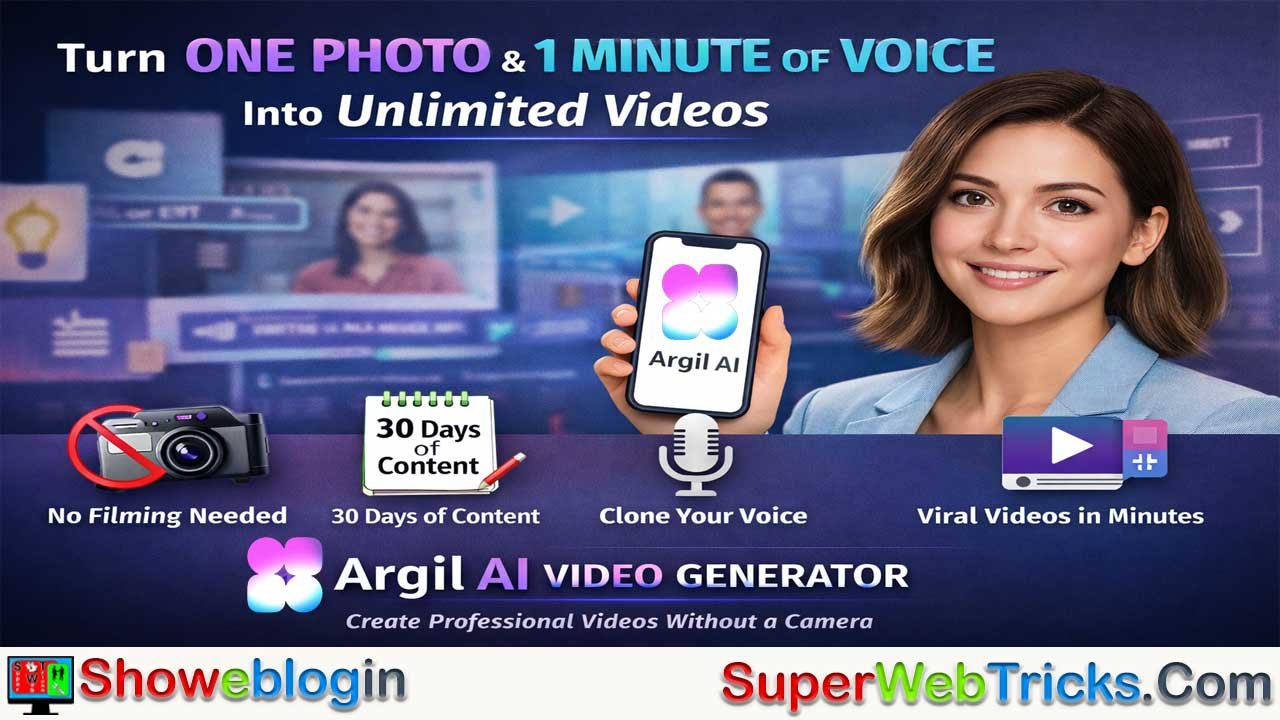
The headline feature of Argil is its ability to create a “Deepfake” style avatar of you using just one photo.
Most AI video tools require you to sit in front of a green screen and record minutes of footage to train a model. Argil has optimized this process:
- Upload ONE picture of yourself.
- Record 1 minute of your voice (so the AI sounds like you).
- Generate unlimited videos.
The AI animates your photo, syncing your lips and facial expressions to your cloned voice. The result is a personalized avatar that delivers your scripts while you sleep.
How to Create 30 Days of Content in One Afternoon
The “30 Days of Content” strategy relies on batching. Here is how you can use Argil to fill your content calendar in a single session:
Step 1: Scripting at Scale
Write out 30 short scripts. These could be tips in your niche, answers to FAQs, or summaries of your existing blog posts (Argil even has an Article-to-Video feature to automate this).
Step 2: The Setup
Log into Argil and select your custom avatar (created from that one photo). If you prefer not to use your face, choose from their high-quality stock avatars like “Mercedes” (Education), “Alize” (Promotion), or “Dewi” (Entertainment).
Step 3: Generation
Paste your scripts into the text-to-video editor. Argil doesn’t just make a talking head; it handles the Dynamic Editing.
- Automated Captions: Essential for social media engagement.
- AI B-Roll: The tool automatically inserts relevant cutaway shots to keep retention high.
- Transitions: Smooth visual flows that make the video look professionally edited.
Step 4: Review and Export
In minutes, Argil renders your videos. You now have 30 MP4 files ready to upload to TikTok, Reels, or LinkedIn.
Key Features That Matter
- Deepfake & Lip Sync Technology: The movement is designed to look natural, avoiding the “robotic” uncanniness of older AI tools.
- Voice Cloning: The 1-minute voice sample is enough to create a clone that captures your tone and cadence.
- Multi-Language Support: Reach global audiences by having your avatar speak languages you don’t even know.
- API Access: For agencies or developers, Argil offers an API to generate videos programmatically at scale.
Who is Argil For?
- The Camera-Shy Creator: You have great ideas but hate being on video.
- The Busy CEO/Founder: You need to build a personal brand but can’t spare 10 hours a week for filming.
- UGC Creators: Create “User Generated Content” style ads for brands without needing physical products or setups.
- Educators: Turn text-heavy courses into engaging video masterclasses.
Pricing and Trial
Argil offers a 5-day free trial, which is perfect for testing the “One Photo” claim yourself. If you decide to commit, they offer distinct plans for different needs, including discounts for yearly commitments.
The Verdict
The era of “perfect lighting” is ending. The era of high-volume, high-value information is here. Argil AI removes the friction between your ideas and your audience. If you have one photo and one minute of voice, you have a media company.
Ready to drop the camera?
👉 Try Argil AI here: https://www.argil.ai/
FAQs about Argil AI
What is Argil AI?
Argil AI is a Y Combinator–backed generative video platform that creates realistic talking videos using just one photo and a short voice recording.
How does Argil AI work?
It uses deepfake-style AI to animate your photo, syncing your lips and expressions with your cloned voice to deliver scripts naturally.
What makes Argil AI different from other AI avatar tools?
Argil focuses on speed and authenticity, generating professional videos from minimal input without long training or green screen footage.
Do I need to record any video for Argil AI?
No, you only need to upload one photo and a one-minute voice sample to start generating videos.
Can I create content in multiple languages?
Yes, Argil AI supports multilingual video generation, allowing your avatar to speak languages you don’t know.
Can I use Argil AI without showing my own face?
Yes, you can choose from a variety of high-quality stock avatars categorized by use case like education, promotion, and entertainment.
Does Argil AI automatically edit videos?
Yes, it includes automated captions, AI B-roll insertion, and smooth transitions to create professionally edited videos.
What is the “One Photo” feature?
It allows you to generate an animated avatar using a single photo instead of long training footage.
Can Argil AI help me create content faster?
Yes, it enables users to create 30 days of short-form video content in a single afternoon through scripting and automation.
What type of creators benefit from Argil AI?
Camera-shy creators, CEOs, educators, and UGC creators who want to produce high-quality videos quickly benefit most.
Does Argil AI support API integration?
Yes, Argil offers an API for agencies or developers to generate videos programmatically at scale.
Is there a free trial available?
Yes, Argil provides a 5-day free trial to test its “One Photo” avatar and video generation features.
What file formats does Argil AI export?
Videos are rendered as MP4 files, ready for platforms like TikTok, Reels, and LinkedIn.
Can Argil AI replicate my voice accurately?
Yes, with just a one-minute voice sample, Argil clones your tone and cadence convincingly.
Is Argil AI suitable for business marketing?
Yes, it’s ideal for brands and founders who want to create consistent, on-brand social videos without filming.
How realistic are Argil AI avatars?
They feature advanced lip-syncing and facial animations, reducing the robotic look of older AI video models.
Can I generate videos from existing articles or text?
Yes, Argil has an Article-to-Video feature that turns written content into ready-to-publish videos.
Does Argil AI work on all devices?
Yes, it’s cloud-based, so you can create and render videos directly from your browser.
What happens after the free trial?
You can choose from flexible pricing plans, with discounts for yearly commitments.
How long does it take to generate a video?
Most videos render within minutes, depending on script length and visual complexity.












Leave a Reply
You must be logged in to post a comment.