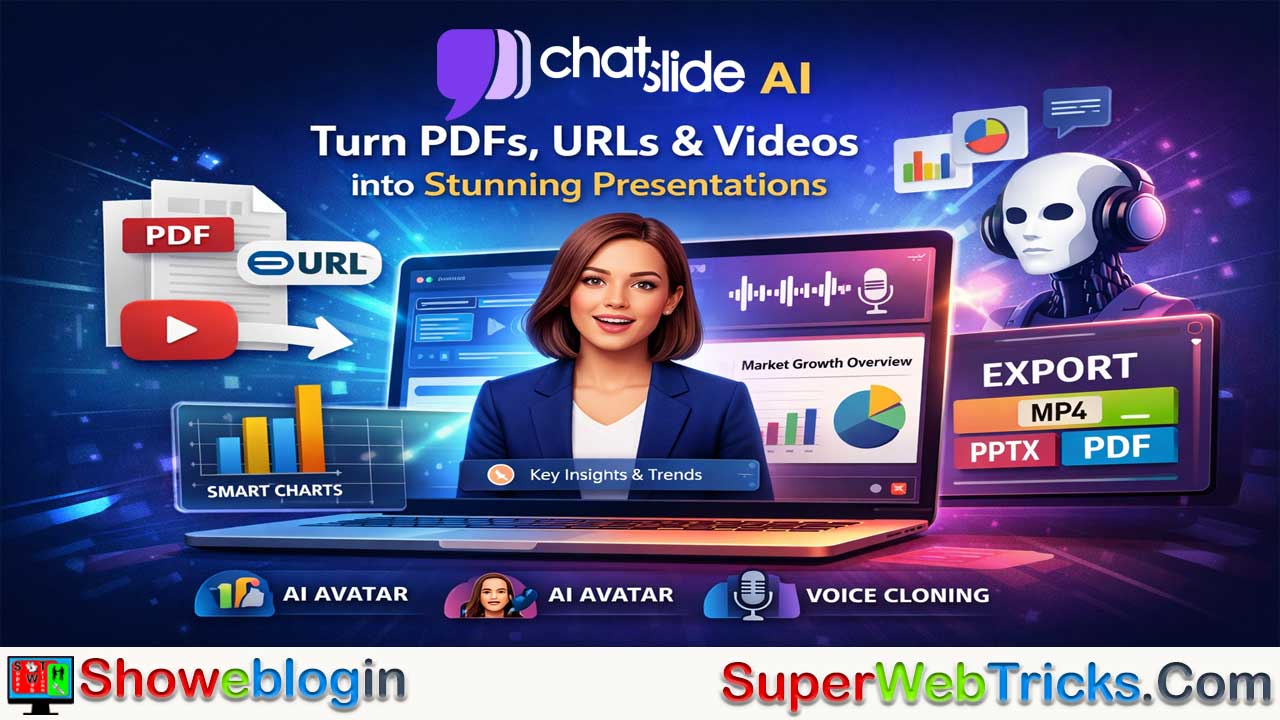






ChatSlide AI is a multimodal AI tool designed to transform raw content—such as PDFs, documents, URLs, and YouTube videos—into professional presentations and narrated videos, helping users avoid time-consuming slide creation.
Built around the concept of turning “knowledge into visuals,” it automatically generates structured outlines, complete slide decks with text and images, smart data visualizations, and even AI-avatar–led videos with lip-sync and voice cloning for personalized narration. Its integrated chat-based assistant allows users to refine slides through simple commands, while export options include editable PPTX, PDF, and MP4 formats.
Ideal for educators, marketers, and business professionals, ChatSlide significantly speeds up content repurposing and presentation production, though advanced features can be credit-intensive and design flexibility may feel limited for experienced designers.
| Category | Details |
|---|---|
| Product Name | ChatSlide AI |
| Type | AI Presentation & Video Generator |
| Core Function | Converts documents, URLs, and videos into slide decks & narrated videos |
| Input Formats | PDF, DOC, URLs, YouTube links, text prompts |
| Output Formats | PPTX (editable), PDF, MP4 video |
| Key Features | AI outline generation, Smart charts, AI avatars, Voice cloning, Chat-based editor |
| Video Capability | Avatar-led presentations with lip-sync narration |
| Voice Options | Built-in AI voices + custom voice cloning |
| Best For | Educators, marketers, business professionals |
| Main Advantage | Rapid content repurposing from knowledge to visuals |
| Potential Limitation | Credit-based pricing for advanced features |
Revolutionize Your Workflow: A Deep Dive into ChatSlide AI
In the rapidly evolving landscape of productivity tools, “death by PowerPoint” is a problem we are all too familiar with. Whether you are an educator, a marketer, or a corporate professional, the hours spent formatting slides and synthesizing text into bullet points are hours lost.
Enter ChatSlide AI, a robust platform designed to transform not just how you make slides, but how you repurpose knowledge into engaging visual content.
What is ChatSlide AI?
ChatSlide AI is a multimodal AI presentation and video generator. Unlike basic tools that merely beautify existing text, ChatSlide is built to ingest various forms of raw content—documents, PDFs, URLs, and even videos—and restructure them into professional-grade presentations and explainer videos.
Its core philosophy is “Knowledge to Visuals.” It acts as an intelligent layer between your raw data and your audience, handling the heavy lifting of summarization, design, and narration.
Key Features That Set It Apart
ChatSlide is packed with features that cater to both quick edits and high-end production needs. Here is a breakdown of its standout capabilities:
1. Multimodal Input Processing
Most AI slide makers require you to type a prompt. ChatSlide goes further by allowing you to upload:
- PDFs and Documents: It reads complex reports and extracts key findings.
- URLs: You can paste a link to a blog post or news article, and it will generate a deck based on the page’s content.
- YouTube Videos: It can analyze a video link and repurpose the content into a slide deck.
2. AI Avatars & Video Generation
This is ChatSlide’s “killer feature.” It doesn’t just stop at static slides. You can convert your presentation into a fully narrated video featuring an AI avatar.
- Presenters: Choose from a library of digital avatars to “present” your slides.
- Lip-Sync: The avatars lip-sync to the script generated by the AI (or your custom script).
- Use Case: This is perfect for creating asynchronous training materials, webinars, or social media content without needing a camera crew.
3. Voice Cloning & Audio Personalization
To make your content feel authentic, ChatSlide offers Voice Cloning. You can upload a sample of your own voice, and the AI will generate the narration in your tone and style. If you prefer not to use your own voice, there is a diverse library of natural-sounding AI voices available.
4. Smart Chart Generation
Data visualization is often a pain point in AI design. ChatSlide includes a Smart Chart feature that can interpret data points from your uploaded documents and automatically generate appropriate graphs (bar, line, pie) to visualize the statistics, making your slides data-rich and professional.
5. The “Chat” in ChatSlide
True to its name, the tool features an integrated AI Assistant (chatbot) within the editor. Instead of manually clicking through menus to change a layout or rewrite a bullet point, you simply “chat” with the tool.
- Command example: “Make this slide more visual,” “Shorten the text on slide 3,” or “Add a relevant image here.”
How It Works: A Step-by-Step Workflow
Using ChatSlide is streamlined into a simple four-step process:
- Upload & Analyze: Start by uploading your file (PDF, Doc) or pasting a URL. You can also start with a simple text topic.
- Outline Generation: The AI first generates a structured outline. Here, you can add, remove, or rearrange sections to ensure the narrative flows exactly how you want it before the slides are built.
- Slide Creation: Once the outline is approved, ChatSlide generates the full deck, including text, layout, and images.
- Customization & Export:
- Use the Chatbot to tweak specific slides.
- Add an AI avatar if you are making a video.
- Export: Save your work as a customizable PPTX (PowerPoint), PDF, or MP4 video.
Who is ChatSlide AI For?
- Educators & Trainers: rapidly convert lesson notes or textbook chapters into lecture slides or summary videos for students.
- Marketers: Repurpose high-performing blog posts or whitepapers into engaging LinkedIn carousels or short-form videos for TikTok/Reels.
- Business Professionals: Turn quarterly reports and data-heavy PDFs into executive summaries and visual presentations in minutes.
Pros and Cons
The Pros:
- Speed: Drastically reduces the time from “idea” to “draft.”
- Versatility: The ability to export to both PPTX and Video makes it a dual-purpose tool.
- High-Quality Exports: The PPTX export is editable, meaning you aren’t locked into the platform if you need to make final tweaks in PowerPoint.
- Voice Cloning: Adds a layer of personalization that many competitors lack.
The Cons:
- Credit System: High-end features like Video Generation and Avatars can be credit-intensive.
- Design Flexibility: While the AI is good, “power users” of design software (like Figma or Adobe) might find the template customization slightly rigid compared to starting from scratch.
Conclusion
ChatSlide AI is more than just a slide generator; it is a content repurposing engine. By bridging the gap between static documents and dynamic visual media, it offers immense value to anyone who communicates through presentations. If you are looking to automate the tedious parts of creation so you can focus on the story and delivery, ChatSlide is a tool worth adding to your arsenal.
FAQs about ChatSlide AI
What is ChatSlide AI?
ChatSlide AI is an AI-powered presentation and video generation platform that converts documents, URLs, and videos into professional slide decks and narrated videos.
How does ChatSlide AI work?
Users upload a PDF, document, URL, or video link, and the AI generates an outline, creates slides with text and visuals, and allows further customization before export.
Can ChatSlide AI create videos from presentations?
Yes, it can turn slides into fully narrated videos using AI avatars with lip-sync technology.
What input formats does ChatSlide AI support?
It supports PDFs, Word documents, URLs, YouTube links, and direct text prompts.
What output formats are available?
Users can export their work as editable PPTX files, PDFs, or MP4 videos.
Does ChatSlide AI offer voice cloning?
Yes, users can upload a voice sample to generate AI narration that mimics their own voice.
Are there built-in AI voices available?
Yes, the platform includes a library of natural-sounding AI voices for narration.
Can I edit the slides after AI generation?
Yes, slides can be edited within the platform and exported as fully customizable PowerPoint files.
Does ChatSlide AI generate charts automatically?
Yes, it includes smart chart generation that converts data into bar, line, or pie charts.
Is ChatSlide AI suitable for educators?
Yes, educators can quickly convert lesson notes and textbooks into lecture slides or summary videos.
Is it useful for marketers?
Yes, marketers can repurpose blog posts, whitepapers, and reports into slide decks and short-form videos.
Can businesses use it for reports and executive summaries?
Yes, it helps transform data-heavy PDFs into visually engaging presentations.
Does ChatSlide AI require design skills?
No, the AI handles layout, formatting, and visual structuring automatically.
Can I customize the AI-generated outline?
Yes, users can modify, rearrange, add, or remove sections before slide creation.
Is there a chatbot inside the editor?
Yes, users can give commands like “shorten this slide” or “add an image here” using the integrated AI assistant.
Does ChatSlide AI support YouTube video conversion?
Yes, users can paste a YouTube link and generate slides based on the video’s content.
Are the PPTX exports fully editable in PowerPoint?
Yes, exported PPTX files remain fully editable in Microsoft PowerPoint.
Is ChatSlide AI cloud-based?
Yes, it operates as an online platform accessible via web browser.
Does it support team collaboration?
Collaboration features may depend on the pricing plan offered.
Is ChatSlide AI free to use?
It typically offers a free tier, but advanced features like video generation may require paid credits.
What are credits used for?
Credits are generally required for high-end features such as avatar videos and advanced AI processing.
Does it support multiple languages?
Language support may vary, but many AI voice and text features support multiple languages.
Can I use my own branding in presentations?
Yes, users can customize slides and apply branding elements after generation.
Is ChatSlide AI better than traditional slide creation?
It significantly reduces time spent on formatting and structuring compared to manual slide creation.
Who should use ChatSlide AI?
Educators, trainers, marketers, content creators, and business professionals can benefit from its automation and repurposing capabilities.












Leave a Reply
You must be logged in to post a comment.