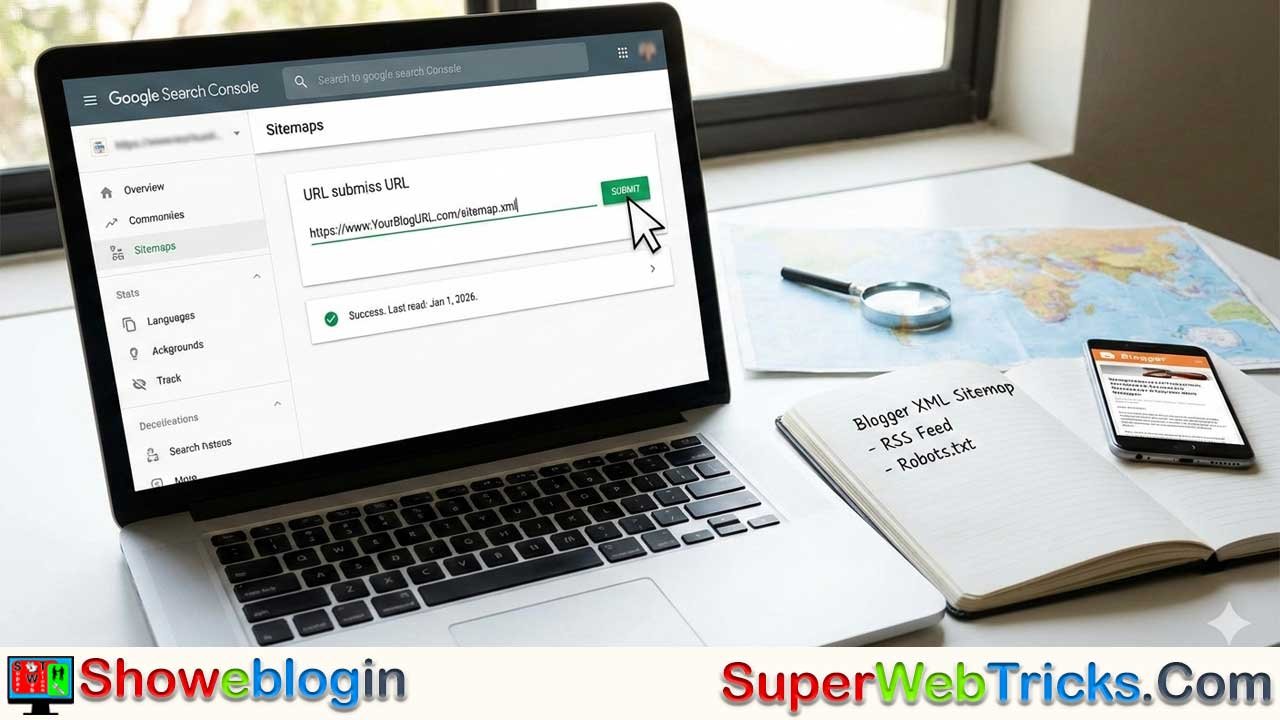






How to Submit, Optimize, and Troubleshoot Sitemaps in Google Search Console
There is a lingering misconception among webmasters that without a sitemap, search engines will never find their content.
The Reality: If your site has excellent internal linking (posts linking to other posts), Googlebot is smart enough to eventually discover most of your content.
The Truth: “Eventually” isn’t good enough. You want your content found now.
A sitemap is not just a list of links; it is a direct communication line to search engines. It tells them:
- What pages exist (including deep, older pages).
- When they were last updated (
<lastmod>). - Where to prioritize their crawl budget.
The Ecosystem: XML vs. HTML vs. Feeds
To be a complete webmaster, you must understand the three distinct types of “maps” your blog uses:
| Type | Purpose | Audience | Key Metadata |
|---|---|---|---|
| XML Sitemap | The “Atlas.” A complete map of every URL on your site. | Bots Only (Google, Bing) | <lastmod> (Last modified date) |
| RSS/Atom Feed | The “News Ticker.” Alerts bots to new content immediately. | Bots & Humans (Readers) | <pubDate> or <updated> |
| HTML Sitemap | The “Directory.” A static page with links for humans to browse. | Humans | Link Anchor Text |
Pro Tip: Google recommends using both XML Sitemaps (for structure) and RSS/Atom feeds (for freshness). You don’t have to choose one.
How Blogger Handles Sitemaps Automatically
Years ago, Blogger users had to rely on third-party generators. That is no longer necessary. Blogger now auto-generates a structured XML Sitemap Index for every blog.
The Structure
Your sitemap is located at: https://www.YourBlogURL.com/sitemap.xml
Understanding the 500-Post Limit (Pagination)
Blogger’s sitemap architecture is built to handle scale. If you have fewer than 500 posts, everything fits in one file. If you have 2,000 posts, Blogger automatically splits them into multiple “pages” inside the main index.
You do not need to submit these individually. You only submit the main sitemap.xml, and Google will automatically follow these internal chains:
sitemap.xml?page=1(Posts 1–500)sitemap.xml?page=2(Posts 501–1000)sitemap.xml?page=3(Posts 1001–1500)
Pre-Flight Checklist: Blogger Settings
Before going to Google Search Console, you must ensure you haven’t accidentally blocked the sitemap in your Blogger dashboard.
- Go to Blogger Dashboard > Settings.
- Scroll down to the Crawlers and indexing section.
- Check
Enable custom robots.txt:- Safest Option: Leave this OFF (gray). Blogger automatically allows the sitemap.
- Advanced Option: If you must turn this ON, ensure your code explicitly includes the sitemap line:
Sitemap: https://www.YourBlogURL.com/sitemap.xml - Warning: Incorrectly configuring this setting is the #1 reason sitemaps fail.
Step-by-Step: Submitting to Google Search Console
Follow this precise workflow to ensure fast indexing.
Step 1: Add Property
Login to Google Search Console. If you haven’t added your blog yet, use the “URL Prefix” method (e.g., https://yourblog.blogspot.com) for the easiest verification.
Step 2: Open Sitemaps Report
On the left sidebar, under Indexing, click Sitemaps.
Step 3: Submit the Main Sitemap
In the “Add a new sitemap” field, enter: sitemap.xml Click Submit.
Step 4: Submit the Static Pages Sitemap (Optional but Recommended)
Sometimes Blogger excludes static pages (like “About Us,” “Contact,” or “Privacy Policy”) from the main feed. To guarantee they are indexed, submit this specific file as well: sitemap-pages.xml Click Submit.
Troubleshooting: The “Couldn’t Fetch” Error
This is the most common panic point for Blogger users. You submit the sitemap, and Google says “Couldn’t Fetch” (or “General HTTP Error”).
Don’t Panic. Here is how to fix it:
- Scenario A: The “Pending” Glitch
- Cause: Google’s system has received the file but hasn’t processed it yet. It displays “Couldn’t Fetch” as a placeholder status.
- Fix: Wait 24–48 hours. Do not delete and resubmit repeatedly. It usually resolves itself to “Success” automatically.
- Scenario B: The “HTTP vs. HTTPS” Mismatch
- Cause: You submitted the property as
http://but your blog redirects tohttps://. - Fix: Ensure your Search Console property matches your blog’s live URL exactly. Use
https://.
- Cause: You submitted the property as
- Scenario C: The “Atom” Alternative
- Fix: If sitemap.xml persistently fails after a week, you can try submitting the Atom feed directly, which Google also accepts. Enter this in the sitemap field:feeds/posts/default?orderby=updated
Beyond Google: Bing Webmaster Tools
Do not ignore Bing. It powers search for Yahoo, DuckDuckGo, and ChatGPT’s search features.
- Go to Bing Webmaster Tools.
- You can login with your Google account and Import your verified sites from Google Search Console (this saves you from verifying ownership again).
- Once imported, go to Sitemaps > Submit Sitemap.
- Paste your full URL:
https://www.YourBlogURL.com/sitemap.xml.
Frequently Asked Questions (FAQ)
Q: I submitted my sitemap, but my URL count is “Discovered – currently not indexed.” Why?
A: This means Google knows the page exists (thanks to your sitemap!) but hasn’t crawled it yet, or has crawled it and decided not to index it because of “quality” reasons. A sitemap guarantees discovery, not indexing. To fix this, focus on unique content and internal linking.
Q: Does submitting a sitemap help my ranking?
A: Indirectly, yes. It doesn’t give you a “ranking boost” points-wise, but it gets your content into the index faster. You can’t rank if you aren’t indexed.
Q: My sitemap shows only 1 URL. Is it broken?
A: If you just started your blog, this is normal. If you have many posts, check if you accidentally set your blog Privacy settings to “Not visible to search engines” in Blogger Settings.
Q: Should I use a third-party sitemap generator tool?
A: Generally, no. Third-party static XML files become outdated the moment you publish a new post. The native Blogger sitemap.xml is dynamic—it updates automatically every time you hit “Publish.”











