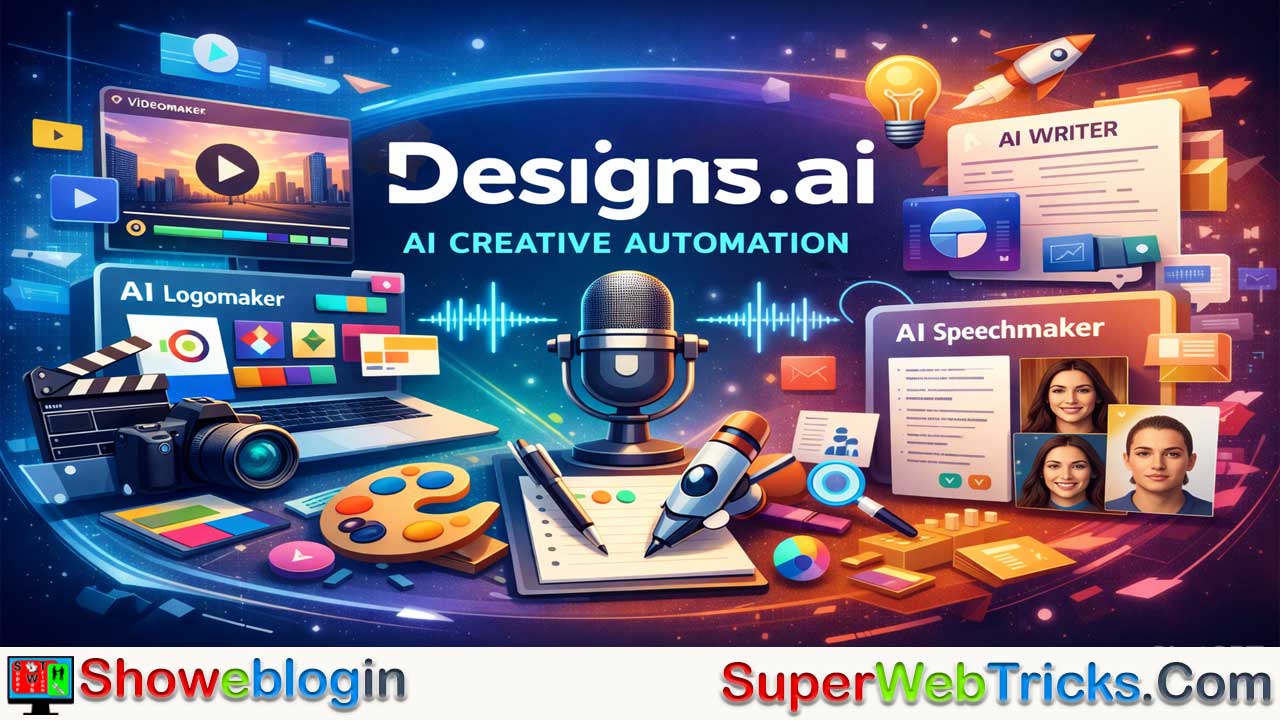


Designs.ai v2 is a powerful all-in-one creative automation platform that streamlines graphic design, video production, copywriting, and voiceover generation into a single, AI-driven workflow. The upgraded v2 platform features a faster, more intuitive drag-and-drop interface, enhanced AI models, improved security, and significantly reduced rendering times.
Its core tools include AI Videomaker (text-to-video creation with premium stock assets), Logomaker and Brand Kit Builder (instant branding systems), Designmaker with Smart Resize (multi-platform graphics in one click), Speechmaker (realistic multilingual voiceovers), AI Writer (SEO-ready marketing copy), and advanced features like Face Swapper and AI Draw, alongside helpful micro-tools such as Color Matcher and Font Pairer.
Ideal for freelancers, agencies, and content creators, Designs.ai v2 consolidates multiple subscriptions into one efficient ecosystem, dramatically cutting production time while maintaining professional quality—making it a top-tier solution for scalable, AI-powered creative work.
| Category | Details |
|---|---|
| Platform Name | Designs.ai (v2) |
| Type | All-in-one AI creative automation suite |
| Core Purpose | Streamline design, video, copywriting & voiceover creation |
| Key Tools | Videomaker, Logomaker, Designmaker, Speechmaker, AI Writer |
| Video Feature | Text-to-video with stock footage & music |
| Branding Feature | Instant logo generation + full Brand Kit |
| Design Feature | Smart Resize for multi-platform content |
| Audio Feature | 50+ AI voices, multiple languages & accents |
| Writing Feature | SEO-ready marketing copy & content generation |
| Advanced Tools | Face Swapper, AI Draw / Imagemaker |
| Bonus Tools | Color Matcher, Font Pairer, Graphicmaker, Content Calendar |
| Best For | Freelancers, agencies, marketers, content creators |
| Main Benefit | Consolidates multiple creative tools into one fast workflow |
| Limitation | Less granular control than advanced manual design software |
The Ultimate Guide to Designs.ai (v2): Revolutionizing Creative Automation for AI Tool Users
In the rapidly evolving landscape of artificial intelligence, content creators, marketers, and designers are constantly searching for the “holy grail”—a platform that consolidates all their creative needs into one seamless workflow. Enter Designs.ai, specifically its newly upgraded powerhouse platform at https://v2.designs.ai/.
Whether you are an AI enthusiast looking to streamline your stack, a freelance designer, or a scaling agency, the v2 update of Designs.ai represents a massive leap forward in creative automation. Here is an in-depth look at what makes this platform an indispensable addition to your AI toolkit.
What is Designs.ai?
Designs.ai is an all-in-one, AI-powered creative suite designed to make graphic design, video production, copywriting, and voiceover generation effortless. Built on the concept of “creative automation,” the platform leverages machine learning algorithms to eliminate tedious manual tasks—like resizing banners across platforms, searching for color palettes, or formatting video clips—allowing users to focus on high-level strategy and creativity.
What’s New in the v2.designs.ai Update?
The migration to the new v2 platform isn’t just a cosmetic facelift; it’s a comprehensive overhaul aimed at performance and capability. If you are logging into the official https://v2.designs.ai/ portal, here is what you can expect:
- Enhanced User Interface (UI): A much more intuitive, drag-and-drop workspace with practically zero learning curve.
- Lightning-Fast Performance: Drastically reduced render times for videos and instant generation for graphics.
- Upgraded AI Models: Smarter text-to-video interpretation, more natural text-to-speech voices, and highly accurate generative capabilities.
- Advanced Security: Improved data protection for enterprise clients and agencies handling sensitive, unreleased brand assets.
Deep Dive: The Core Tools of Designs.ai (v2)
Instead of juggling multiple expensive subscriptions for AI copywriters, image generators, and design software, Designs.ai brings everything under one roof. Here is a breakdown of its flagship features:
1. AI Videomaker (Text-to-Video)
Creating a video from scratch can take days. The Videomaker tool turns text scripts into fully polished, high-quality videos in minutes.
- How it works: Simply input your script or article. The AI analyzes the text, selects relevant premium stock footage (from an integrated library of over 170 million images and 10 million clips), adds scene transitions, and applies background music.
- Best for: Social media ads, explainer videos, and repurposing blog posts into YouTube Shorts or TikToks.
2. AI Logomaker & Brand Kit Builder
Forget spending weeks waiting for a logo concept. The Logomaker uses an intelligent algorithm trained on millions of design assets to generate thousands of logo variations in seconds.
- How it works: Enter your brand name, industry, and aesthetic preferences. The AI generates stunning logos and instantly creates a full Brand Kit, complete with style guidelines, complementary color palettes, and product mockups.
- Best for: Startups, freelancers, and agencies doing rapid brand prototyping.
3. AI Designmaker (Dynamic Templates)
Designmaker is the ultimate tool for scaling visual content.
- How it works: Input your text and let the AI generate thousands of design variations. Its standout feature is the Smart Resize tool—design a master graphic, and the AI will automatically adapt it for Instagram grids, Facebook banners, Pinterest pins, and more, all with a single click.
- Best for: Social media managers and digital marketers who need multi-platform campaigns fast.
4. AI Speechmaker (Voiceovers)
No microphone? No problem. Speechmaker utilizes advanced natural language processing to convert text into highly realistic, human-sounding voiceovers.
- Features: Access over 50 unique voice types across multiple languages and regional accents, ensuring your brand always sounds authentic.
- Best for: Podcasts, faceless YouTube channels, video narrations, and audiobook creators.
5. AI Writer
Beat writer’s block with the built-in AI Writer. It generates SEO-optimized marketing copy, social media captions, blog outlines, and email newsletters, ensuring your visual content is perfectly paired with compelling text.
6. Next-Gen Tools: Face Swapper & AI Draw
The v2 suite has expanded into more advanced generative AI territories:
- Face Swapper: Seamlessly swap faces in media files for highly personalized marketing campaigns or creative visual effects.
- AI Draw / Imagemaker: Transform rough sketches and text prompts into stunning, professional-grade artwork.
7. The Free “Helper” Tools
To sweeten the deal, Designs.ai includes an ecosystem of smaller, incredibly useful micro-tools:
- Color Matcher: An AI tool that extracts and generates harmonious color palettes based on seasonal trends, moods, or uploaded images.
- Font Pairer: Instantly find typography combinations that look professionally curated.
- Graphicmaker: Access to thousands of customizable, free SVG vectors with an in-browser editor.
- Calendar: A social media holiday calendar to help you plan timely content.
Who Should Be Using Designs.ai v2?
- Freelancers & Solopreneurs: Act as a one-person agency. You can build a brand identity, write the website copy, and generate promotional videos without hiring outside help.
- Marketing Agencies: Use the platform to pitch clients with rapid prototypes. The Brand Kit feature ensures that all designs across a team remain perfectly on-brand, while the collaboration tools make client approvals a breeze.
- Content Creators: Dramatically cut down the time spent editing videos and designing thumbnails, giving you more time to actually create.
Pros and Cons for the AI Power User
The Pros:
- Unmatched Ecosystem: Having video, audio, copy, and design in one tab is a massive productivity booster.
- Asset Library: Access to millions of premium stock assets prevents copyright headaches.
- Speed & Automation: The AI automation (especially the auto-resizing and text-to-video) cuts hours of manual menial work down to minutes.
The Cons:
- Creative Constraints: While perfect for 90% of digital marketing needs, highly specialized professional designers might find the customization limits slightly restrictive compared to manual, granular software like Adobe Illustrator or After Effects.
Conclusion: Is Designs.ai v2 Worth Your Time?
For AI tool users looking to streamline their workflow, consolidate their software subscriptions, and scale their content output effortlessly, Designs.ai (v2) is a top-tier contender. It perfectly bridges the gap between complex generative AI models and practical, everyday business applications.
The v2 update proves that Designs.ai is committed to staying at the forefront of the AI creative revolution—making professional design faster, smarter, and more accessible than ever before.
Ready to explore the future of creative automation? Head over to the official platform at https://v2.designs.ai/ and experience the ultimate AI design hub for yourself.
FAQs about Designs.ai
What is Designs.ai v2?
Designs.ai v2 is an all-in-one AI-powered creative platform that enables users to generate videos, graphics, logos, voiceovers, and marketing copy from a single dashboard.
How is v2 different from the previous version?
Version 2 features a redesigned interface, faster rendering speeds, upgraded AI models, improved automation, and stronger security infrastructure.
Is Designs.ai suitable for beginners?
Yes, the drag-and-drop interface and guided workflows make it beginner-friendly with little to no learning curve.
Can I create videos from text?
Yes, the AI Videomaker converts scripts or articles into fully edited videos with stock footage, transitions, and background music.
Does it include stock assets?
Yes, it integrates access to millions of stock images, graphics, and video clips within the platform.
Can I generate a logo instantly?
Yes, the AI Logomaker creates thousands of logo variations within seconds based on your brand details.
Does it provide a full brand kit?
Yes, it automatically generates brand guidelines, color palettes, typography suggestions, and mockups.
What is Smart Resize?
Smart Resize allows you to adapt one design into multiple social media formats with a single click.
Can I create social media posts?
Yes, Designmaker produces customizable templates optimized for platforms like Instagram, Facebook, and LinkedIn.
Does it offer AI voiceovers?
Yes, Speechmaker converts text into realistic voiceovers with multiple languages and accents.
How many voice types are available?
There are over 50 AI-generated voice options across various languages and regional accents.
Can it help with writing marketing copy?
Yes, the AI Writer generates SEO-optimized blog posts, ads, captions, and email content.
Is it useful for freelancers?
Yes, freelancers can manage branding, design, copy, and video production without external tools.
Is it suitable for marketing agencies?
Yes, agencies can rapidly prototype campaigns, maintain brand consistency, and streamline client approvals.
Can content creators benefit from it?
Yes, creators can produce thumbnails, short-form videos, scripts, and voiceovers quickly.
Does it support multiple languages?
Yes, both text and voice generation features support multiple languages.
What is the Face Swapper tool?
Face Swapper allows users to replace faces in images or videos for personalized marketing or creative projects.
What is AI Draw or Imagemaker?
It converts sketches or text prompts into professional-quality digital artwork.
Are there additional helper tools?
Yes, tools like Color Matcher, Font Pairer, Graphicmaker, and a content calendar enhance workflow efficiency.
Is it cloud-based?
Yes, the platform runs fully online without requiring software installation.
Can teams collaborate on projects?
Yes, it includes collaboration and sharing features for team workflows.
Does it reduce production time?
Yes, AI automation cuts hours of manual editing down to minutes.
Is it secure for enterprise use?
Yes, v2 includes enhanced data protection and improved security measures.
Does it replace professional design software?
It covers most marketing needs but may offer less granular control compared to advanced manual tools.
Can I use it for YouTube content?
Yes, you can create YouTube Shorts, thumbnails, scripts, and voiceovers.
Does it support TikTok and Instagram formats?
Yes, Smart Resize automatically adapts content for different social platforms.
Is coding knowledge required?
No, it requires no technical or coding skills.
Can I generate ad creatives quickly?
Yes, the AI tools allow rapid production of ad visuals and videos.
Does it help with branding consistency?
Yes, the Brand Kit feature ensures consistent colors, fonts, and logo usage.
Is it cost-effective compared to multiple subscriptions?
Yes, it consolidates video, design, copywriting, and voice tools into one subscription.
Can I export my projects?
Yes, projects can be downloaded and used across digital platforms.
Does it support custom fonts?
Yes, users can integrate or select typography options within designs.
Can it help with seasonal campaigns?
Yes, built-in templates and the content calendar support timely campaign planning.
Is it useful for startups?
Yes, startups can quickly build brand identity and marketing materials without hiring large teams.
Can I repurpose blog posts into videos?
Yes, the Videomaker transforms articles into engaging video content.
Does it provide color palette suggestions?
Yes, the Color Matcher generates harmonious color combinations.
Is it suitable for eCommerce marketing?
Yes, it can create product visuals, promotional videos, and ad copy.
Can I create presentations or pitch decks?
Yes, its design tools allow quick generation of branded visual materials.
Does it require powerful hardware?
No, since it’s cloud-based, heavy processing is handled online.
Is it scalable for growing teams?
Yes, it supports scalable workflows for agencies and enterprises.
Can I experiment with multiple design variations?
Yes, the AI instantly generates thousands of layout variations.
Does it offer multilingual content creation?
Yes, both written and spoken content can be generated in multiple languages.
Is it good for rapid prototyping?
Yes, agencies and marketers can quickly create mockups for client pitches.
Does it include typography pairing suggestions?
Yes, the Font Pairer suggests professionally matched font combinations.
Can I create podcast voiceovers?
Yes, Speechmaker is ideal for podcast narration.
Is it useful for faceless YouTube channels?
Yes, it enables script writing, voiceovers, and video creation without appearing on camera.
Does it help reduce creative burnout?
Yes, automation handles repetitive tasks, allowing users to focus on strategy.
Can I manage multiple brands within the platform?
Yes, users can create separate brand kits and assets for different clients.
Is Designs.ai v2 worth it for AI tool users?
Yes, it centralizes creative automation into one efficient ecosystem, saving time and boosting productivity.
Leave a Reply
You must be logged in to post a comment.