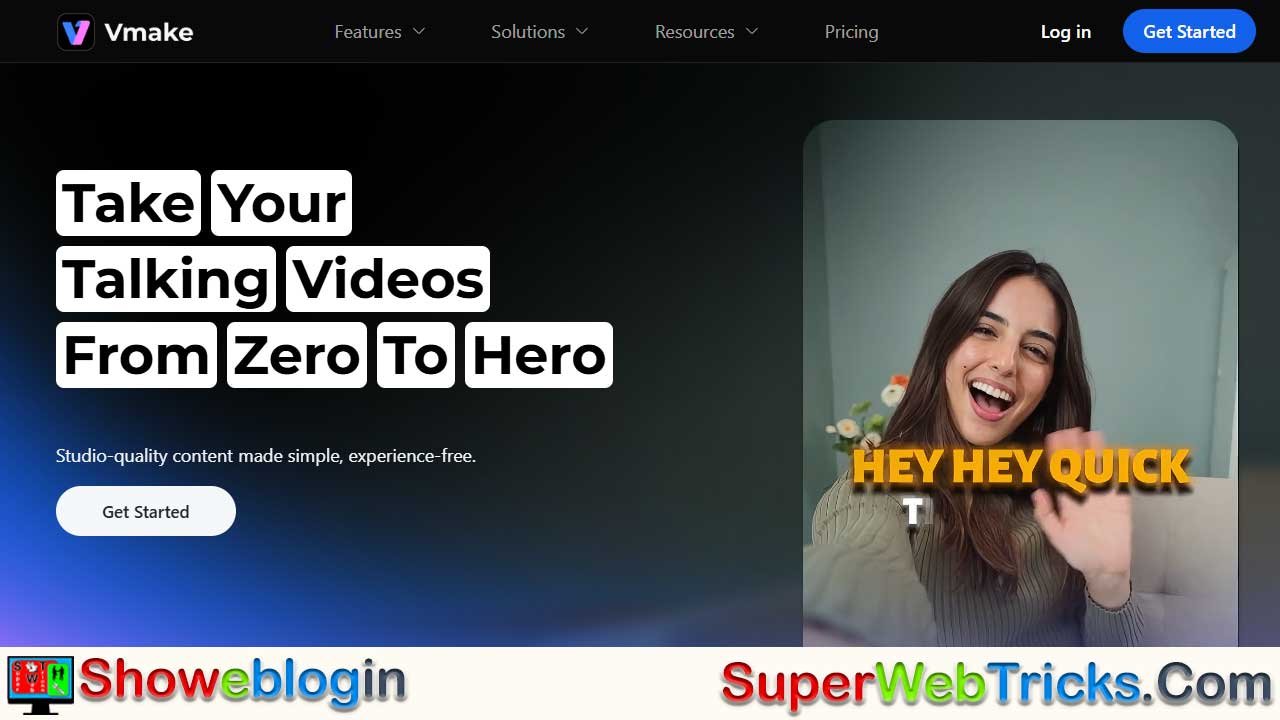






Vmake is an AI-powered, end-to-end ecosystem built specifically for high-impact talking videos, enabling creators, brands, and educators to turn raw footage into polished, studio-quality content within minutes.
Combining advanced enhancement tools (like video upscaling, noise reduction, and image improvement), smart editing automation (auto-captions, background removal, teleprompter, and object erasing), and AI-driven content generation (thumbnails, creative ads, and the upcoming Vmake Agent), the platform eliminates the need for expensive equipment or complex editing workflows.
Highly rated by users, Vmake streamlines production for influencers, e-commerce teams, and coaches alike—whether working on the web for intensive editing or on mobile for quick creation—ultimately saving creators time while elevating the professionalism of their videos.
| Category | Details |
|---|---|
| Product | Vmake – AI-powered talking video creation platform |
| Core Purpose | Turns raw footage into polished, studio-quality videos in minutes |
| Main Features | AI enhancement, smart editing, AI content generation |
| Enhancement Tools | Video upscaling, noise reduction, image enhancement |
| Editing Tools | Auto captions, teleprompter (app), background remover, magic eraser |
| Generation Tools | AI thumbnails, creative ads, Vmake Agent (beta) |
| Best For | Creators, influencers, e-commerce, agencies, educators, coaches |
| Platforms | Web (heavy editing), Mobile app (teleprompter + shooting) |
| Ratings | 4.4/5 on Trustpilot, 5.0/5 on Product Hunt |
| Key Benefit | Saves time, boosts video quality, reduces reliance on gear/software |
| Website | vmake.ai |
Vmake: The Ultimate AI-Powered Ecosystem for High-Impact Talking Videos
In the current digital landscape, the “talking head” video is the undisputed king of engagement. Whether it is a founder building a personal brand on LinkedIn, a creator dissecting trends on TikTok, or a coach selling a masterclass, audiences crave authentic, face-to-face connection.
However, the gap between a quick selfie video and a polished, professional clip is often bridged by hours of tedious editing, expensive lighting gear, and complex software.
Enter Vmake, a specialized AI solution designed to bridge that gap. Unlike generic video editors, Vmake is engineered specifically for talking videos, offering an end-to-end suite that transforms raw camera footage into studio-quality content in mere minutes.
The Vmake Philosophy: “From Zero to Hero”
Vmake operates on a simple premise: content creators should focus on content, not technical troubleshooting. The platform utilizes advanced artificial intelligence to handle the “heavy lifting” of post-production.
The tool is highly rated by the community, boasting a 4.4/5 on Trustpilot and a perfect 5.0/5 on Product Hunt, signaling its reliability among early adopters and professional agencies alike.
Feature Deep Dive: A Three-Pronged Approach
Vmake’s toolkit is vast, but it can be best understood through three main categories: Enhancement, Editing, and Generation.
1. AI Enhancement: Studio Quality Without the Studio
One of Vmake’s strongest selling points is its ability to salvage and upgrade footage. You no longer need a $2,000 camera to look professional.
- Video Quality Enhancer: This tool uses AI to upscale resolution, sharpen details, and fix color imbalances. It is particularly effective for footage shot in low light, removing grain and visual noise.
- Audio & Noise Reduction: Bad audio kills video retention. Vmake isolates the speaker’s voice and eliminates background distractions—like wind, traffic, or air conditioning hums—delivering crisp, podcast-level sound.
- Image Enhancer: Beyond video, Vmake can take static images (for thumbnails or community posts) and upscale them to high definition.
2. Smart Editing: Automation for Speed
Vmake replaces manual frame-by-frame editing with intelligent automation.
- Auto Captions (The Engagement Booster): With the majority of mobile users watching videos on mute, Vmake’s one-click captioning is essential. It automatically transcribes speech into text and applies trendy, readable subtitle styles.
- Teleprompter (Mobile App Exclusive): For creators who struggle to memorize scripts, the mobile app offers a built-in teleprompter. This allows you to read your script while maintaining perfect eye contact with the camera lens.
- Background Remover: Want to look like you are in a sleek office or a neon-lit studio? The AI instantly isolates the subject and allows you to replace a messy bedroom background with professional scenery—no green screen required.
- Magic Eraser (Watermark & Object Remover): Vmake can intelligently fill in pixels to remove unwanted objects, passersby, or watermarks from repurposed content, cleaning up the visual frame instantly.
3. AI Generation: From Idea to Asset
Vmake isn’t just for fixing videos; it helps create them.
- AI Thumbnail Generator: The platform includes tools to generate “viral-style” thumbnails (powered by features like Nano Banana Pro), ensuring your video gets the click.
- AI Creative Ads: For e-commerce brands, Vmake can generate ad variations designed to convert, analyzing what visual elements work best for sales.
- Vmake Agent (Beta): A glimpse into the future of the platform, this agent aims to take a simple concept and guide the user all the way to a publish-ready video, acting as a virtual production assistant.
Real-World Use Cases: Who is Vmake For?
Vmake has tailored solutions for specific industries, making it a versatile tool for various professionals.
The Content Creator & Influencer
- Pain Point: Burnout from editing daily content for TikTok, Reels, and Shorts.
- Vmake Solution: Batch processing allows creators to enhance multiple videos at once. The AI Hook generator ensures the first 3 seconds of the video grab attention, stopping the doom-scroll.
E-Commerce & Agencies
- Pain Point: High costs of product video production.
- Vmake Solution: Sellers can take simple phone videos of products and use Vmake to upscale the quality, remove the background, and add professional voiceovers or captions, significantly increasing conversion rates on product pages.
Educators & Coaches
- Pain Point: needing to convey complex information clearly.
- Vmake Solution: Auto-captions make courses accessible to everyone. The Video Upscaler ensures that whiteboard text or screen recordings are sharp and legible. Use cases include fitness coaches (like “Jenna,” who cut her editing time in half) and education startups.
Accessibility: Web vs. App
Vmake understands that modern creators work in hybrid environments.
- The Web Platform: Best for “heavy duty” work, such as batch processing files, detailed editing, and managing account settings.
- The Mobile App: Perfect for on-the-go creation. The app is the exclusive home of the AI Teleprompter, making it the primary tool for shooting content, while the web is often used for polishing it.
Conclusion
Vmake represents a shift in how video content is produced. By democratizing access to high-end editing tools, it levels the playing field, allowing a solo creator with a smartphone to compete with brands using professional gear.
Whether you are looking to clean up a single grainy video or automate an entire agency’s social media workflow, Vmake offers a robust, “all-in-one” solution that saves the one resource creators can’t buy more of: Time.
To explore the full suite of features and start creating, visit the official website at vmake.ai.
FAQs about Vmake
What is Vmake?
Vmake is an AI-powered platform designed to enhance, edit, and generate high-quality talking videos quickly and easily.
Who is Vmake best suited for?
It’s ideal for content creators, influencers, e-commerce brands, agencies, educators, and coaches who rely on talking videos.
Does Vmake improve low-quality videos?
Yes, its AI Video Quality Enhancer can upscale resolution, sharpen details, fix lighting issues, and remove grain or noise.
Can Vmake clean up bad audio?
Absolutely. Vmake’s audio tools reduce background noise and enhance voice clarity for professional sound.
Does Vmake offer automatic captions?
Yes, it generates accurate auto captions with trendy styles to boost engagement and accessibility.
Is a teleprompter available?
Yes, the mobile app includes a built-in teleprompter that helps creators maintain perfect eye contact while reading scripts.
Can I remove or change backgrounds using Vmake?
Yes, Vmake’s AI can remove or replace backgrounds without needing a green screen.
Does Vmake remove unwanted objects or watermarks?
Yes, the Magic Eraser tool can delete objects, people, or watermarks by intelligently filling in missing pixels.
Can Vmake help generate thumbnails?
Yes, it includes an AI Thumbnail Generator that creates viral-style thumbnails to increase video click-through rates.
Does Vmake support ad creation?
Yes, it can generate creative ad variations optimized for e-commerce and conversion performance.
What is the Vmake Agent?
Vmake Agent is a beta feature that guides users from concept to a finished video using AI assistance.
Is Vmake available on both web and mobile?
Yes, the web version supports heavy editing and batch processing, while the mobile app is ideal for on-the-go creation.
Does Vmake support batch processing?
Yes, creators and agencies can enhance or edit multiple videos at once to save time.
Do I need expensive equipment to use Vmake?
No, Vmake helps smartphone footage look professional, eliminating the need for high-end cameras or studio setups.
How highly is Vmake rated by users?
Vmake holds a 4.4/5 rating on Trustpilot and 5.0/5 on Product Hunt, showing strong user satisfaction.
Where can I access Vmake?
You can explore all features and create videos at vmake.ai.












Leave a Reply
You must be logged in to post a comment.