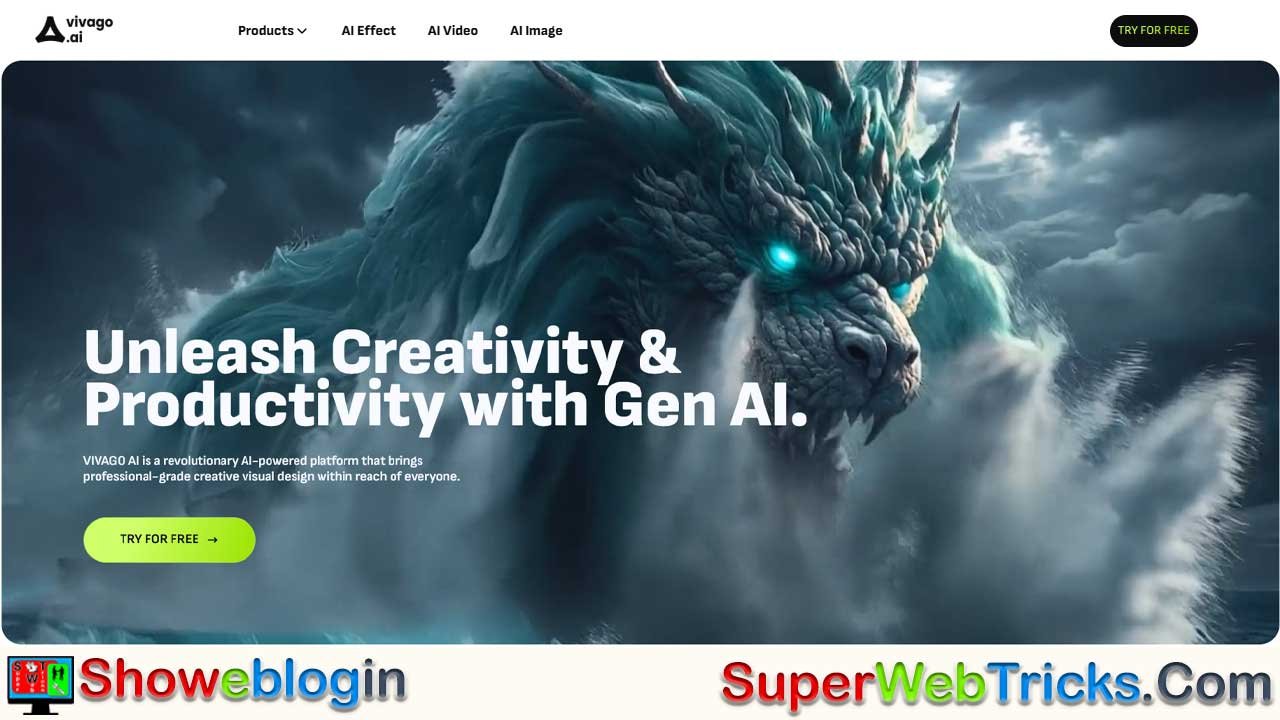






Vivago.ai is a browser-based creative suite that uses AI to turn simple text or image prompts into professional-quality videos and images, offering an all-in-one workflow for generating, animating, editing, and enhancing visual content.
With tools like text-to-video, image-to-video, 4K upscaling, text-to-image, inpainting, and outpainting, it removes the need for complex software or technical skills. Its free plan provides daily credits, access to all major features, a community gallery, and cloud storage—making it ideal for creators, marketers, brands, and storytellers who want fast, high-quality visuals without expensive equipment or training.
| Category | Details |
|---|---|
| Platform | Vivago.ai |
| Type | AI video & image creation suite |
| Access | Browser-based, no installation needed |
| Core Features | Text-to-Video, Image-to-Video, Text-to-Image, Inpainting, Outpainting, 4K Enhancement |
| Skill Level | Beginner-friendly; no technical expertise required |
| Free Plan | Daily credits, full tool access, cloud storage, community gallery |
| Ideal For | Creators, marketers, brands, writers, game devs |
| Output Quality | High-resolution images & 4K-ready videos |
| Use Cases | Social media content, ads, storyboards, product visuals |
| Website | vivago.ai |
Vivago.ai: The Ultimate AI Video & Image Creation Suite (Free Trial Guide)
Transform your imagination into reality with the click of a button.
In the fast-paced digital era, content is king. However, producing high-quality visuals has traditionally required expensive equipment, complex software like Adobe After Effects, and years of technical training. Vivago.ai disrupts this barrier by offering a unified, browser-based platform where Artificial Intelligence handles the heavy lifting.
Whether you are a startup founder looking for marketing assets, a content creator aiming for viral growth, or a digital artist exploring new mediums, Vivago.ai offers a professional-grade studio accessible directly from your web browser.
The Vivago Advantage: Why Choose This Platform?
While there are many AI tools on the market, Vivago.ai distinguishes itself through versatility and ease of use. It is not just an image generator; it is a complete creative ecosystem.
1. Zero-Threshold Creativity
Vivago is built for everyone. You do not need to understand “stable diffusion” nodes or complex coding. If you can type a sentence, you can create 4K content. The interface is clean, intuitive, and designed for rapid workflow.
2. All-in-One Integration
Most workflows require you to generate an image in one tool, animate it in another, and upscale it in a third. Vivago.ai consolidates these steps. You can generate a character, animate them, and upscale the final video—all within the same dashboard.
3. Professional Output Quality
Vivago utilizes advanced algorithms to ensure consistency and clarity. Features like 4K enhancement mean your videos aren’t just “cool AI experiments”—they are production-ready assets suitable for YouTube, Instagram Reels, and professional presentations.
Deep Dive: Feature Breakdown
Here is a detailed look at the core tools you can access immediately via the official site.
AI Video Tools
Video is the most engaging form of content, and Vivago makes it effortless.
- Text-to-Video: This is the flagship feature. Enter a prompt like “A futuristic cyberpunk detective walking through a neon-lit alleyway, rain falling, cinematic lighting,” and the AI generates a coherent video clip. You control the aspect ratio (16:9 for YouTube, 9:16 for TikTok).
- Image-to-Video: Have a static product shot or a piece of fan art? Upload the image to Vivago. The AI analyzes the elements and adds logical motion—making hair blow in the wind, water ripple, or clouds drift—turning a still image into a dynamic animation.
- Video Repaint & Enhancement: Fix flaws in existing footage or change specific elements within a video frame. The platform also includes tools to smooth out jerky movements and upscale resolution to crisp 4K.
AI Image Tools
Visual storytelling often starts with a single frame.
- Text-to-Image: Generate photorealistic photos, 3D renders, anime-style art, or oil paintings. The engine understands complex lighting and texture prompts.
- Magic Expand (Outpainting): If your image is too cropped, use Magic Expand. The AI predicts what lies beyond the frame and extends the image seamlessly. This is perfect for adapting a square Instagram post into a wide website banner.
- Magic Brush (Inpainting): Edit images by brushing over an object and typing a change. Want to change a model’s sneakers to boots? Just brush over the feet and type “leather boots.”
The Vivago.ai Free Plan: How It Works
Vivago.ai believes in letting the product speak for itself. They offer a generous “Freemium” model that allows users to test the waters without a financial commitment.
What is included in the Free Trial?
| Feature | Description |
|---|---|
| Daily Free Credits | Unlike one-time trials, Vivago often refreshes credits daily. Login every day to claim creative currency. |
| Full Tool Access | You aren’t locked out of the best features. Free users can test Text-to-Image, Image-to-Video, and more. |
| Community Gallery | Access the public feed to see prompts used by other creators, allowing you to learn and remix successful ideas. |
| Storage | A personal cloud library to save your generations and download them when ready. |
Note: While the free plan allows for extensive testing, heavy power-users can upgrade to paid subscriptions for faster processing speeds, removal of watermarks, and higher monthly credit limits.
Who Should Use Vivago.ai?
- Social Media Managers: Create endless streams of content for TikTok, Shorts, and Reels without needing a camera crew.
- E-Commerce Brands: Turn static photos of your products into eye-catching videos for Facebook Ads.
- Storytellers & Writers: Visualize characters and scenes for storyboards or book trailers.
- Game Developers: Rapidly prototype environment concepts and character designs.
Step-by-Step: Starting Your First Project
Ready to create? Follow this simple workflow to maximize your free trial experience:
- Register: Go to https://vivago.ai/ and sign up. (Pro Tip: Use Google Login for one-click access).
- Claim Daily Credits: Look for the “Claim” or “Daily Bonus” button on the dashboard to ensure your wallet is loaded.
- Choose Your Mode: Select Text-to-Video for motion or Text-to-Image for stills.
- Craft a Prompt: Be specific!
- Bad Prompt: “A cat.”
- Good Prompt: “A fluffy ginger cat sitting on a windowsill, sunset lighting, cozy atmosphere, highly detailed, 8k resolution.”
- Adjust Settings: Select your aspect ratio (Square, Portrait, or Landscape) and style (Realistic, Anime, 3D).
- Generate: Click the button and wait a few moments for the magic to happen.
- Download: Once satisfied, download the file to your device or share it directly.
Final Verdict
Vivago.ai represents the democratization of high-end design. It bridges the gap between having an idea and seeing it come to life. With no credit card required to start and a generous daily credit system, it is currently one of the most accessible entry points into the world of Generative AI.
Don’t let your ideas stay stuck in your head. Visit Vivago.ai and Start Creating for Free
FAQs about Vivago.ai
What is Vivago.ai?
Vivago.ai is an AI-powered platform that creates videos and images from text or image prompts directly in your browser.
Is Vivago.ai free to use?
Yes, it offers a free plan with daily credits that refresh each day.
Do I need technical skills to use Vivago.ai?
No, the platform is designed for beginners and requires no design or coding knowledge.
What can I create with Vivago.ai?
You can generate videos, animate images, create artworks, enhance footage, and edit visuals with AI tools.
Does Vivago.ai offer text-to-video generation?
Yes, you can turn any descriptive prompt into a video clip in various aspect ratios.
Can I animate a still image?
Yes, the image-to-video tool adds realistic motion to static images.
Does Vivago.ai support image editing?
Yes, features like Magic Brush (inpainting) and Magic Expand (outpainting) allow precise edits and extensions.
Can Vivago.ai upscale videos?
Yes, it includes 4K enhancement for sharper and cleaner results.
Are generated videos watermarked?
Free users may see watermarks, which can be removed with a paid plan.
Can I store my projects inside Vivago.ai?
Yes, the platform provides cloud storage for saving and organizing creations.
Who is Vivago.ai best for?
It’s ideal for creators, marketers, e-commerce brands, writers, and developers needing fast visual content.
What styles can Vivago.ai generate?
It supports photorealism, anime, 3D, digital art, cinematic styles, and more.
Can I use Vivago.ai for commercial purposes?
Policies may vary by plan, but paid tiers typically support commercial usage.
Does Vivago.ai work on mobile?
Yes, it can be accessed through a mobile browser, though performance depends on device capability.
How long does generation take?
Most images and short videos generate within seconds or a couple of minutes.
Can I download my creations?
Yes, you can download any image or video directly to your device.
Does Vivago.ai offer community features?
Yes, you can explore the community gallery and view prompts used by other creators.
Are advanced settings available?
You can customize aspect ratios, styles, resolutions, and motion settings depending on the tool.
What makes Vivago.ai different from other AI tools?
It combines image generation, video creation, animation, enhancement, and editing in one unified dashboard.
Can I create content for TikTok, YouTube, or Instagram?
Yes, Vivago.ai supports portrait, landscape, and square formats for all major platforms.
How do daily credits work?
You log in each day to claim your refreshed free credits for generating content.
Does the platform require installation?
No installation is needed; everything runs in your web browser.
Can Vivago.ai fix flaws in existing videos?
Yes, the repaint and enhancement tools can correct visual errors and improve quality.
Is the interface beginner-friendly?
The dashboard is designed to be simple, clean, and intuitive for new creators.
Can I preview results before downloading?
Yes, all generated media can be previewed within your project library.
Does Vivago.ai support high-resolution output?
Yes, it can produce high-quality images and 4K-enhanced videos.
Can writers and storytellers use Vivago.ai?
Absolutely, it’s great for visualizing characters, settings, and storyboards.
Do prompts need to be detailed?
More specific prompts usually lead to better, more accurate results.
Can I remix or extend existing art?
Yes, tools like inpainting and outpainting allow you to modify or expand images.
Does Vivago.ai offer customer support?
Support options vary by plan, with faster assistance available for paid users.
Is Vivago.ai suitable for businesses?
Yes, brands can use it for ads, product images, social media content, and promo videos.
Can developers use Vivago.ai for prototyping?
Yes, it’s useful for quickly generating characters, environments, and concept art.
Is there a limit to how much I can generate?
Free plans have credit limits, while paid plans increase usage capacity.
Does the platform keep my files safe?
Your creations are stored securely in your personal cloud library.
Can I access my projects from different devices?
Yes, logging into your account gives you access to your saved assets anywhere.
Is Vivago.ai updated regularly?
The platform frequently introduces new tools, models, and performance improvements.











Leave a Reply
You must be logged in to post a comment.