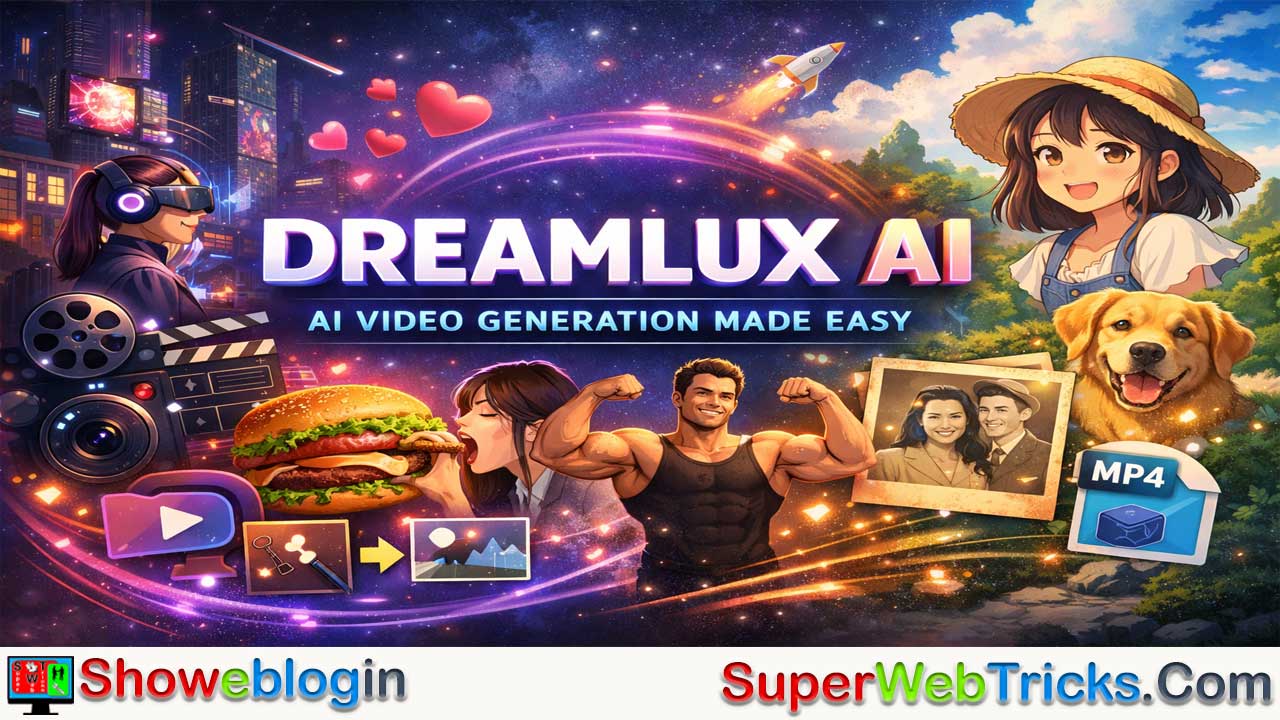



Dreamlux AI is an accessible, fast, and watermark-free online platform that transforms text prompts and static images into high-quality, dynamic videos, making advanced AI video generation available to creators of all skill levels.
Built around powerful text-to-video and image-to-video engines, Dreamlux enables users to generate cinematic scenes, animate reference images with strong character consistency, and apply a wide range of one-click templates and viral effects—from artistic styles like cyberpunk and Studio Ghibli-inspired visuals to playful transformations and nostalgic animations.
With lightning-fast processing, an intuitive no-learning-curve interface, and ready-to-download MP4 outputs, it’s especially valuable for social media managers, marketers, content creators, bloggers, and AI art enthusiasts who want to quickly turn scripts, product descriptions, or static artwork into engaging video content without complex software or intrusive branding.
| Category | Details |
|---|---|
| Platform Name | Dreamlux AI |
| Type | Online AI Video Generator |
| Core Functions | Text-to-Video, Image-to-Video |
| Special Features | Character consistency, viral templates, cinematic effects |
| Templates & Effects | Studio-style art, cyberpunk, AI hug/kiss, gender swap, old photo animation, camera zoom, motion effects |
| Processing Speed | ~1 minute per video |
| Watermark Policy | No watermark downloads |
| Ease of Use | Beginner-friendly, no editing skills required |
| Output Format | MP4 video |
| Best For | Social media managers, marketers, YouTubers, bloggers, AI art creators |
| Main Benefit | Fast, professional-quality AI video creation without complexity |
The Ultimate Guide to Dreamlux AI: Revolutionizing Video Generation for Creators
In the rapidly evolving landscape of artificial intelligence, text-to-video and image-to-video tools have become the holy grail for content creators, marketers, and designers. While several heavyweights have entered the arena, a new platform is turning heads with its accessible, fast, and feature-rich approach: Dreamlux AI.
If you are an AI tool user looking to bridge the gap between imagination and polished video content—without the steep learning curve or restrictive watermarks—Dreamlux AI is a platform you need on your radar.
Today we shall discuss what Dreamlux AI does, its standout features, and why it might just become your go-to AI video generator.
What is Dreamlux AI?
Dreamlux AI is a powerful, online AI video generator designed to transform simple text prompts and static images into dynamic, high-quality videos. Positioned as an easy-to-use, “no-watermark” platform, it democratizes video production, allowing anyone—from seasoned video editors to everyday bloggers—to produce cinematic scenes, playful animations, and engaging marketing materials in a matter of minutes.
Core Capabilities: How Dreamlux Brings Ideas to Life
Dreamlux is built around two primary AI generation engines, supported by a massive library of creative templates:
1. Text-to-Video AI
Dreamlux allows you to bypass the camera and complex editing software entirely. By simply typing or pasting a script, prompt, or product description, the AI translates your words into captivating visual stories. Whether you are generating a cyberpunk Tokyo street scene or a cinematic landscape, the text-to-video engine focuses on understanding the nuances of your prompt to deliver accurate and striking visuals.
2. Image-to-Video AI
One of the most challenging aspects of AI video generation is character and scene consistency. Dreamlux tackles this with its Image-to-Video tool. Users can upload a reference image and add a text prompt to guide the animation (e.g., uploading a photo of a person and prompting: “Let them take big bites of a burger”). The AI animates the image while strictly maintaining the original look, lighting, and character identity.
3. An Arsenal of AI Video Templates & Effects
What truly makes Dreamlux a playground for creators is its extensive library of one-click templates and viral effects. Instead of engineering complex prompts from scratch, you can use pre-set generators for specific stylistic needs, including:
- Cinematic & Artistic: Studio Ghibli AI, Cyberpunk Art Generator, Trippy Video Generator.
- Viral & Playful Effects: AI Hug Generator, AI Kissing Generator, AI Muscle Transformation, Gender Swap AI.
- Dynamic Motions: AI Camera Zoom, Inflate/Explode Effects, AI Eating Motion, Slice Effect.
- Nostalgia & Emotion: Old Photo Animator, Childhood Memories Generator, Golden Year AI Portrait.
Standout Features: Why Choose Dreamlux AI?
With so many AI video generators on the market (like Sora, Runway, or Pika), what makes Dreamlux stand out for the average AI user?
- Zero Watermarks: One of the biggest pain points with free AI video generators is the intrusive branding. Dreamlux allows users to generate and download videos completely watermark-free, making the output immediately ready for professional or commercial use.
- Lightning-Fast Processing: Waiting hours for a render is a thing of the past. Dreamlux’s algorithmic infrastructure is engineered for speed, generating videos in just about a minute.
- Character Consistency: A massive hurdle in AI video is keeping the subject looking the same from frame to frame. Dreamlux’s Image-to-Video engine excels at maintaining the integrity of your original reference image.
- Zero Learning Curve: You don’t need to know how to use Premiere Pro or After Effects. The UI is highly intuitive: input your text/image, click generate, and download.
How to Generate a Video Using Dreamlux AI
Getting started is remarkably straightforward. The workflow is designed for efficiency:
- Input Your Content: Choose your starting point. You can write a descriptive text prompt, upload a static image you want to animate, or select one of the dozens of pre-designed stylistic templates.
- Generate: Hit the generation button. The AI immediately processes your request, applying complex diffusion models and motion physics in the background.
- Review and Export: Once completed (usually under a minute), your video appears in the “My Creations” dashboard. From here, you can preview the motion, tweak the prompt if you want a slightly different result, or instantly download the watermark-free MP4 file to share on YouTube, TikTok, or Instagram.
Who is Dreamlux AI Best For?
Dreamlux is an incredibly versatile tool, but it provides exceptional value to:
- Social Media Managers & Marketers: Quickly turn product descriptions or static ad images into engaging video content to boost click-through rates.
- Content Creators & YouTubers: Generate b-roll footage, intro animations, or viral trend videos (like AI hugs or Studio Ghibli transformations) without hiring an animator.
- Bloggers & Writers: Bring articles to life by converting written stories or blog post summaries into visual content.
- AI Art Enthusiasts: Push the boundaries of your static Midjourney or Stable Diffusion generations by bringing them to life with dynamic, controllable motion.
Showeblogin Final Verdict
Dreamlux AI proves that high-quality AI video generation does not have to be gatekept behind expensive subscriptions, steep learning curves, or heavy watermarks. By offering a robust suite of Text-to-Video, Image-to-Video, and highly specialized trend templates in an accessible package, it establishes itself as a must-have tool in any modern creator’s arsenal.
Ready to bring your static images and written scripts to life? Head over to Dreamlux.ai and unleash your imagination.
FAQs about Dreamlux AI
What is Dreamlux AI?
Dreamlux AI is an online AI-powered video generation platform that transforms text prompts and static images into high-quality, dynamic videos.
How does Dreamlux AI work?
Users input a text prompt, upload an image, or select a template, and the AI automatically generates a short video using advanced diffusion and motion models.
What is text-to-video in Dreamlux AI?
Text-to-video allows users to type a script or description, which the AI converts into a visual video scene based on the prompt.
What is image-to-video in Dreamlux AI?
Image-to-video lets users upload a static image and animate it with guided motion while maintaining character and scene consistency.
Does Dreamlux AI add watermarks to videos?
No, Dreamlux AI allows users to download videos without watermarks.
How long does it take to generate a video?
Most videos are generated in about one minute, depending on complexity and server load.
Do I need video editing experience to use Dreamlux AI?
No, the platform is designed for beginners and does not require prior editing knowledge.
What file format are the exported videos?
Videos are typically exported in MP4 format.
Can I use Dreamlux AI videos for commercial purposes?
Yes, since videos are watermark-free, they can be used for professional and commercial projects, subject to platform terms.
Is Dreamlux AI web-based or downloadable?
Dreamlux AI is web-based and accessible through a browser.
Can I animate old photos using Dreamlux AI?
Yes, it includes features like old photo animation and nostalgic effects.
Does Dreamlux AI maintain character consistency?
Yes, especially in image-to-video mode, it preserves facial features, lighting, and identity.
Are there pre-designed templates available?
Yes, Dreamlux AI offers various one-click templates and viral effects.
Can I create social media content with Dreamlux AI?
Yes, it is ideal for generating content for platforms like YouTube, TikTok, and Instagram.
Is Dreamlux AI suitable for marketers?
Yes, marketers can turn product descriptions and static ads into engaging video content.
Can bloggers use Dreamlux AI?
Yes, bloggers can convert written articles or summaries into visual video content.
Does Dreamlux AI support cinematic-style videos?
Yes, users can generate cinematic and artistic scenes using creative templates.
Is Dreamlux AI fast compared to other AI video tools?
Yes, it is optimized for quick rendering, often completing videos in under a minute.
Can I customize the motion in image-to-video generation?
Yes, you can guide motion through detailed prompts alongside the uploaded image.
Does Dreamlux AI require installation?
No, it runs entirely online without requiring software installation.
Can I create viral-style videos like AI hugs or transformations?
Yes, Dreamlux AI includes viral-style generators such as AI hug, kissing, and transformation effects.
Is Dreamlux AI suitable for YouTubers?
Yes, YouTubers can create intro animations, B-roll, and creative visual sequences easily.
Can I modify a generated video if I don’t like the result?
Yes, you can tweak the prompt and regenerate the video for different outcomes.
Does Dreamlux AI support artistic styles like anime or cyberpunk?
Yes, it offers templates and styles inspired by anime, cyberpunk, and other artistic aesthetics.
Is there a learning curve to use Dreamlux AI?
No, the interface is intuitive and designed for quick, simple use.
Can AI art from other platforms be animated using Dreamlux AI?
Yes, static AI art images can be uploaded and animated using the image-to-video feature.
Does Dreamlux AI support script-based storytelling?
Yes, users can input full scripts for narrative-based video generation.
Is Dreamlux AI good for short-form video content?
Yes, it is particularly effective for creating short, engaging clips.
Can small businesses benefit from Dreamlux AI?
Yes, small businesses can create promotional videos quickly and affordably.
Does Dreamlux AI require powerful hardware?
No, since it is cloud-based, processing happens on the platform’s servers.
Can I generate emotional or nostalgic videos?
Yes, features like childhood memory and golden year effects support emotional storytelling.
Does Dreamlux AI support creative experimentation?
Yes, users can explore artistic, playful, and cinematic effects with minimal effort.
Is Dreamlux AI beginner-friendly?
Yes, it is designed for creators of all skill levels.
Can I use Dreamlux AI for educational content?
Yes, educators can turn lessons and explanations into engaging video visuals.
Does Dreamlux AI allow quick content turnaround?
Yes, its fast generation speed supports rapid content production.
Is Dreamlux AI suitable for AI art enthusiasts?
Yes, it helps bring static AI-generated artwork to life with motion.
Can I share videos directly on social media after download?
Yes, downloaded MP4 files are ready to upload to major social platforms.
Does Dreamlux AI help reduce production costs?
Yes, it eliminates the need for expensive editing software or animation services.
Can I create product showcase videos with Dreamlux AI?
Yes, text descriptions and images can be turned into dynamic product videos.
Is Dreamlux AI a good alternative to traditional video editing tools?
Yes, it simplifies the process by automating video creation without complex editing workflows.

Leave a Reply
You must be logged in to post a comment.