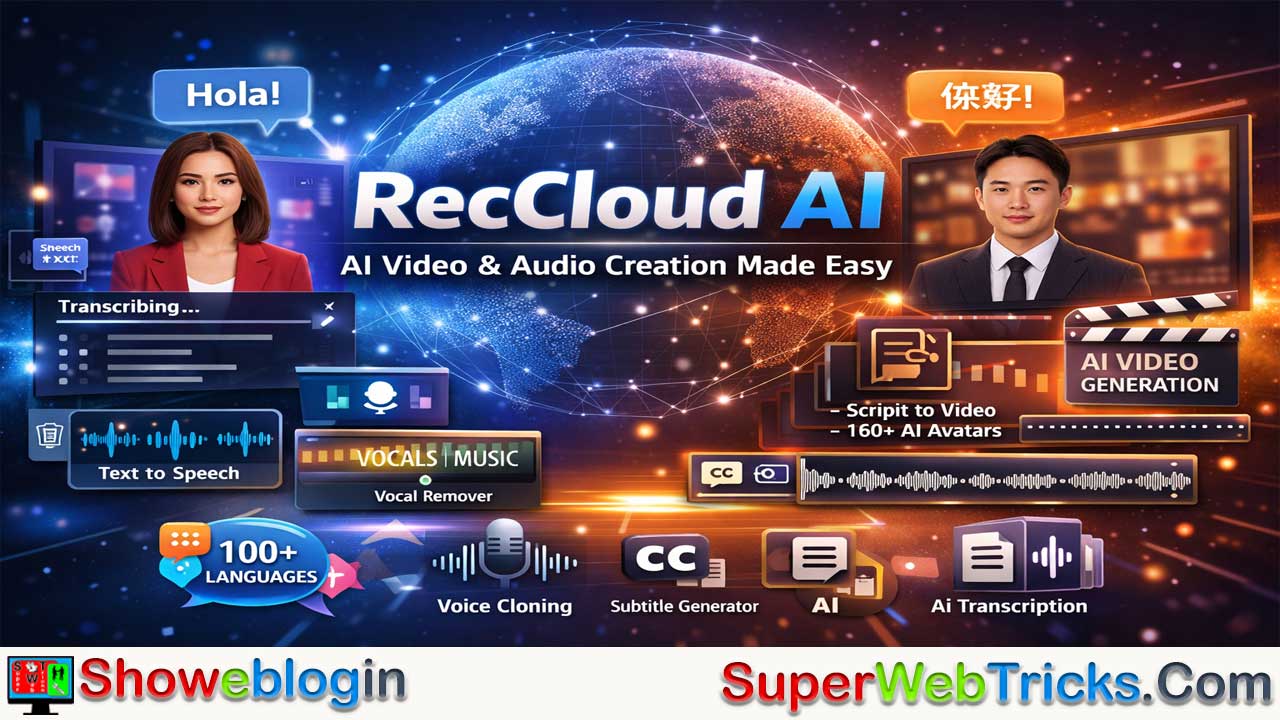






RecCloud AI is an all-in-one, cloud-based multimedia platform that combines AI-powered video and audio tools into a single, user-friendly interface, making it ideal for content creators, educators, marketers, students, and business professionals.
Its standout feature is the AI Video Translator, which supports 100+ languages with options for subtitles, dubbing, and voice cloning that sync naturally with video timing. The platform also offers speech-to-text transcription with speaker identification and AI summaries, text-to-video generation with 160+ AI avatars, automatic subtitle creation, vocal removal, text-to-speech, and built-in screen recording and editing tools.
Operating on a flexible credit-based pricing system with multiple subscription tiers, RecCloud centralizes tasks that would otherwise require several separate tools. Despite limitations such as credit consumption for advanced features and reliance on internet connectivity, its multilingual support, speed, accuracy, and continuous innovation make it a powerful “Swiss Army Knife” for modern AI-driven content creation.
| Category | Details |
|---|---|
| What it is | All-in-one AI multimedia creation & processing platform |
| Core Uses | Video translation, transcription, subtitling, AI video generation |
| Platforms | Web, Windows, iOS, Android |
| Languages Supported | 100+ languages |
| Key Features | AI Video Translator (subtitles/dubbing/voice cloning), Speech-to-Text, Summarizer, Text-to-Video with AI avatars, Subtitle Generator, Vocal Remover, Text-to-Speech |
| Pricing Model | Credit-based with Free, Weekly, Basic, Pro, Business tiers |
| Best For | YouTubers, creators, educators, students, marketers, business pros |
| Pros | All-in-one tools, multilingual, fast, accurate, cross-platform |
| Cons | Credit costs, limited free tier, internet required |
| Standout Feature | AI Video Translator with voice cloning |
RecCloud AI: The “Swiss Army Knife” for AI Video & Audio Creation – A Detailed Review
In the rapidly evolving world of content creation and AI tools, finding a platform that balances power with simplicity is rare. RecCloud AI stands out as a versatile, cloud-based multimedia platform that combines powerful artificial intelligence with an intuitive user experience.
Whether you are a content creator, marketer, educator, podcaster, business professional, or student, RecCloud AI offers a suite of tools designed to simplify audio and video processing — from transcription to translation to AI-generated videos.
This Showeblogin article dives deep into what RecCloud AI offers, its standout features, pricing structure, and why it might be the next essential tool in your digital arsenal.
What is RecCloud AI?
RecCloud is a comprehensive AI-powered platform that integrates video creation, editing, translation, and processing into a single interface. Unlike specialized tools that only do one thing (like just transcription or just video generation), RecCloud aims to be a unified hub. It allows users to generate, translate, summarize, and edit multimedia content without switching between different apps or websites.
It is accessible via Web browsers, as well as dedicated apps for Windows, iOS, and Android, ensuring you can work from anywhere.
Key Features Breakdown
RecCloud’s functionality is vast, but its “AI” capabilities are the real showstoppers. Here is a detailed look at the core tools:
1. AI Video Translator (The Star Feature)
This is arguably the platform’s most powerful tool for creators. It breaks down language barriers by automatically translating your videos into over 100+ languages (including Spanish, Chinese, French, German, Japanese, and more).
- Voice Cloning & Dubbing: It doesn’t just add subtitles; it can generate a dubbed audio track that mimics the original speaker’s voice (Voice Cloning) or uses a high-quality AI voice.
- Modes: You can choose between “Subtitles Only,” “Dubbing + Subtitles,” or “Voice Cloning” depending on your needs.
- Seamless Sync: The AI adjusts the translated speech to match the video timing, and it can even remove original “burnt-in” subtitles to replace them with clean, translated ones.
2. AI Speech-to-Text & Summarizer
Perfect for students and professionals, this tool converts audio or video files into accurate text.
- Speaker Identification: It can distinguish between different speakers, making it ideal for meeting minutes or interview transcripts.
- AI Summaries: Beyond simple transcription, it generates concise summaries, extracting key bullet points, action items, and highlights. This turns a 1-hour meeting recording into a 5-minute readable brief.
3. AI Video Generator
Create professional videos without a camera or actors.
- Text-to-Video: Simply type a script, and the AI generates a video complete with visuals and voiceovers.
- AI Avatars: Choose from over 160 lifelike AI avatars to act as your presenter. This is excellent for corporate training videos, explainers, or marketing content where a “human” touch is needed without the cost of a production crew.
- Image-to-Video: Animate static images into dynamic video clips.
4. AI Subtitle Generator
If you already have a video, this tool automatically generates precise subtitles in the original language or translates them. It’s a massive time-saver for creating accessible content for social media (TikTok, Reels, YouTube) where many users watch with sound off.
5. Additional Utilities
- AI Vocal Remover: Isolate vocals or instrumentals from a music track.
- AI Text-to-Speech: Convert written content into natural-sounding audio with various voice emotions and styles.
- Screen Recording & Editing: Basic tools to record your screen, trim clips, crop video, and merge files are built right in.
Pricing & Credit System
RecCloud operates on a “Credit” system, which offers flexibility but requires users to pay attention to their usage. Different tasks consume different amounts of credits (e.g., Video Translation is more “expensive” in credits than simple Transcription).
A free plan offers 10 credits, 2GB storage, and basic access for testing. Paid tiers start with Basic (~$1/week or equivalent monthly), providing 180-100 credits, 10GB storage, unlimited recordings/files, and full AI features. Pro/Business scale to 8,800-10,000 credits with more storage. Credits power tasks like 1 per extra minute of transcription; annual deals and API pricing reduce costs.
Subscription Tiers:
- Free Trial: Limited access to test features (usually heavily restricted on duration or watermarked).
- Pro (Weekly): ~$12.90/week – Best for one-off projects.
- Basic (Annual): ~$48/year (~$4/mo) – Entry-level for light users.
- Pro (Annual): ~$69/year (~$5.75/mo) – The “sweet spot” for most creators, offering roughly 8,800 credits/year.
- Business: Higher tiers for teams needing bulk processing and more storage.
Credit Usage Examples:
- Transcription: ~1 credit per minute.
- Video Translation (Dubbing): ~12–16 credits per minute (depending on if you use Voice Cloning).
- Video Generation: ~20–90 credits per usage depending on resolution (480p vs 1080p).
Note: Pricing and credit costs are subject to change. Always check the official pricing page for the latest info.
Why Users Love RecCloud AI
✅ All-in-One Platform
Instead of juggling several tools for transcription, translation, subtitling, and voiceovers, RecCloud centralizes everything in one place — reducing complexity and saving time.
🌍 Multilingual Support
With support for 99+ languages and dialects, RecCloud makes content truly global.
⚡ Fast and Accurate
AI processing is fast — often much faster than real-time — and delivers high-precision outputs for professional use.
📱 Cross-Platform Compatibility
Works on any modern browser and also offers mobile apps for on-the-go tasks.
🧠 Continuous Innovation
RecCloud regularly introduces new AI enhancements. For example, it has prepared support for advanced video generation models like Seedance 2.0, ensuring users get cutting-edge capabilities quickly after release.
Who Should Use RecCloud?
- YouTubers & Content Creators: To effortlessly translate videos and reach global audiences (e.g., turning an English review into a Spanish dubbed video).
- Educators & Students: For recording lectures and instantly getting summarized notes and transcripts.
- Marketing Teams: To create quick explainer videos using AI avatars without hiring talent.
- Business Professionals: For automated meeting minutes and turning reports into engaging video presentations.
Pros & Cons
| Pros | Cons |
|---|---|
| ✅ All-in-One: No need for 5 different subscriptions. | ❌ Credit Cost: High-end features like Video Translation consume credits quickly. |
| ✅ High Accuracy: Claims 95%+ accuracy for translations and transcripts. | ❌ Limited Free Plan: You really need a paid plan to do serious work. |
| ✅ Voice Cloning: Impressive ability to keep the original speaker’s “vibe” in translations. | ❌ Internet Dependent: Being cloud-based, you need a stable connection for large uploads. |
| ✅ Secure: GDPR compliant with ISO certifications ensures data privacy. |
Showeblogin Final Verdict
RecCloud AI is a robust, user-friendly platform that effectively democratizes high-end video production tools. Its standout feature is undoubtedly the AI Video Translator, which alone justifies the cost for creators looking to expand internationally.
While the credit system requires some management, the ability to transcribe, translate, generate, and edit in one place makes it a highly efficient “Swiss Army Knife” for modern digital creators.
With its combination of transcription, translation, voice generation, video creation, and automated editing features — all accessible in a web browser — RecCloud delivers professional-grade tools to everyday creators and teams alike.
👉 Whether you’re looking to automate tedious tasks or produce engaging multimedia content faster than ever before, RecCloud AI brings powerful features into one seamless workspace.
FAQs about RecCloud AI
What is RecCloud AI?
RecCloud AI is a cloud-based AI platform that combines video translation, transcription, summarization, subtitle generation, AI video creation, and audio tools into one unified interface.
How does RecCloud AI work?
It uses artificial intelligence to process uploaded audio or video files, generating translations, transcripts, summaries, subtitles, dubbed audio, or AI-generated videos depending on the selected tool.
What is the AI Video Translator feature?
It is a tool that translates videos into 100+ languages with options for subtitles only, dubbing with AI voices, or voice cloning that mimics the original speaker.
Does RecCloud AI support voice cloning?
Yes, it can replicate the tone and style of the original speaker when translating videos into other languages.
How many languages does RecCloud AI support?
It supports over 100 languages and dialects for translation and subtitling.
Can RecCloud AI generate subtitles automatically?
Yes, it can automatically detect speech and create accurate subtitles in the original language or translated versions.
Does it provide speech-to-text transcription?
Yes, it converts audio and video files into text with high accuracy.
Can it identify multiple speakers in a recording?
Yes, the platform includes speaker identification for meetings, interviews, and discussions.
Does RecCloud AI create summaries of recordings?
Yes, it can generate concise summaries, key points, and action items from long recordings.
What is the AI Video Generator?
It is a feature that converts scripts or text into videos with AI-generated visuals and voiceovers.
Does RecCloud AI offer AI avatars?
Yes, it provides over 160 AI avatars that can act as presenters in generated videos.
Can I create videos without filming myself?
Yes, you can generate videos using AI avatars and text-to-video features without appearing on camera.
Is RecCloud AI web-based?
Yes, it works in web browsers and also offers apps for Windows, iOS, and Android.
Does it require installation?
No installation is required for browser use, but desktop and mobile apps are available.
What is the pricing model?
It operates on a credit-based system where different features consume different amounts of credits.
Is there a free plan?
Yes, but it is limited and may include restrictions such as watermarks or usage caps.
How are credits consumed?
Credits are deducted based on usage type and duration, with video translation and generation using more credits than transcription.
Is RecCloud AI suitable for YouTubers?
Yes, it is ideal for translating, subtitling, and repurposing content for global audiences.
Can businesses use RecCloud AI for meetings?
Yes, it can generate meeting transcripts, summaries, and multilingual video content.
Is it useful for educators and students?
Yes, it helps convert lectures into transcripts and summaries for easier study and review.
Does it support text-to-speech?
Yes, it converts written text into natural-sounding audio with different voice styles.
Can it remove vocals from music?
Yes, it includes an AI vocal remover to isolate vocals or instrumentals.
Is the platform secure?
It states compliance with data protection standards such as GDPR and ISO certifications.
Does RecCloud AI work offline?
No, it is cloud-based and requires an internet connection.
Can it remove burnt-in subtitles?
Yes, the AI Video Translator can remove existing hardcoded subtitles and replace them with translated ones.
Is it beginner-friendly?
Yes, the interface is designed to be intuitive and accessible for non-technical users.
Who should use RecCloud AI?
Content creators, marketers, educators, students, podcasters, and business professionals can benefit from its features.
Does it support high-resolution video generation?
Yes, higher resolutions like 1080p are available, though they consume more credits.
Can I use it for social media content?
Yes, it is well-suited for creating subtitled and translated videos for platforms where viewers often watch without sound.
Is RecCloud AI an all-in-one solution?
Yes, it combines multiple AI multimedia tools into one platform, reducing the need for separate subscriptions.












Leave a Reply
You must be logged in to post a comment.