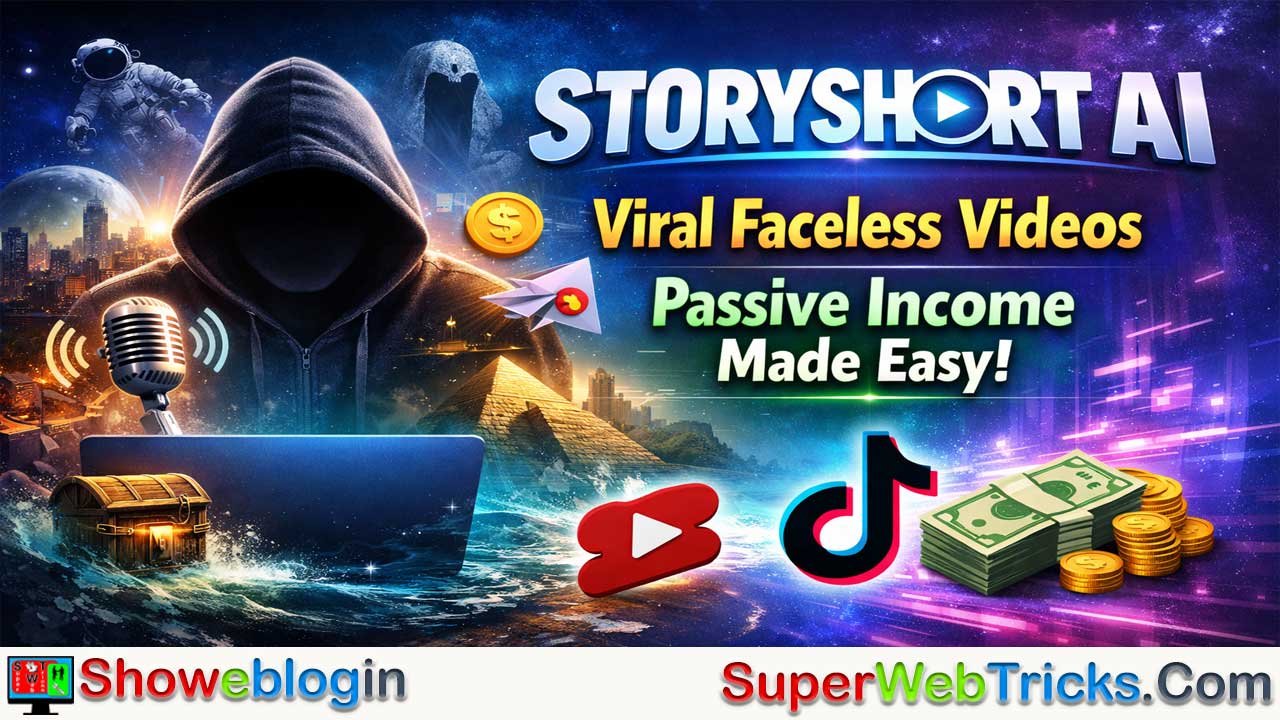
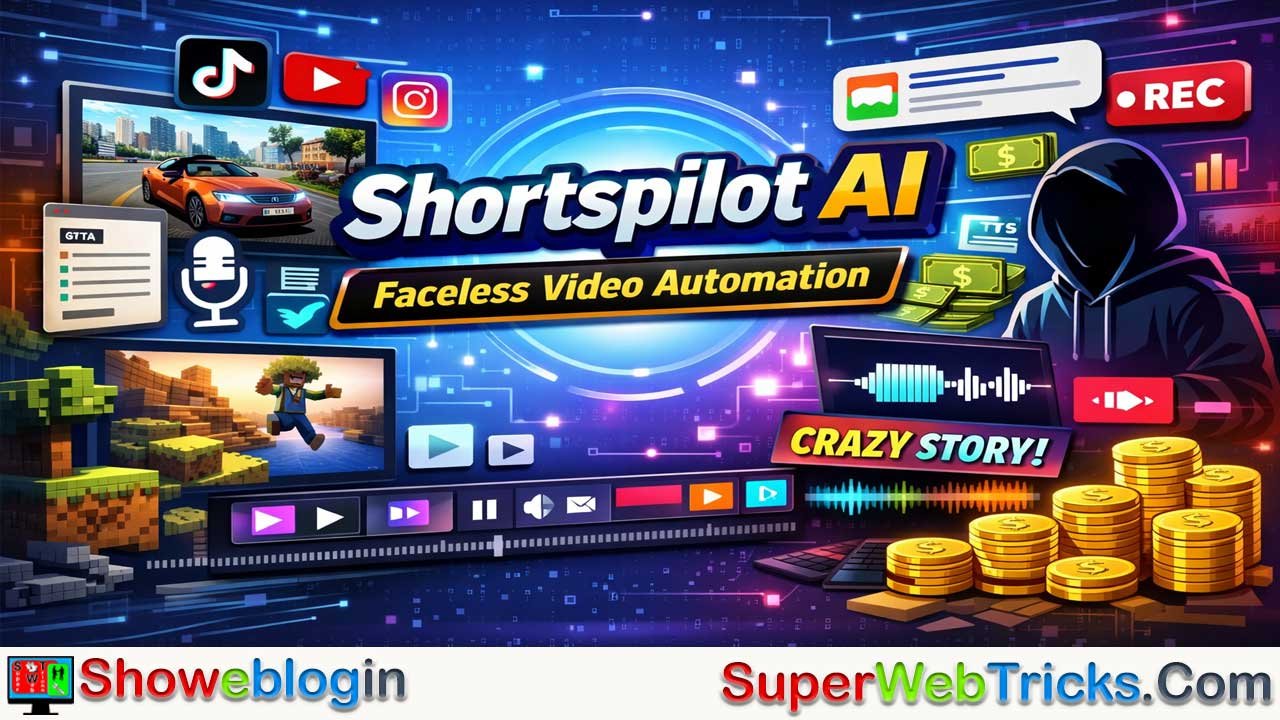


StoryShort AI is a 2026-focused automation platform built for creators who want to scale viral faceless videos on YouTube Shorts, TikTok, and Instagram Reels without filming or editing manually.
Using GPT-powered scripts, ElevenLabs-grade voiceovers, cinematic AI visuals, and auto-synced subtitles, it turns a simple text prompt into a polished vertical video in minutes, with features like niche-specific styles (horror, memes, ASMR, history), series-based retention, hyper-realistic narration, and built-in scheduling for global audiences.
Compared to tools like InVideo and Fliki, StoryShort prioritizes speed, consistency, and short-form virality over granular editing control, making it ideal for high-volume AdSense, affiliate marketing, and faceless brand deals. While not a guaranteed path to instant wealth and requiring fact-checking and sufficient credits for heavy use, it stands out as one of the most efficient “content factories” for creators aiming to monetize at scale in the faceless video economy.
| Feature | Details |
|---|---|
| Purpose | AI-driven automation for viral faceless short videos |
| Best For | YouTube Shorts, TikTok, Instagram Reels creators |
| Core Tech | GPT AI scripting, generative visuals, AI voiceovers |
| Voice Quality | High-end voices (ElevenLabs-style) |
| Visuals | AI scenes + premium stock |
| Auto-Posting | Yes — schedule to TikTok & YouTube |
| Retention Tools | Series feature & hooks |
| Strengths | Fast production, consistent branding, global appeal |
| Weaknesses | Can hallucinate facts; credits may run out |
| Monetization | AdSense, affiliate marketing, faceless brand deals |
| Best Compared To | InVideo (more editing control), Fliki (text-heavy) |
| Pricing Model | Credit-based tiers |
| Ideal Users | High-volume content creators aiming for scale |
StoryShort AI Review (2026): Automate Viral Faceless Videos & Maximize Revenue
In the gold rush of the creator economy, “Faceless Channels” have become the most lucrative secret. Creators are earning thousands of dollars monthly via AdSense and affiliate marketing without ever showing their faces or recording a single second of footage. But the competition is fierce, and consistency is the bottleneck.
Enter StoryShort AI, a cutting-edge automation tool designed to shatter that bottleneck. By combining GPT-4 scripting, ElevenLabs voice synthesis, and cinematic AI visuals, it promises to turn a single text prompt into a viral vertical video in minutes.
Is this the tool that finally makes “passive income” actually passive? In this deep-dive review, we explore its capabilities, compare it to giants like InVideo and Fliki, and reveal a step-by-step strategy to monetize your content globally.
What is StoryShort AI?
StoryShort AI is a specialized “text-to-video” platform engineered for the short-form video explosion. While traditional editors require you to hunt for stock footage and sync audio manually, StoryShort automates the entire production pipeline.
It is specifically built for YouTube Shorts, TikTok, and Instagram Reels—platforms where algorithm-friendly consistency matters more than Hollywood-level production.
How It Works Under the Hood
The platform integrates several layers of generative AI:
- Scripting Engine: Powered by advanced LLMs (like GPT-4), it writes retention-focused scripts with strong “hooks.”
- Visual Engine: Generates consistent characters and scenes using diffusion models, or pulls from premium stock libraries.
- Audio Engine: Uses top-tier voice synthesis (ElevenLabs & OpenAI) for indistinguishable human narration.
- Sync Engine: Automatically aligns subtitles, transitions, and background music to the beat of the voiceover.
Key Features Driving Global Traffic
To succeed internationally, your content must transcend language and cultural barriers. StoryShort’s features are tailored for this universal appeal.
1. Niche-Specific Video Styles
StoryShort doesn’t just make “generic” videos; it specializes in viral sub-cultures. You can select specific modes including:
- Scary Stories: Dark, atmospheric visuals perfect for the horror niche.
- Italian Brainrot & Memes: High-energy, chaotic editing styles that dominate Gen Z feeds.
- AI ASMR: Satisfying visuals and soft audio for the relaxation niche.
- History & Educational Facts: “Did you know?” style clips that are highly shareable across borders.
- Bedtime Stories: Gentle narratives for the parenting and kids’ niche.
2. The “Series” Feature (Retention Hack)
Algorithms love session time. StoryShort allows you to generate a continuous series (e.g., “The Mystery of the Lost City – Part 1”). This compels viewers to subscribe to catch “Part 2,” drastically boosting your channel’s authority and AdSense RPM (Revenue Per Mille).
3. Hyper-Realistic Voiceovers
Retention dies when viewers hear a robotic voice. StoryShort provides access to premium voices (such as “Adam,” “Charlotte,” and “Will”) that convey emotion—excitement, fear, or calmness—matching the tone of your script perfectly.
4. Auto-Posting & Scheduling
For international creators targeting different time zones (e.g., a creator in India targeting the US market), sleep is an issue. StoryShort connects directly to your YouTube and TikTok accounts, allowing you to schedule uploads for peak EST or GMT viewing times automatically.
Step-by-Step Guide: Creating Your First Viral Video
Here is a proven workflow to go from “Zero to Posted” in under 10 minutes.
Step 1: Choose Your Angle
Log in to StoryShort.ai and select a video type.
- Idea: “A suspenseful story about a diver finding something ancient.”
- Style: Cinematic / Realistic.
Step 2: Generate & Refine Script
Input your prompt. The AI will generate a script. Crucial Tip: Edit the “Hook” (the first sentence) to be punchy.
- Bad: “Here is a story about a diver.”
- Good: “You won’t believe what this diver found at the bottom of the Mariana Trench.”
Step 3: Customize Visuals & Audio
Select a voice that fits the mood (e.g., a deep male voice for mystery). Review the AI-generated images. If an image looks off, use the “Regenerate” button to get a fresh variation instantly.
Step 4: Export & Auto-Post
Once satisfied, hit generate. The tool renders the video in 1080p vertical format. You can then download it or use the auto-post feature to send it straight to your linked YouTube Shorts channel.
StoryShort AI vs. The Competition
Is it better than the alternatives? Here is how it stacks up against other major players in 2026.
| Feature | StoryShort AI | InVideo AI | Fliki |
|---|---|---|---|
| Best For | Viral Faceless Shorts | General Marketing/Long-form | Text-heavy/Blog-to-Video |
| Learning Curve | Zero (One-click) | Medium | Low |
| Voice Quality | ElevenLabs (Premium) | Standard AI | High (2000+ voices) |
| Visual Consistency | High (Character consistency) | Variable (Stock heavy) | Variable (Stock heavy) |
| Auto-Posting | Yes (TikTok/YT) | No | No |
| Pricing Model | Credit Based | Subscription (Time based) | Credit/Time based |
Verdict: If you want granular control to edit every pixel, choose InVideo. If you want a specialized, high-speed factory for viral Shorts, StoryShort AI is the superior choice.
Monetization Strategies: Maximizing Your Revenue
Don’t just make videos—build a business.
1. The AdSense Volume Play
YouTube Shorts pays less per view than long-form, so volume is key.
- Strategy: Use StoryShort to batch-produce 60 videos (2 per day for a month).
- Target: Niches like “Tech History” or “Strange Earth Facts” often have higher CPMs than general entertainment.
2. The Affiliate “Link in Bio”
Since you can’t place clickable links in Shorts descriptions easily, direct traffic to a “Link in Bio” or pinned comment.
- Offer: If your channel is about “AI Tools,” use StoryShort’s own Affiliate Program.
- Commission: They offer a generous 30% recurring commission with a 60-day cookie window. A single referral can pay you for months.
3. Faceless Brand Deals
Once you hit 10k subscribers, brands will pay for shoutouts. You can insert a 5-second “Sponsored by…” segment into your AI scripts easily.
Pricing: Is It Worth the Investment?
StoryShort typically operates on a credit system. While specific prices fluctuate, here is the general structure:
- Free/Trial: Great for testing the interface and voice quality. Often watermarked.
- Starter Plan: Geared towards hobbyists. Provides enough credits for ~10-15 videos a month.
- Pro/Elite Plan: The “Business in a Box” tier. Unlocks Long-Form generation (10-30 minute documentaries), priority processing, and higher credit limits.
Note: For the exact current pricing, always verify on the official pricing page.
Final Verdict
StoryShort AI is not a magic button that will make you a millionaire overnight—but it is the closest thing to a “cheat code” for content production we have seen in 2026. It solves the three biggest problems for new creators: Time, Skills, and Consistency.
Pros:
- 🚀 Extremely fast workflow (Idea to Video in <5 mins).
- 🗣️ Industry-leading voice realism.
- 📈 Built-in tools for “Series” and auto-posting.
Cons:
- ⚠️ AI can occasionally hallucinate facts (always fact-check historical content).
- ⚠️ Heavy users may need the top-tier plan to avoid running out of credits.
Your Next Move:
If you are ready to launch your faceless channel, stop overthinking.
Click here to try StoryShort AI for free and generate your first video today.
FAQs about StoryShort AI
What is StoryShort AI?
StoryShort AI is an automation platform that converts text prompts into fully produced faceless short-form videos using AI scripts, visuals, voiceovers, subtitles, and music.
Who is StoryShort AI best for?
It is best for creators who want to grow YouTube Shorts, TikTok, or Instagram Reels channels without filming, editing, or showing their face.
Does StoryShort AI create videos automatically?
Yes, the platform automates scripting, visuals, narration, subtitles, transitions, and rendering with minimal user input.
What type of videos can you create with StoryShort AI?
You can create scary stories, history facts, AI ASMR, memes, bedtime stories, educational shorts, and other viral faceless content.
Does StoryShort AI require video editing skills?
No, it is designed for beginners and works with a one-click or low-effort workflow.
Can StoryShort AI generate viral content?
While no tool guarantees virality, StoryShort AI is optimized for retention, hooks, pacing, and short-form algorithms.
Does StoryShort AI support YouTube Shorts?
Yes, it is specifically built for YouTube Shorts and exports videos in vertical format.
Does StoryShort AI support TikTok and Instagram Reels?
Yes, it supports both platforms and allows auto-posting and scheduling.
Does StoryShort AI offer auto-posting?
Yes, you can connect your social accounts and schedule uploads automatically.
Can StoryShort AI post to different time zones?
Yes, scheduling allows you to target peak times in different regions such as EST or GMT.
What AI powers the script generation?
StoryShort AI uses advanced large language models similar to GPT-4 to write high-retention scripts.
Are the scripts customizable?
Yes, you can fully edit and refine scripts, especially the hook and call-to-action.
What voiceovers does StoryShort AI use?
It uses premium AI voices similar to ElevenLabs with realistic emotional tones.
Are the voiceovers robotic?
No, the voices are designed to sound natural and human-like.
Can you choose different voices?
Yes, you can select different voices based on mood, niche, and audience.
Does StoryShort AI support multiple languages?
Yes, it supports global content creation and multilingual voiceovers.
Can StoryShort AI help grow international channels?
Yes, its language support and scheduling make it suitable for global audiences.
How are visuals generated in StoryShort AI?
The platform uses AI-generated scenes, consistent characters, and premium stock assets.
Does StoryShort AI maintain visual consistency?
Yes, it offers better character and scene consistency than most stock-based tools.
Can visuals be regenerated if they look wrong?
Yes, you can instantly regenerate individual images.
Does StoryShort AI add subtitles automatically?
Yes, subtitles are auto-synced with the voiceover for better retention.
Is background music included?
Yes, music is automatically added and synced to the narration.
What video resolution does StoryShort AI export?
Videos are rendered in 1080p vertical format.
Is StoryShort AI good for faceless channels?
Yes, it is specifically designed for faceless content creators.
Can StoryShort AI be used for passive income?
It can support passive income strategies, but success still depends on consistency and niche choice.
How can you monetize videos made with StoryShort AI?
Common methods include AdSense, affiliate marketing, and faceless brand deals.
Does StoryShort AI work with affiliate marketing?
Yes, many creators use it to promote tools, products, or services via links in bio.
Does StoryShort AI have an affiliate program?
Yes, it offers a recurring commission affiliate program.
Can StoryShort AI be used for brand deals?
Yes, you can easily insert sponsored segments into AI scripts.
Is StoryShort AI better than InVideo?
It is better for fast, viral short-form content, while InVideo offers more manual editing control.
Is StoryShort AI better than Fliki?
It is more optimized for viral Shorts, while Fliki focuses more on text-heavy or blog-style videos.
Does StoryShort AI support long-form videos?
Higher-tier plans allow long-form and documentary-style content.
Is StoryShort AI beginner-friendly?
Yes, the interface is simple and requires no prior experience.
Does StoryShort AI use a credit system?
Yes, video generation consumes credits based on length and features.
Is there a free trial available?
Yes, a free or trial version is typically available, often with watermarks.
Are videos watermarked on the free plan?
Free or trial plans may include watermarks.
Do credits reset monthly?
Credits usually reset based on your subscription cycle.
Can credits run out quickly?
Heavy users may need higher-tier plans to avoid running out.
Does StoryShort AI hallucinate facts?
Like all AI tools, it can occasionally generate incorrect facts, so fact-checking is recommended.
Is StoryShort AI safe to use for educational content?
Yes, but users should verify accuracy, especially for history or science topics.
Can you batch-produce videos with StoryShort AI?
Yes, it is ideal for high-volume content production.
How fast can you create a video?
Most videos can be generated in under 5–10 minutes.
Does StoryShort AI replace human creativity?
No, it enhances speed and efficiency, but strategy and creativity still matter.
Is StoryShort AI worth it in 2026?
For creators focused on scaling faceless short-form content, it is considered a strong investment.
Do you own the videos created with StoryShort AI?
Yes, creators generally retain usage rights for generated content.
Can StoryShort AI help new channels grow faster?
It can help by enabling consistency, which is crucial for algorithmic growth.
Is StoryShort AI a guaranteed way to make money?
No, it is a tool, not a guarantee, and results depend on execution.
Can beginners realistically succeed with StoryShort AI?
Yes, many beginners use it as a low-barrier entry into content creation.
Does StoryShort AI require a powerful computer?
No, everything runs in the cloud through a browser.
Can StoryShort AI be used daily?
Yes, many creators use it daily to maintain posting consistency.
Is StoryShort AI legal to use for monetized content?
Yes, it is designed for monetized social media use.
Where can you try StoryShort AI?
You can try it directly on the official StoryShort AI website.



Leave a Reply
You must be logged in to post a comment.