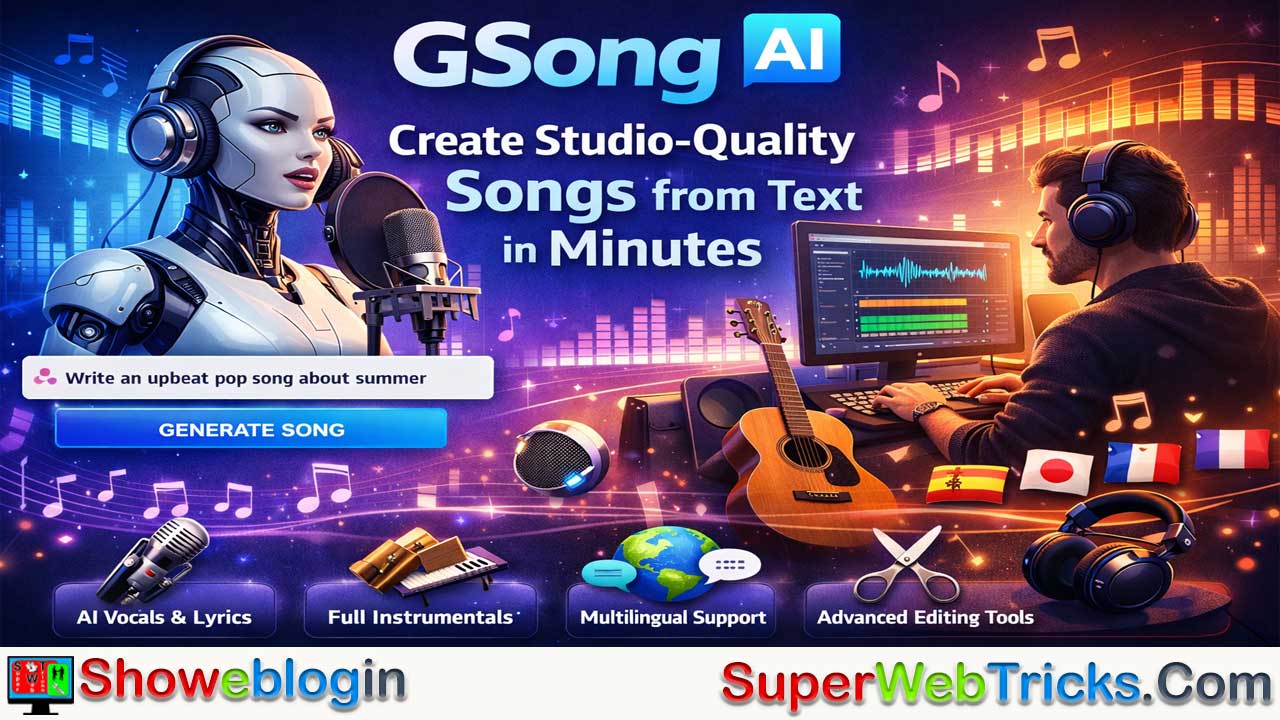






GSong AI is an advanced AI music generation platform that converts simple text prompts or full lyrics into complete, studio-quality songs with vocals, lyrics, and instrumentals, requiring no musical expertise.
It offers two main models—GSong 1.0 for quick tracks up to four minutes and the more powerful subscriber-only GSong 2.0 for smarter prompts and songs up to eight minutes. Users can create music through a beginner-friendly text-to-song mode or a customizable lyrics-to-song mode, while multilingual support and editing tools like song extension, vocal removal, and high-quality export enhance flexibility.
With a freemium pricing model that includes daily free credits and a low-cost subscription unlocking advanced features and commercial licenses, GSong AI provides creators, marketers, and hobbyists an accessible way to produce personalized, royalty-free music efficiently.
| Category | Details |
|---|---|
| Tool Name | GSong AI |
| Type | AI Song Generator (Text-to-Song & Lyrics-to-Song) |
| Main Function | Converts prompts or lyrics into full songs with vocals, lyrics, and instrumentals |
| Models | GSong 1.0 (up to 4 min), GSong 2.0 (up to 8 min, subscriber) |
| Generation Modes | Simple Mode (AI writes song), Custom Mode (use your lyrics & settings) |
| Key Features | Song extending, vocal removal, stem splitting, replace music sections |
| Languages | Multilingual (English, Hindi, Spanish, Chinese, Arabic, Japanese, French, etc.) |
| Export Formats | MP3, WAV |
| Free Plan | ~20 daily credits (≈4 songs/day) |
| Subscription | ~ $7.92/month (GSong 2.0, faster generation, commercial use) |
| Best For | Content creators, YouTubers, podcasters, marketers, hobbyists |
| Skill Required | No musical expertise needed |
GSong AI Review: Create Studio-Quality Songs from Text in Minutes
In the rapidly evolving world of artificial intelligence, music generation has become one of the most exciting frontiers for creators. Among the tools leading this charge is GSong AI, a sophisticated platform designed to turn simple text prompts into studio-quality songs.
Whether you are a content creator looking for royalty-free background music, a songwriter seeking inspiration, or a hobbyist wanting to surprise someone with a personalized track, GSong AI offers a professional-grade suite of tools that requires zero musical expertise.
What is GSong AI?
GSong AI is an advanced online AI song generator that transforms keywords, phrases, or full lyrics into complete musical compositions. Unlike simpler tools that only provide melodies, GSong AI generates vocals, lyrics, and full instrumental arrangements simultaneously.
The platform is built on two primary models:
- GSong 1.0: Optimized for quick, well-structured tracks up to 4 minutes long.
- GSong 2.0: Available for subscribers, this model offers smarter prompt interpretation, improved genre “mashups,” and the ability to create songs up to 8 minutes in length.
Key Features for AI Users
1. Dual Generation Modes
GSong AI caters to both beginners and advanced users through two distinct paths:
- Simple Mode (Text-to-Song): Users describe the mood, genre, and topic (e.g., “A melancholic 90s grunge song about a rainy day in Seattle”). The AI then handles everything from writing the lyrics to composing the melody.
- Custom Mode (Lyrics-to-Song): For those who already have a vision, this mode allows you to input your own lyrics, select specific vocal types (male, female, or robotic), and set precise tempos.
2. Multilingual Support
One of GSong’s standout capabilities is its global reach. It supports a wide array of languages, including English, Spanish, Chinese, Hindi, Arabic, Japanese, and French, making it a versatile tool for international creators.
3. Advanced Editing Tools
The platform goes beyond simple “one-click” generation with features like:
- Song Extending: If you love a generated track but need it to be longer, you can add new verses or choruses while maintaining the original rhythm and tone.
- Vocal Removal: Use the built-in stem splitter to isolate instrumentals for karaoke or background music.
- Format Selection: Export your creations in high-quality MP3 or WAV formats.
How to Use GSong AI: A Step-by-Step Guide
- Select Your Input: Choose between “Text to Song” (letting the AI write) or “Lyrics to Song” (using your own words).
- Define the Style: Choose from genres like Pop, Rock, EDM, Jazz, or Rap. You can also specify the mood (energetic, relaxing, dark) and the instrumentation (piano-heavy, synth-driven, etc.).
- Generate & Preview: Hit the generate button. Most tracks are ready in under a minute.
- Refine & Download: Use the “Replace Music Section” tool if you want to swap out an intro or a bridge, then download your final version.
Pricing and Accessibility
GSong AI follows a “freemium” model that is very accessible for new users:
- Free Tier: Users typically receive 20 daily credits, allowing for roughly 4 free song generations every 24 hours.
- Subscription Tier: Priced around $7.92/month, the pro version unlocks the 8-minute GSong 2.0 model, faster generation speeds, and commercial usage licenses.
Showeblogin Verdict
For AI tool enthusiasts, GSong AI stands out because of its balance between simplicity and depth. It doesn’t just “make a beat”; it constructs a narrative through song. For YouTubers, podcasters, and marketers, it provides a cost-effective way to generate unique, royalty-free audio that fits their specific content needs.
FAQs about GSong AI
What is GSong AI?
GSong AI is an AI song generator that converts text prompts or lyrics into complete songs with vocals, lyrics, and instrumentals.
How does GSong AI work?
Users enter a prompt or lyrics, choose a style and mood, and the AI composes a full song automatically in under a minute.
What is the difference between GSong 1.0 and GSong 2.0?
GSong 1.0 focuses on quick songs up to four minutes, while GSong 2.0 offers better prompt understanding, genre blending, and songs up to eight minutes.
Is GSong AI free to use?
Yes, it offers a free tier with daily credits that allow several song generations each day.
How many songs can you generate for free?
Typically around four songs per day using the daily free credits.
Can I use GSong AI for commercial projects?
Commercial usage is generally available with the subscription plan.
Does GSong AI create vocals automatically?
Yes, it generates vocals along with lyrics and instrumentals in a single process.
Can I upload my own lyrics?
Yes, the Custom Mode allows you to paste your own lyrics and control style, tempo, and vocals.
What genres does GSong AI support?
It supports many genres including pop, rock, EDM, jazz, rap, lo-fi, cinematic, and more.
Does GSong AI support multiple languages?
Yes, it supports many languages such as English, Hindi, Spanish, Chinese, Arabic, Japanese, and French.
How long does it take to generate a song?
Most songs are generated in under a minute depending on complexity and server load.
Can I extend a generated song?
Yes, the song extending feature lets you add verses or choruses while keeping the same style.
Is it possible to remove vocals from a track?
Yes, the platform includes a stem splitter to isolate instrumentals or remove vocals.
What export formats are available?
Songs can be downloaded in high-quality MP3 or WAV formats.
Do I need music production skills to use GSong AI?
No, it is designed for beginners and requires no musical knowledge.
Can creators use GSong AI for YouTube videos?
Yes, it is commonly used for background music in YouTube videos and other content.
Can I control the voice type?
Yes, users can choose voice styles such as male, female, or robotic vocals.
Does GSong AI allow genre mashups?
Yes, especially with GSong 2.0, users can combine multiple genres in one song.
Is GSong AI good for songwriters?
Yes, it can help generate ideas, melodies, and full demo tracks for inspiration.
Can I edit specific parts of a song?
Yes, you can replace sections like the intro, verse, or bridge.
Does GSong AI work online or offline?
It is an online platform that runs in the browser.
Is there a limit to song length?
Yes, free model songs are shorter, while the advanced model allows longer songs up to eight minutes.
Can I create personalized songs for gifts?
Yes, many users create custom songs for birthdays, events, or surprises.
Does GSong AI generate lyrics automatically?
Yes, in text-to-song mode the AI writes lyrics based on your prompt.
Is GSong AI useful for marketers and podcasters?
Yes, it helps create royalty-free audio tailored to specific content needs.
Do I need to install software to use it?
No installation is required since it runs in a web browser.
Can I regenerate a song if I don’t like it?
Yes, you can regenerate variations using the same prompt.
Does GSong AI support instrumental-only music?
Yes, you can create instrumental tracks or remove vocals after generation.
Is faster generation available with subscription?
Yes, paid plans typically include faster processing speeds.
Can beginners use GSong AI easily?
Yes, the simple mode is designed specifically for beginners.
Can I choose tempo and instrumentation?
Yes, custom settings allow control over tempo, mood, and instruments.
Does GSong AI help with music ideas?
Yes, it is widely used for brainstorming song concepts and demos.
Is there a credit system?
Yes, song generation usually consumes credits, especially on the free plan.
Can I use GSong AI for background music?
Yes, it is commonly used to create royalty-free background tracks.
Does the platform support collaboration?
While primarily single-user, generated tracks can be shared and edited externally.
Is GSong AI suitable for hobby users?
Yes, it is designed for hobbyists, creators, and professionals alike.
Can I create different versions of the same song?
Yes, you can generate multiple variations from the same prompt or lyrics.












Leave a Reply
You must be logged in to post a comment.