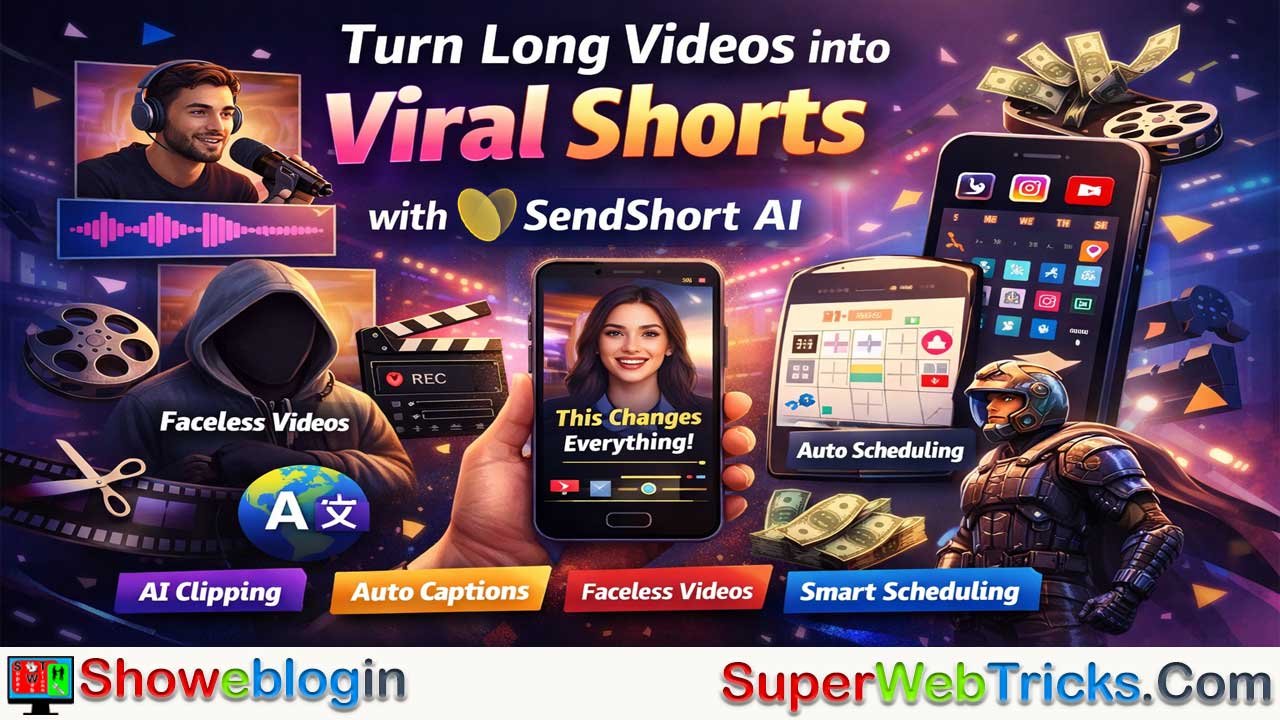






SendShort AI is an all-in-one, AI-powered video editing platform designed to help creators dominate short-form content on platforms like TikTok, Instagram Reels, and YouTube Shorts by automating time-consuming tasks such as clipping, captioning, and formatting.
It transforms long videos—like podcasts, streams, or webinars—into viral-ready shorts using an AI Viral Clip Generator that identifies high-engagement moments, adds customizable 98% accurate auto-captions in multiple languages, and enhances videos with smart auto-zoom and AI-driven B-roll. Beyond clipping, SendShort also features a faceless video generator that turns scripts or ideas into fully produced videos with stock footage and voiceovers, plus built-in scheduling for consistent multi-platform posting.
With tiered pricing starting around $15/month and offering generous features even at lower plans, it stands out from competitors by including long-to-short clipping and faceless video tools without heavy paywalls. Ideal for podcasters, gamers, educators, marketers, and solo creators, SendShort positions itself as both an editor and growth engine—saving hours each week while helping users scale content output and maximize reach in today’s fast-paced “micro-attention” economy.
| Category | Details |
|---|---|
| Platform Type | AI-powered short-form video editing tool |
| Main Purpose | Convert long videos into viral short clips |
| Target Platforms | TikTok, Instagram Reels, YouTube Shorts |
| Core Feature | AI Viral Clip Generator (long-to-short) |
| Captions | 98% accurate auto-captions, 50+ languages, customizable styles |
| Faceless Video Tool | Text-to-video with AI voiceover & stock footage |
| Smart Editing | Auto-zoom, face detection, AI B-roll insertion |
| Scheduling | Direct posting & automated multi-platform scheduling |
| Free Plan | 3 videos/month |
| Starter Plan | ~$15/month (20 shorts, no watermark) |
| Professional Plan | ~$23/month (50 shorts, longer duration) |
| Business Plan | ~$47/month (unlimited shorts & faceless videos) |
| Best For | Creators, podcasters, gamers, marketers, agencies |
| Key Benefit | Saves 10–15 hours/week on editing & repurposing content |
Mastering Short-Form Content: The Ultimate Guide to SendShort AI
In the current digital landscape, attention is the new currency. Whether you are a YouTuber, a small business owner, or a digital marketer, the ability to capture an audience’s interest in under 60 seconds is no longer a luxury—it’s a survival skill. Enter SendShort, an all-in-one AI-powered video editing platform designed to transform the grueling process of content creation into a streamlined, high-output operation.
This article provides an in-depth exploration of SendShort, detailing its features, pricing, and practical strategies to help you dominate platforms like TikTok, Instagram Reels, and YouTube Shorts.
Introduction: The Era of the “Micro-Attention” Economy
The rise of TikTok and YouTube Shorts has fundamentally changed how we consume information. Statistics show that short-form video is 2.5 times more engaging than long-form content. However, the manual labor involved—clipping long videos, adding frame-by-frame captions, and finding the “perfect hook”—can take hours, if not days.
SendShort was built to solve this exact problem. By leveraging advanced artificial intelligence, it automates the most tedious parts of video editing, allowing creators to focus on strategy and storytelling rather than technical manual labor.
Core Features Deep Dive
What sets SendShort apart from basic video editors is its specialized AI suite tailored specifically for viral growth.
A. AI Viral Clip Generator (Long-to-Short)
The flagship feature of SendShort is its ability to ingest a long video—such as a podcast, a gaming stream, or a webinar—and automatically identify the most “viral-ready” moments.
- YouTube Link Integration: You don’t even need the raw file. Paste a YouTube URL, and the AI scans the video to find high-engagement segments.
- Smart Trimming: The AI doesn’t just cut randomly; it looks for shifts in tone, key statements, and audience-retention cues to ensure every clip has a beginning, middle, and a hook.
B. 98% Accurate Auto-Captions
In an environment where over 80% of mobile users watch videos on mute, captions are non-negotiable. SendShort offers:
- Style Customization: Choose from over 10+ caption styles, including the popular “Alex Hormozi” or “MrBeast” styles that use dynamic colors and emojis to keep viewers hooked.
- Multi-lingual Support: It supports over 50 languages and can even translate your subtitles, allowing you to reach a global audience without needing a translator.
C. AI Faceless Video Generator
One of the biggest barriers to content creation is being “camera shy.” SendShort removes this barrier entirely.
- Text-to-Video: You provide a script or a topic, and the AI generates the script, selects high-quality stock footage (B-roll), adds an AI voiceover, and stitches it all together into a professional video.
- Niche Diversity: Whether you’re making “Daily Motivational Quotes,” “Fun Facts,” or “Scary Stories,” the AI adapts the visual style to fit the vibe.
D. Automated Content Scheduling
Creation is only half the battle; consistency is the other. SendShort includes a built-in scheduler that allows you to:
- Direct Posting: Connect your TikTok, YouTube, and Instagram accounts.
- Set and Forget: Schedule your week’s worth of content in one sitting. The tool will auto-publish at your chosen times, ensuring your channel stays active even while you sleep.
E. Smart Auto-Zoom & B-Roll
To keep a viewer’s eyes from wandering, movement is essential.
- Face Detection: The AI automatically zooms in on the speaker’s face to create a more intimate and professional “talking head” feel.
- B-Roll Integration: If a segment feels too static, the AI can suggest or automatically insert relevant B-roll footage to illustrate the points being made.
How SendShort Works: A Step-by-Step User Guide
For new users, the interface is remarkably intuitive. Here is the workflow for turning one long video into ten viral shorts:
Step 1: Import Your Media
Navigate to SendShort.ai and log in. You have two options: upload a file (MP4, MOV) or paste a YouTube/Twitch link. For podcasts, the link method is incredibly efficient as it saves you the time of downloading large files.
Step 2: AI Analysis & Clipping
Once imported, click on “Generate Clips.” The AI will process the video. Within minutes, you will be presented with several suggested clips. Each clip comes with a “Virality Score” and a summary of why the AI thinks it will perform well.
Step 3: Customization & Branding
Enter the editor for your chosen clip. Here, you can:
- Adjust the Frame: Ensure the speaker is perfectly centered in the 9:16 vertical format.
- Pick a Theme: Apply a pre-made caption theme that matches your brand’s aesthetic.
- Add Elements: Insert your logo, specific transitions, or background music from SendShort’s library.
Step 4: Review and Export
Preview your video to ensure the captions are accurate (you can manually edit any typos). When satisfied, hit “Export.” SendShort exports in high definition (up to 4K depending on your plan) without watermarks on paid tiers.
SendShort vs. The Competition
In a market with tools like Opus Clip and Submagic, SendShort has carved out a niche as the “all-in-one” value leader.
| Feature | SendShort | Submagic | Opus Clip |
|---|---|---|---|
| Pricing | Starts ~$15/mo | Starts ~$20/mo | Starts ~$19/mo |
| Faceless Video | Included | Not available | Limited |
| Long-to-Short | Included in base price | Extra fee on some plans | Primary focus |
| Scheduling | Multi-platform | Limited | Available |
| B-Roll | AI-driven | Manual/Static | Limited |
Why choose SendShort?
If you are a solo creator looking for the best “bang for your buck,” SendShort wins because it doesn’t charge extra for clipping long videos into shorts—a feature that competitors often gate behind higher pricing tiers. Additionally, the inclusion of a faceless video generator makes it a dual-purpose tool for both personal brands and “cash cow” channels.
Pricing and Plans: Finding Your Fit
SendShort offers a tiered structure to accommodate everyone from hobbyists to agencies. (Prices based on current annual billing rates).
- Free Plan: – Best for: Testing the waters.
- Included: 3 videos per month. Perfect for seeing if the AI fits your workflow.
- Starter (~$15/mo billed yearly):
- Best for: Individual creators.
- Included: 20 shorts per month, 1.5-minute max duration, no watermark, 3 faceless videos/week.
- Professional (~$23/mo):
- Best for: Growing influencers.
- Included: 50 shorts per month, 3-minute max duration, custom themes, and 10 faceless videos/week.
- Business (~$47/mo):
- Best for: Agencies and “content machines.”
- Included: Unlimited shorts, 10-minute max duration (useful for longer Reels/Shorts), and unlimited faceless video generation.
Advanced Use Cases: Who is this for?
The Podcaster
Stop letting your 2-hour episodes sit on YouTube with only 100 views. Use SendShort to extract the most controversial or insightful 45-second nuggets. Post these on TikTok with a “Link in Bio” to the full episode. This is the #1 way top podcasters like Joe Rogan or Diary of a CEO grow their audience.
The Gamer
Manual editing of gaming highlights is tedious. SendShort can identify high-energy moments (shouting, fast movement, or specific keywords) and turn them into “Epic Win” or “Funny Fail” shorts for YouTube.
The Educator/Coach
Turn your webinars or teaching sessions into “Daily Tips.” Use the auto-captioning feature to make your educational content accessible to people commuting or in public spaces.
The Affiliate Marketer
By using the Faceless Video Generator, you can create product review series or “Top 5 Products” videos without ever buying a camera. Combine this with your affiliate links in the comments for a passive income stream.
Pro Tips for Going Viral with SendShort
- The “Hormozi” Hook: Use the dynamic caption styles to highlight the first 3 seconds of your video. Use a “bait” word in a different color (like yellow or red) to stop the scroll.
- CTR Thumbnail Testing: SendShort allows you to test thumbnails. Never settle for the default frame. Choose a frame with high emotion or a curious visual to increase click-through rates.
- Double Down on AI B-Roll: If you are talking about “Money,” don’t just show your face. Let the AI insert a 2-second clip of falling cash. Visual variety keeps the brain engaged.
- Consistency over Quality (Initially): In the short-form world, the algorithm needs data. Use the “Automated Series” feature to post 1-2 times daily. Once you see which “type” of video gets views, use SendShort to create more of that specific style.
Conclusion: Is SendShort Worth It?
For any serious AI tool user, the answer is a resounding yes. The sheer amount of time saved—roughly estimated at 10-15 hours per week for a consistent creator—easily justifies the monthly subscription fee.
SendShort isn’t just an editor; it’s a content strategist in your pocket. It understands the nuances of vertical video, the importance of kinetic typography, and the necessity of multi-platform distribution. If you’re ready to stop “working” on your videos and start “growing” your brand, SendShort is the engine that will get you there.
Ready to start? Visit SendShort.ai and try your first three videos for free. Your viral moment is likely hidden inside a video you’ve already filmed—you just need the right tool to find it.
FAQs about SendShort
What is SendShort AI used for?
SendShort AI is used to turn long-form videos like podcasts, streams, or webinars into short, vertical clips optimized for TikTok, Instagram Reels, and YouTube Shorts.
How does SendShort create viral clips?
It uses AI to analyze long videos, detect high-engagement moments, and automatically generate short clips with strong hooks, structured flow, and audience-retention cues.
Does SendShort add captions automatically?
Yes, it provides up to 98% accurate auto-captions with customizable styles and supports over 50 languages, including subtitle translation.
Can I create videos without showing my face?
Yes, the faceless video generator allows you to input a script or topic, and the AI creates a complete video with stock footage, voiceover, and captions.
Does SendShort support direct posting to social media?
Yes, it includes built-in scheduling and direct posting to platforms like TikTok, Instagram, and YouTube.
Is SendShort beginner-friendly?
Yes, the interface is designed to be intuitive, allowing users to import a video or paste a link, generate clips, customize them, and export in just a few steps.
How much does SendShort cost?
It offers a free plan with limited videos, while paid plans start at around $15 per month (billed annually), with higher tiers offering more shorts and advanced features.
Who should use SendShort?
It is ideal for content creators, podcasters, gamers, educators, affiliate marketers, and agencies looking to scale short-form content quickly and efficiently.












Leave a Reply
You must be logged in to post a comment.