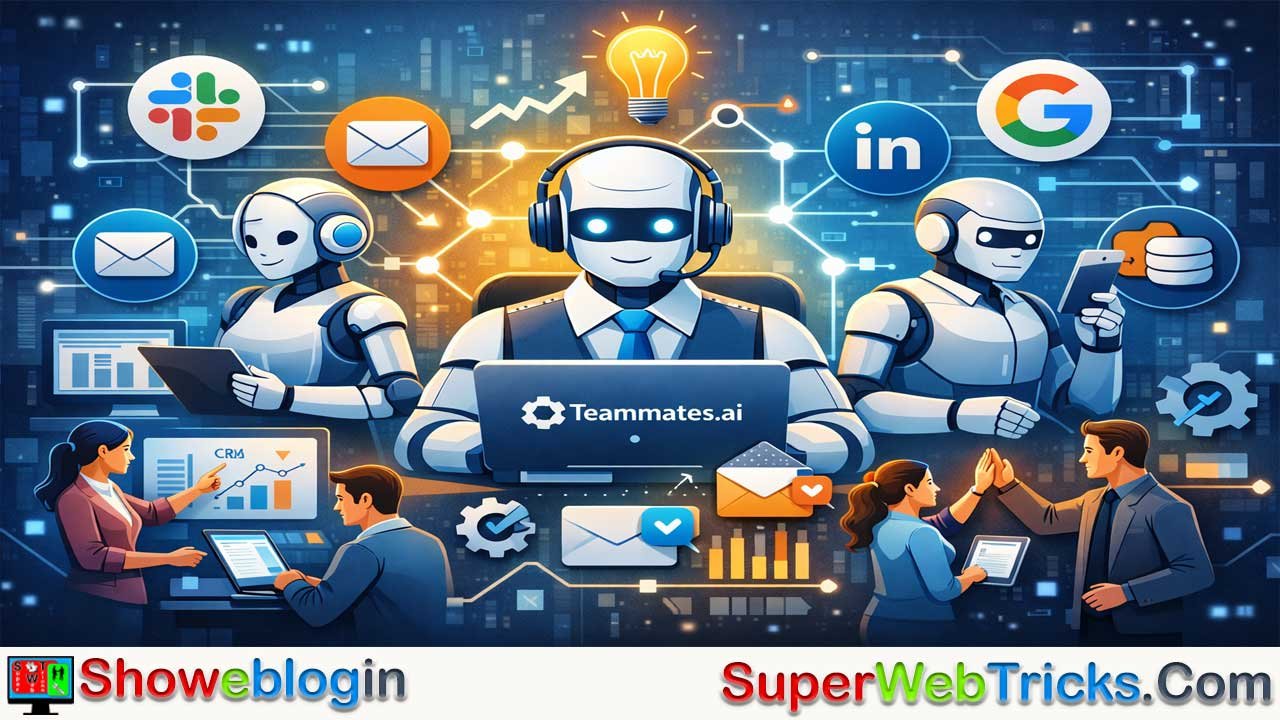






Teammates.ai is an AI agent platform that lets users create “AI employees” that can actually perform tasks across different apps like Slack, email, or CRM tools. Instead of just chatting with AI like in ChatGPT, these agents work toward goals, remember past instructions, and use integrations (called skills) to research, send messages, update data, or manage workflows.
Users give each AI a role, connect the tools it needs, and it can autonomously complete tasks such as sales outreach, customer support, or content creation, often with an approval step for safety. Multiple AI agents can even collaborate like a team. Overall, the platform helps businesses automate repetitive work, scale operations, and allow humans to focus more on creative and strategic tasks.
| Category | Information |
|---|---|
| Platform Type | AI agent / AI employee platform |
| Main Purpose | Automates real work across apps, not just conversations |
| How It Differs | Unlike ChatGPT, it can take actions inside tools like Slack or CRM |
| Core Idea | Create autonomous “AI teammates” that work toward goals |
| Main Components | Identity (role/persona), Integrations (skills), Autonomy (reasoning) |
| Integrations | Slack, Google Workspace, LinkedIn, CRM tools, databases |
| Key Features | Long-term memory, multi-agent collaboration, human approval workflows |
| Common Use Cases | Sales lead generation, customer support, marketing content |
| Skill System | Research, messaging, data updates, workflow automation |
| Control Options | Draft/approval mode or automatic execution |
| Benefit | Saves time, scales operations, reduces repetitive work |
The Rise of the AI Employee: A Comprehensive Guide to Teammates.ai
In the rapidly evolving landscape of artificial intelligence, we are moving past the era of the “chatbot” and entering the era of the “agent.” For years, AI tool users have grown accustomed to prompts—asking a model to write a poem, summarize a PDF, or generate code. However, the limitation remained: the AI provided the text, but the human still had to do the work of moving that text into other systems.
Teammates.ai is a platform designed to bridge the gap between AI intelligence and operational execution. This isn’t just another wrapper for GPT-4; it is a sophisticated orchestration layer that allows businesses and individuals to deploy “AI Employees” who can actually do work across your existing software stack.
Today, we will explore what Teammates.ai is, how it functions, the specific use cases that make it a game-changer, and why it represents the future of the digital workforce.
What is Teammates.ai?
Teammates.ai is an “AI Agent” platform that allows users to create, manage, and collaborate with autonomous AI employees. Unlike a standard AI assistant that waits for you to ask it a question, a “Teammate” is designed to act on goals.
The core philosophy behind the platform is simple: Don’t just chat with AI; put it to work.
By connecting to your company’s internal tools—such as Slack, Google Workspace, HubSpot, LinkedIn, and more—Teammates.ai creates a workforce that understands your business context, remembers past interactions, and executes tasks across different platforms without needing constant hand-holding.
The Core Architecture: How It Works
To understand the power of Teammates.ai, one must look at its three foundational pillars: Identity, Integration, and Autonomy.
A. Identity and Context
When you create a teammate, you aren’t just opening a new chat window. You are defining a persona. You give them a name (e.g., “Marketing Max” or “Lead Gen Laura”), a specific job description, and a set of instructions. Most importantly, you provide them with Long-Term Memory.
Standard LLMs suffer from “context window” limitations where they eventually forget earlier parts of a long conversation. Teammates.ai uses vector databases and memory management to ensure your AI employee remembers your brand voice, your preferred formatting, and previous project details.
B. Integration (The “Skills” System)
An AI is only as useful as the tools it can touch. Teammates.ai features a robust library of integrations. These aren’t just one-way data feeds; they are “Skills.”
- Communication Skills: Sending Slack messages, drafting emails, responding to LinkedIn DMs.
- Research Skills: Searching the live web, analyzing competitor websites, and summarizing news.
- Data Skills: Updating CRM records in Salesforce or HubSpot, managing Google Sheets, and organizing Notion databases.
C. Autonomy and Reasoning
This is where Teammates.ai separates itself from automation tools like Zapier. Zapier follows a strict “If This, Then That” logic. It is rigid. Teammates.ai uses LLM-based reasoning to handle ambiguity.
If you tell a teammate, “Find five potential leads in the SaaS space and reach out to them,” the AI will:
- Search LinkedIn/Web for leads.
- Evaluate if they fit your criteria.
- Draft a personalized message for each.
- Wait for your approval (or send automatically, depending on settings).
Key Features for Power Users
For those looking to maximize their productivity, Teammates.ai offers several advanced features that elevate it above basic AI tools.
Human-in-the-Loop (HITL) Workflows
One of the biggest fears in AI adoption is “hallucinations” or the AI doing something embarrassing on behalf of the company. Teammates.ai solves this with a sophisticated approval system. You can set your AI teammates to “Draft Mode,” where they perform the work and present it to you for a “thumbs up” before it goes live. This ensures 100% quality control while still saving 90% of the effort.
Multi-Agent Collaboration
You aren’t limited to just one AI. You can build an entire department. You might have a “Researcher” teammate who finds data and passes it to a “Writer” teammate, who then sends the final draft to a “Manager” teammate for scheduling. This internal ecosystem mirrors a real-world office workflow.
Natural Language Tasking
You don’t need to be a coder or a prompt engineer to use Teammates.ai. The interface is designed for natural language. You talk to your AI employees much like you would talk to a remote contractor. “Hey, can you monitor our mentions on Twitter and let me know if anyone is complaining about our latest update?” is a perfectly valid instruction.
Transformative Use Cases
How are businesses actually using Teammates.ai today? Let’s look at three specific departments.
Sales and Lead Generation
Traditionally, sales development representatives (SDRs) spend hours on “grunt work”: finding emails, checking LinkedIn profiles, and typing out “personalized” cold reach-outs.
With Teammates.ai, an AI agent can:
- Scan new signups in your database.
- Cross-reference their LinkedIn profiles to find common interests.
- Draft a personalized email in your CRM.
- Set a reminder to follow up if there is no response in three days.
Customer Success and Support
Instead of just a bot that points users to a FAQ page, a Teammate can act as a Tier 1 support agent. Because it has access to your internal documentation and “memory” of previous customer issues, it can provide nuanced answers. If it can’t solve the problem, it can autonomously create a ticket in Jira or Zendesk and summarize the issue for a human technician.
Content Marketing and Social Media
Marketing teams use Teammates.ai to stay consistent. An AI teammate can be tasked with “Social Listening.” It can monitor industry trends and automatically draft LinkedIn posts or Tweets based on your brand’s perspective. It can also take a long-form blog post and repurpose it into newsletter snippets, social posts, and meta-descriptions in seconds.
Teammates.ai vs. The Competition
It is helpful to see where Teammates.ai sits in the current AI landscape:
- Vs. ChatGPT/Claude: While ChatGPT is a brilliant conversationalist, it lives in a silo. You have to copy-paste everything. Teammates.ai lives where you work (Slack, Email, CRM).
- Vs. Zapier/Make: Zapier is excellent for moving data between Point A and Point B. But Zapier cannot “think.” It cannot decide if an email is “angry” or “happy” and change its behavior accordingly. Teammates.ai adds a “brain” to the automation.
- Vs. Custom Agent Frameworks (AutoGPT/CrewAI): These are powerful but require significant coding knowledge and server management. Teammates.ai provides a “No-Code” interface that allows a non-technical manager to deploy an agent in five minutes.
The “AI Employee” Mindset: How to Onboard Your First Teammate
Using Teammates.ai effectively requires a shift in mindset. You shouldn’t think of it as “using a tool”; you should think of it as “hiring a digital intern.”
Step 1: Define the Role
Don’t just give the AI a vague task. Give it a job description.
- Bad: “Help me with sales.”
- Good: “You are an Outbound Sales Assistant. Your job is to find 10 prospects a day, verify their email using our tools, and draft a 3-sentence intro email focusing on our new product features.”
Step 2: Connect the Skills
Grant the teammate access to the specific apps it needs. For a research agent, that might just be Web Search and Google Sheets. For a sales agent, it will need LinkedIn and HubSpot.
Step 3: Iterate and Train
The first output might not be perfect. Because Teammates.ai has memory, you can correct it. “That email was a bit too formal. Can you make it sound more like a casual Slack message?” The teammate learns from this feedback and applies it to all future tasks.
Security and Data Privacy
One of the most frequent questions regarding Teammates.ai is: “Is my data safe?”
The platform is built with enterprise security in mind. By using official APIs (like those from Google, Slack, and Microsoft), Teammates.ai ensures that data is handled through secure, encrypted channels. Users have granular control over what information an AI teammate can access, ensuring that sensitive “eyes-only” data stays private.
The Economic Impact: ROI of AI Teammates
The ROI of Teammates.ai is calculated not just in time saved, but in “operational scale.”
In a traditional business model, to double your output, you often need to double your headcount. This is expensive and slow. With Teammates.ai, a single human manager can oversee ten AI “workers.”
This doesn’t necessarily mean replacing humans; it means elevating them. By offloading the 80% of work that is repetitive and boring, human employees can focus on the 20% that requires deep creativity, empathy, and strategic decision-making.
Conclusion: The Future is Collaborative
The launch of Teammates.ai marks a significant milestone in the democratization of AI. We are no longer limited to what we can type into a prompt box. We now have the ability to build a custom, digital workforce that operates around the clock.
For the modern professional, the goal is no longer to be the person who “does the work.” The goal is to be the “orchestrator.” By leveraging Teammates.ai, you are not just using an AI tool—you are building a scalable system that allows you to reclaim your time and focus on the work that truly matters.
Are you ready to hire your first AI teammate? The barrier to entry has never been lower, and the potential for growth has never been higher. Visit Teammates.ai to begin the journey of transforming your workflow from manual to autonomous.
Summary Checklist for Getting Started:
- Identify your “Time Sinks”: What tasks do you do every day that feel like “copy-paste” work?
- Map the Tools: Which software apps do those tasks involve? (Slack, Email, CRM, Sheets?)
- Build the Persona: Give your teammate a name, a role, and a specific goal.
- Set the Boundaries: Decide if you want “Approval Mode” (Safety first) or “Auto-Pilot” (Speed first).
- Launch and Iterate: Start small, provide feedback, and watch your digital workforce grow.
FAQs about Teammates.ai
What is Teammates.ai?
Teammates.ai is an AI agent platform that allows users to create autonomous AI employees that can perform tasks, interact with software tools, and help automate business workflows.
How is Teammates.ai different from ChatGPT?
ChatGPT mainly provides conversational responses, while Teammates.ai can connect to business tools and execute tasks such as sending messages, updating CRM records, and conducting research.
What are AI teammates?
AI teammates are digital agents created within Teammates.ai that are assigned a role, instructions, and tools so they can complete specific tasks automatically.
Can Teammates.ai connect with other apps?
Yes. It integrates with tools like Slack, Google Workspace, LinkedIn, and CRM systems, allowing AI agents to work directly within existing workflows.
What tasks can Teammates.ai automate?
It can automate tasks such as lead generation, customer support responses, content creation, research, data updates, and social media monitoring.
Does Teammates.ai allow human approval before actions?
Yes. The platform includes a human-in-the-loop workflow where users can review and approve AI-generated actions before they are executed.
Can multiple AI agents work together in Teammates.ai?
Yes. Users can create multiple AI teammates that collaborate, such as one agent researching data and another writing content or managing scheduling.
Is Teammates.ai suitable for non-technical users?
Yes. The platform supports natural language instructions, so users can assign tasks without coding or advanced prompt engineering.
Is data secure when using Teammates.ai?
Teammates.ai uses secure APIs and controlled permissions so users can decide which data and tools each AI teammate can access.












Leave a Reply
You must be logged in to post a comment.